#ad: This post contains affiliate links. As an Amazon Associate I earn from qualifying purchases.
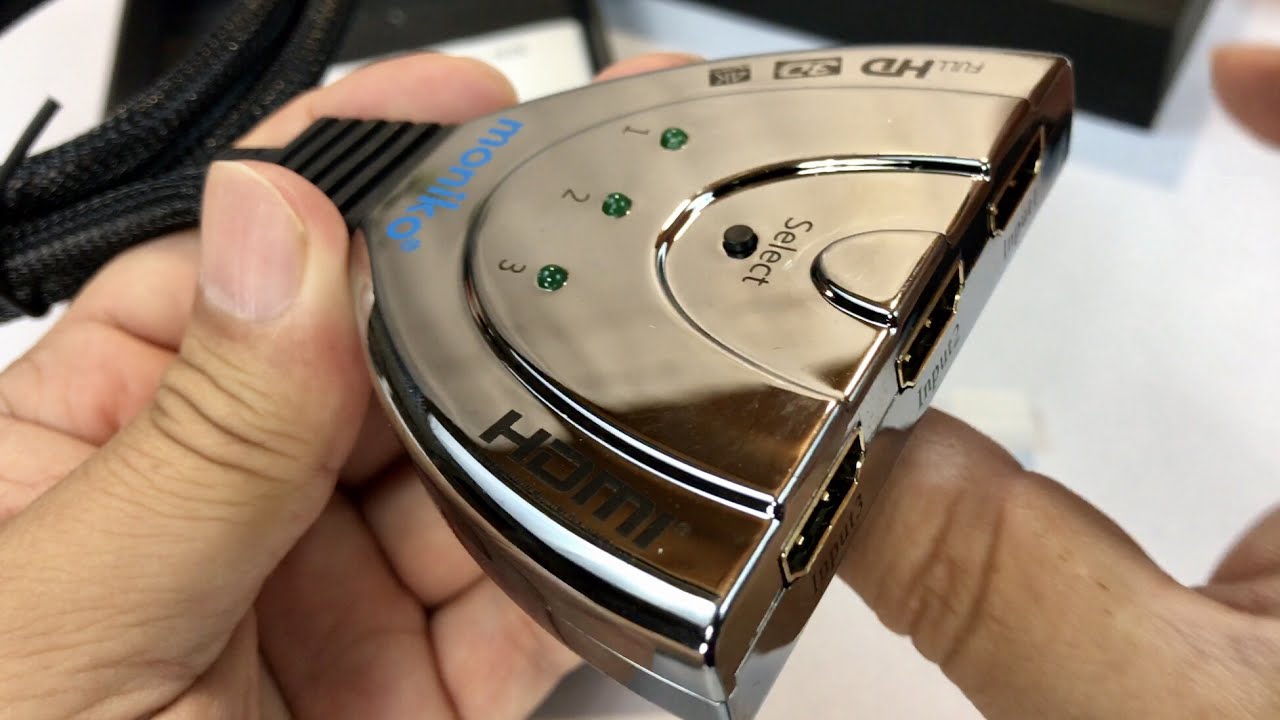
I bought a small 3-port HDMI switch so one monitor could serve two computers and my TV box.
This is a Moniko three-port HDMI switch. It did not make a lot of sense to me until I set up a second monitor. I have a desktop, a laptop that processes videos and runs iTunes, and a U-verse wireless TV box, all with HDMI. Instead of swapping cables, this lets me hit one button to change sources. The Moniko listing is gone, so the button goes to a similar 3-in-1 switch with a built-in cable.

- Share one monitor with three HDMI sources
- One hardware button, very simple to use
- No power adapter needed
- Inexpensive
- Skips inactive inputs
- Switching away drops the monitor, so an extended desktop resets
- Housing is plastic, not metal
- Input order on the box runs 3-2-1
▶ Watch the full review on YouTube
Why I wanted one
A second monitor is great for YouTube or a second document. But my laptop does other jobs, and I wanted to plug it into that monitor without changing cables. I also thought it would be cool to watch TV at my desk off the U-verse box without setting up another TV.
This little switch lets me connect all three and pick one with a button.
What it looks like
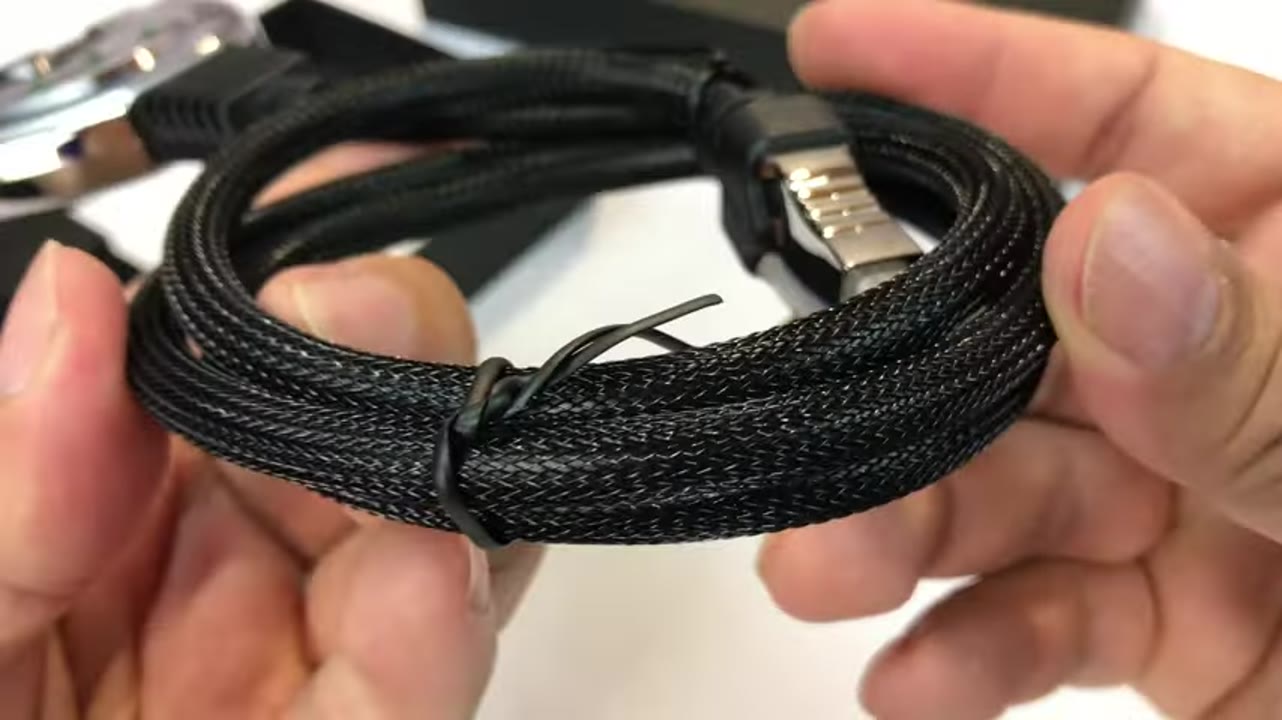
The attached cable is long and stiff with a hard plastic braid, so it should be strong. The housing is shiny black chrome-style plastic that looks nice.
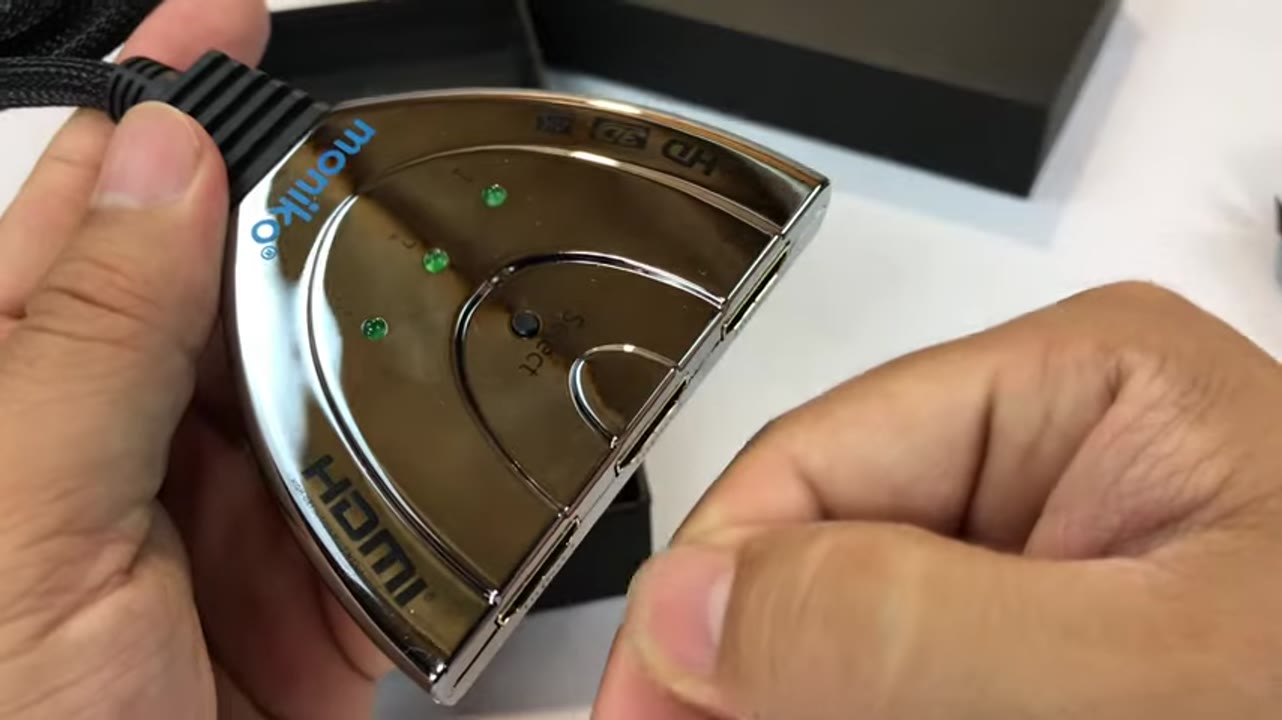
There are three inputs, numbered 3, 2, 1, little LED lights and a selector button. It seems to get power from the HDMI source itself.
How it works in real life
I hooked my desktop and laptop to it. The LED showed input 2 with my website up in Firefox. When I pressed the button, it jumped to the next active input, input 1, and skipped empty ones.
The screen goes blank for a moment because it is like unplugging and replugging a monitor. If you extend your desktop onto that monitor, your computer drops back to single-monitor mode when you switch away.
About the buy link
The Moniko switch from the video is no longer sold, and this video never had a working product link. The button goes to the GANA 3-in-1-out HDMI switch with a pigtail cable. It works the same way, with a push button and a built-in output cable.
Who it is for
If you use a second monitor, or a TV with lots of devices, this is helpful. It can make things simple for elderly parents too: one hardware button instead of hunting for the source menu.
It works the way you would expect, and for the price, I think it is worth it.
FAQ
Does this HDMI switch need power?
Mine seemed to get power from the HDMI source itself.
Does it skip empty inputs?
Yes. Pressing the button moved to the next active input.
Will it keep my extended desktop?
No. Switching away acts like unplugging the monitor, so your computer goes back to one screen.
What can I connect?
Anything with HDMI out. I used a desktop, a laptop and a U-verse TV box.
Is this an affiliate link?
Yes. The buttons are #ad affiliate links, and as an Amazon Associate I earn from qualifying purchases. It costs you nothing extra.


Leave a Reply