#ad: This post contains affiliate links. As an Amazon Associate I earn from qualifying purchases.
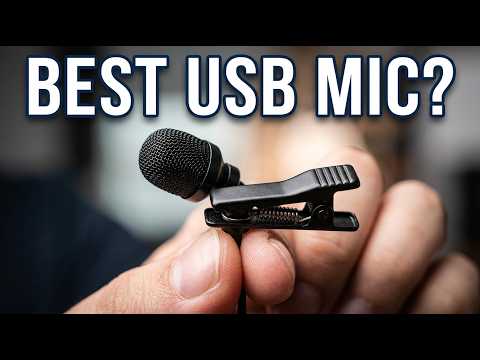
If your webcam mic sounds thin, a USB lavalier that clips to your shirt is a cheap fix.
I picked up the Blusmart USB lavalier mic on Amazon. It plugs straight into a USB port, has a tiny mic on a stout black metal clip, and comes with two foam windscreens. I wanted it for videos at my computer, because built-in webcam mics are not great and gaming headsets are distracting on camera. The Blusmart is no longer listed, so the button goes to a similar USB clip-on lav.
- Plug and play, Windows found it on its own
- Small and black, so it blends in
- Strong metal clip
- Spare foam windscreen included
- Less distracting than a headset boom mic
- I only tested it on Windows, so Mac support is unproven
- You are tethered to the computer by the cable
▶ Watch the full review on YouTube
What you get
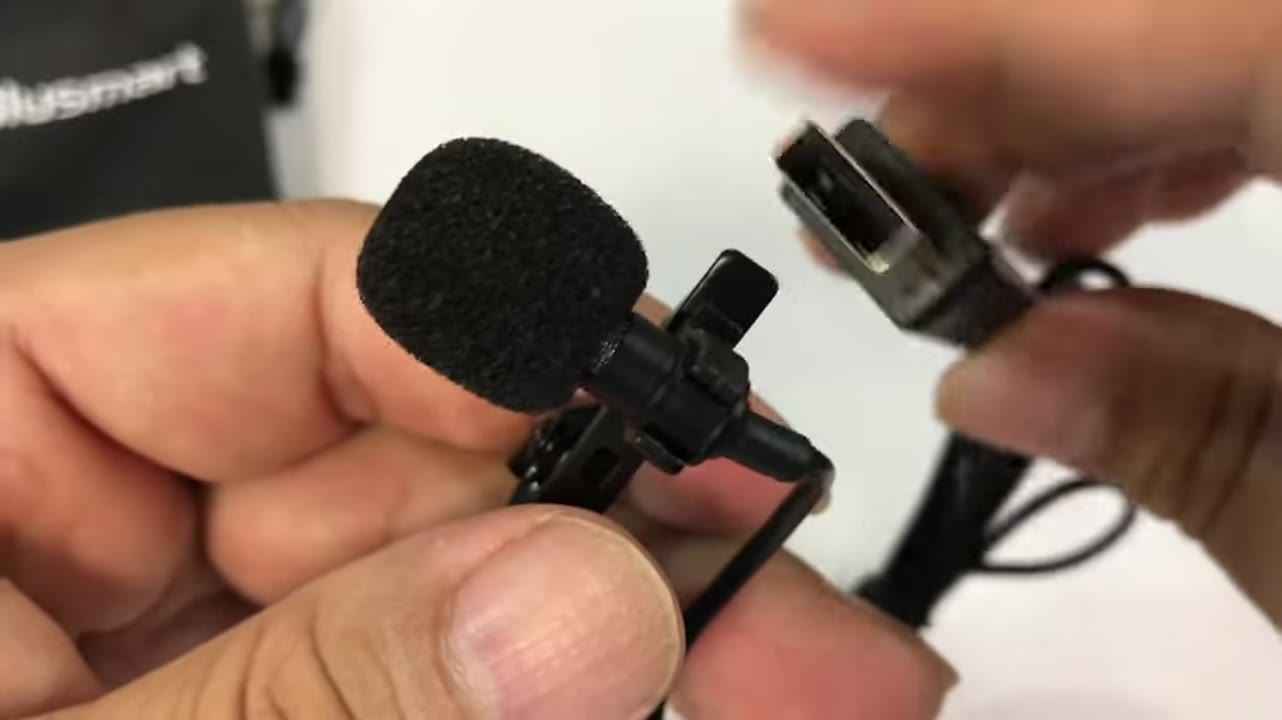
It is a USB connector, a cable and a very small lavalier mic on a metal clip, all in black. I was impressed by how solid the clip is.
You get a fuzzy foam topper that slides on, plus a second one as a spare.
Why use a lav at your desk
A lot of people want to shoot videos at their computer, and webcam microphones are not great. Gaming headsets with a boom mic are fine, but they are distracting on camera.
A lav clipped to your shirt gets the mic close to your mouth and almost disappears.
Setup and test
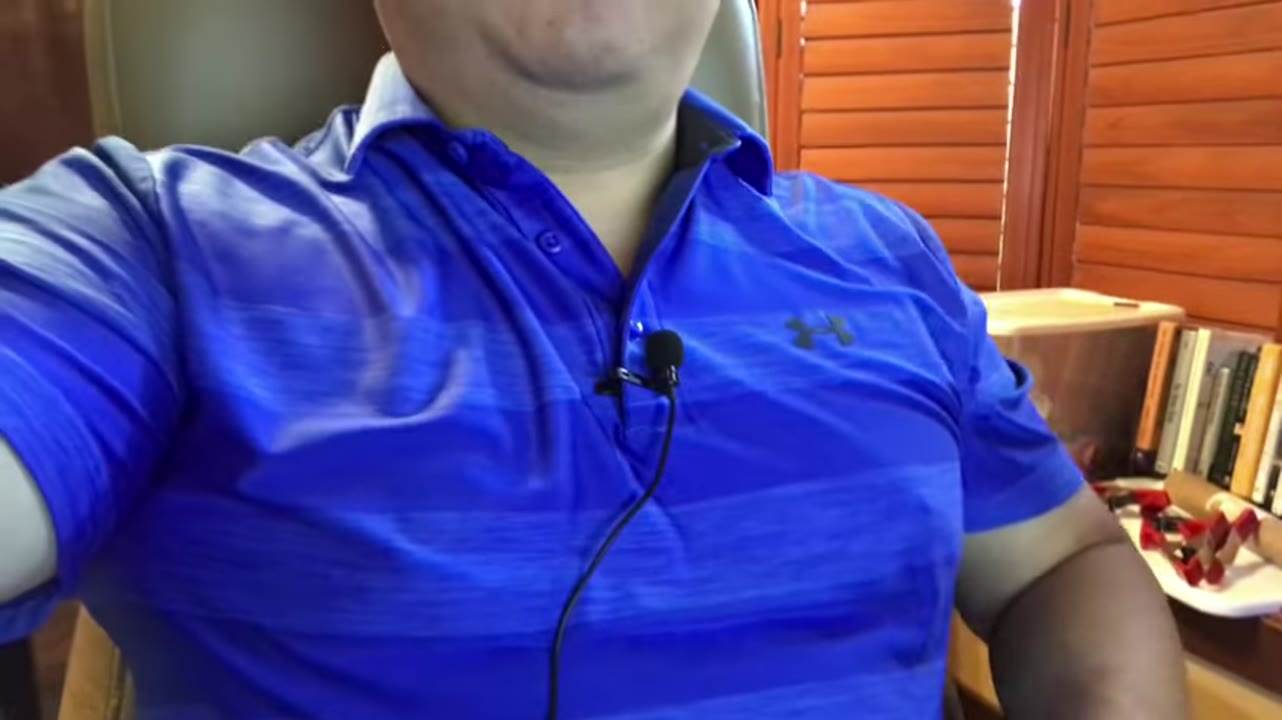
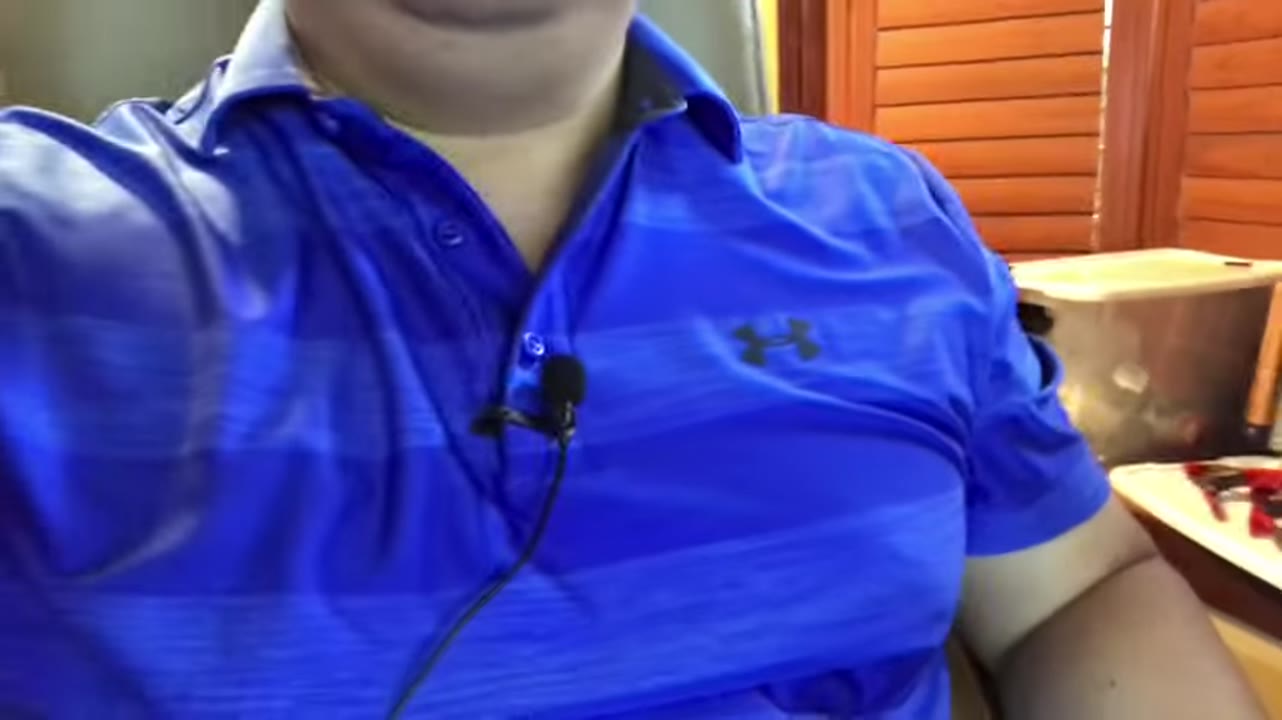
I plugged it into my Windows 10 computer and clipped it a few inches below my chin. It was totally plug and play. Windows found it without me picking a device, and I recorded with the built-in Voice Recorder app.
With the mic over the center of my chest, the audio was usable for talking-head videos.
About the buy link
The Blusmart USB lavalier from my video is no longer on Amazon (the old link goes to a dead page). The button goes to the Movo M1 USB lavalier, a clip-on lapel mic that plugs into USB the same way.
Verdict
For a simple, cheap upgrade over a built-in mic, a USB lav like this does the job. If you are on a Mac, check compatibility first, since I only tested Windows.
It is a good option for webinars, calls and sit-down videos.
FAQ
Does it need drivers?
Not on Windows 10 for me. It was plug and play.
Does it work on a Mac?
I only tested Windows, so I cannot promise it. Check the listing for Mac support.
Where should I clip it?
A few inches below your chin, near the center of your chest, worked well.
Does it come with a windscreen?
Yes, two foam windscreens.
Is this an affiliate link?
Yes. The buttons are #ad affiliate links, and as an Amazon Associate I earn from qualifying purchases. It costs you nothing extra.


Leave a Reply