#ad: This post contains affiliate links. As an Amazon Associate I earn from qualifying purchases.
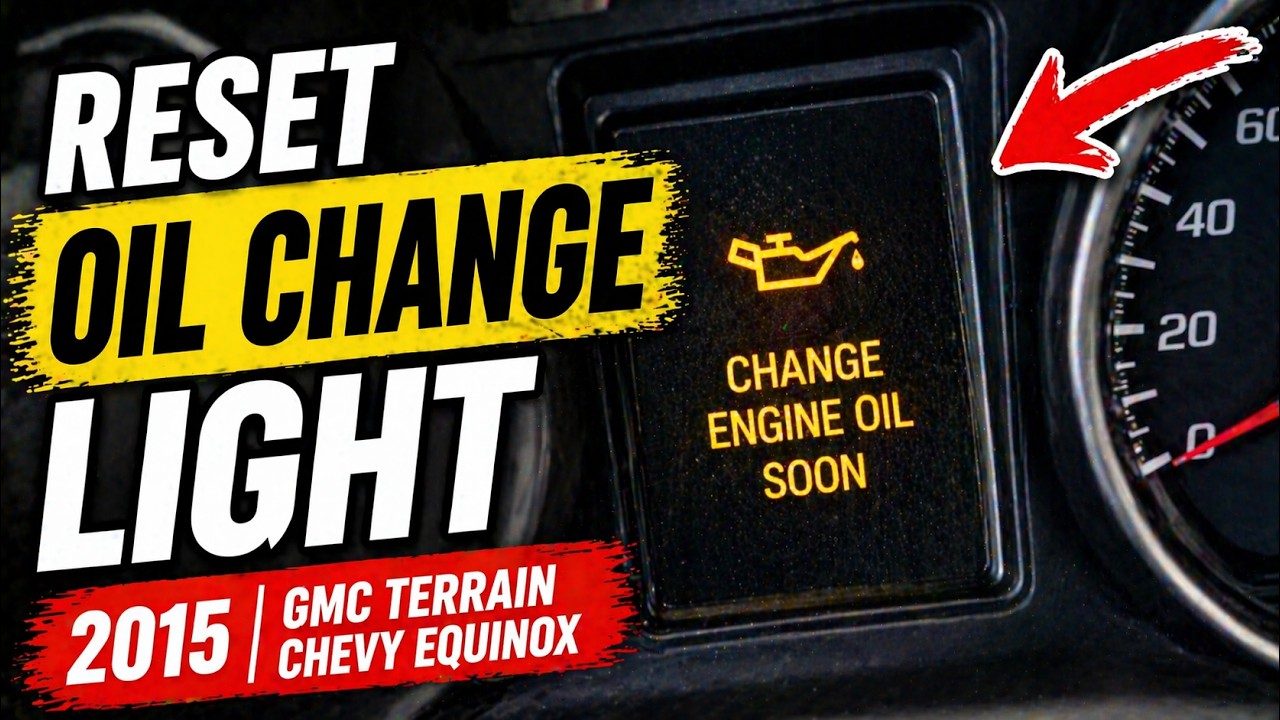
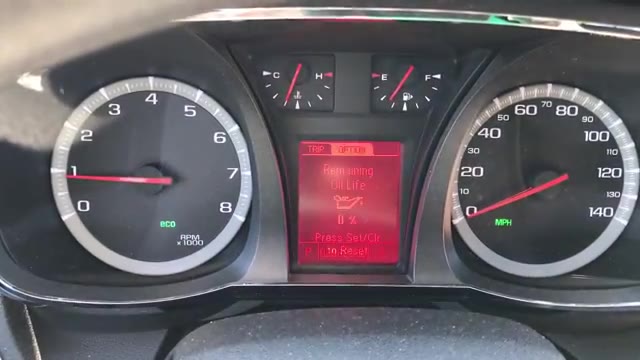
Remaining oil life at 0% and the change-oil light on? Once the oil is changed, resetting it on a GMC Terrain or Chevy Equinox takes about a minute.
Here’s exactly how I reset the oil life monitor on my GMC Terrain. The steps are the same on the Chevy Equinox. You only need the buttons next to the instrument cluster display. If you do your own oil changes, check your owner’s manual for the oil your engine calls for.
- No tools or scan tool needed
- Same steps on the Terrain and Equinox
- Takes about a minute
- Confirmation prompt keeps you from resetting by accident
- The oil life screen is in a secondary menu, so it’s easy to miss
- Only reset it after the oil is actually changed
▶ Watch the full review on YouTube
When to reset the oil life monitor
When remaining oil life hits 0, you get the oil change light. After you get your oil changed, you reset the monitor so it can start counting down again from 100%.
If a shop changes your oil, they often reset it for you. If they didn’t, or you did the change yourself, here’s how to do it.
Step-by-step: reset the oil change light
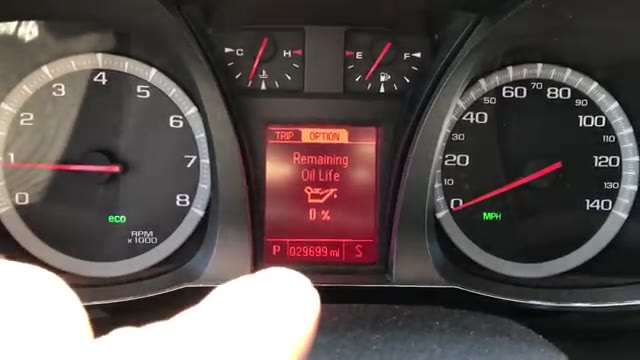
- Press the Menu button. You’re probably on the main screen, so this takes you to the secondary options menu.
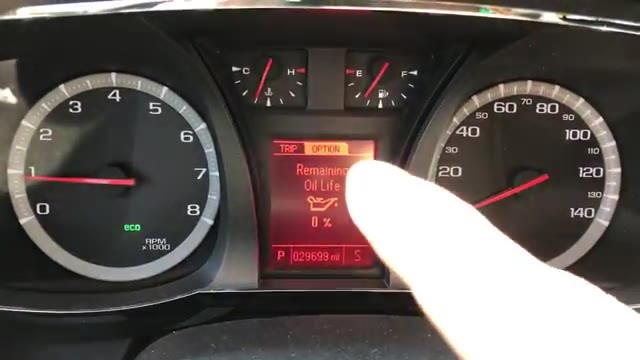
- Scroll with the up and down arrows until you reach Remaining Oil Life.
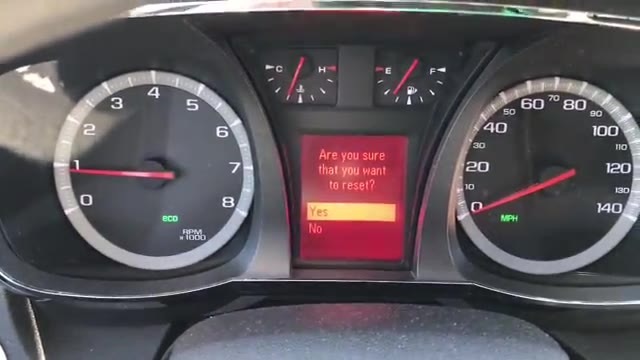
- Hold Set/Clear. The display asks if you’re sure you want to reset.
- Select Yes with the arrow button.
- Press Set/Clear one more time. Oil life jumps back to 100%.
What it looks like when it works
After the last press of Set/Clear, the display shows 100% oil life and the light goes away. That’s it, back to normal.
If you still see 0%, go back into the menu and make sure you selected Yes before pressing Set/Clear the second time.
Does this work on the Chevy Equinox?
Yes. As I mention in the video, the Equinox uses the same process: Menu, scroll to Remaining Oil Life, hold Set/Clear, choose Yes, and press Set/Clear again.
FAQ
How do I reset the oil life on a GMC Terrain?
Press Menu, scroll to Remaining Oil Life, hold Set/Clear, select Yes, then press Set/Clear again.
Is it the same on a Chevy Equinox?
Yes, the steps are the same.
Do I need a scan tool?
No. It’s all done with the buttons by the instrument cluster.
When should I reset it?
Right after the oil has been changed.




Leave a Reply