#ad: This post contains affiliate links. As an Amazon Associate I earn from qualifying purchases.
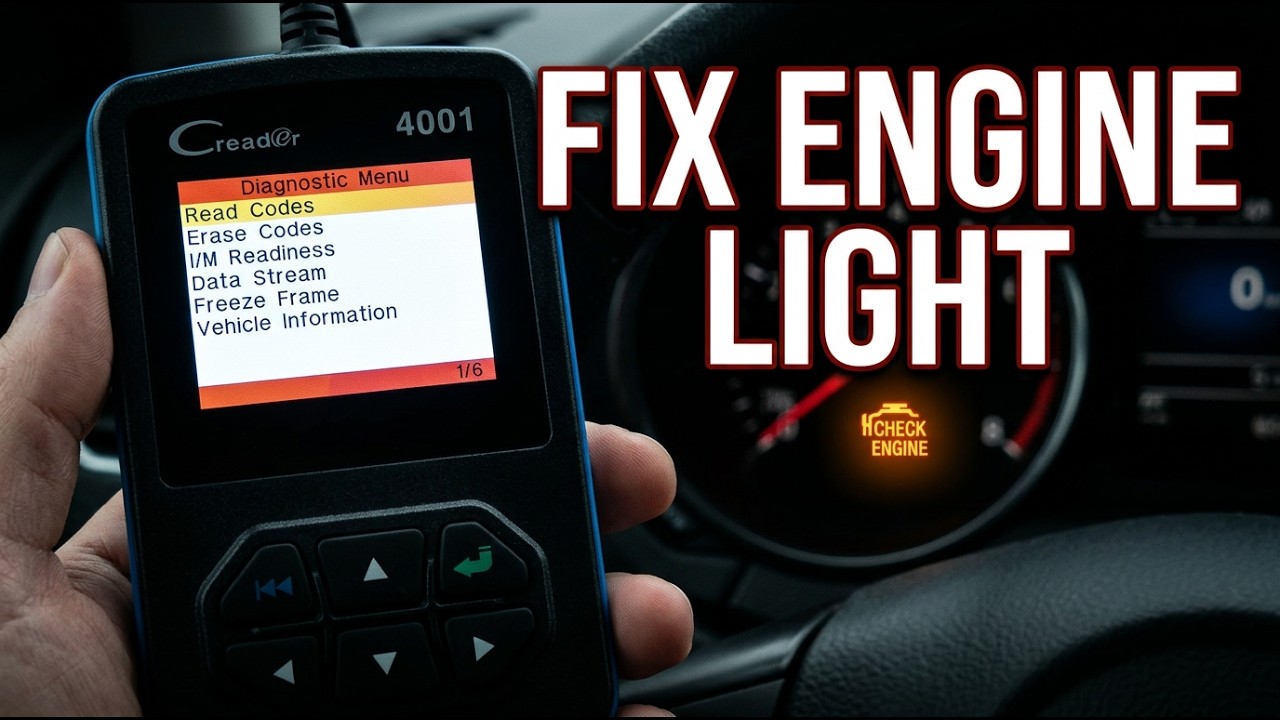
I reviewed the Launch CReader 4001 — a budget OBDII scan tool for reading check-engine lights.
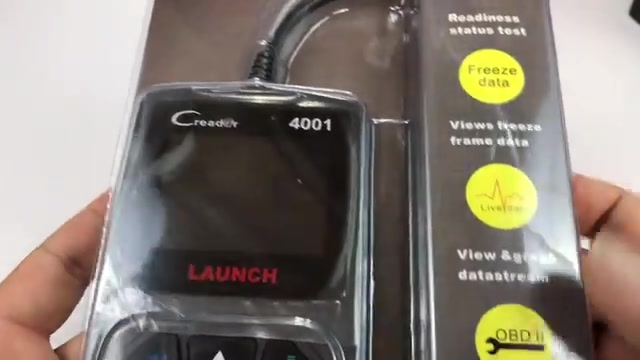
Everything below is from my YouTube review of the Launch CReader 4001 OBDII Diagnostic Scan Tool. From the captions: What’s happening, Automotive Pandas? Peter von Panda here. Hey, I wanted to pick this up. It’s a C-Reader OBD2 scanner. It’s the 400L, and I was really impressed with the last OBD scanner I got. Oh, it’s not 400L, it’s 4001 font. And so I was really impressed with the last one I got, and I thought I’d try this one out too because I think they have come a long way. Now, there are a number of ways to read the onboard diagnostic tools on your car, but thought I’d check this one out because it’s not that expensive and… The button goes to this product on Amazon.
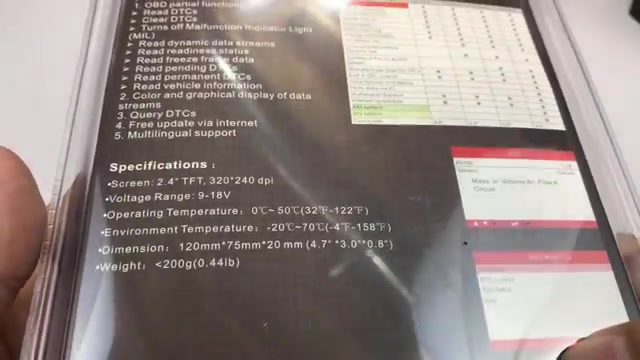
- Covered hands-on in the video
- Affiliate link goes to a current Amazon product page
- Captions can mis-hear brand names — trust the on-screen product
- Stock/pricing on Amazon can change
▶ Watch the full review on YouTube
What I covered
This post rewrites my YouTube review of the Launch CReader 4001 OBDII Diagnostic Scan Tool using only what I said on camera.
What’s happening, Automotive Pandas? Peter von Panda here. Hey, I wanted to pick this up. It’s a C-Reader OBD2 scanner. It’s the 400L, and I was really impressed with the last OBD scanner I got. Oh, it’s not 400L, it’s 4001 font. And so I was really impressed with the last one I got, and I thought I’d try this one out too because I think they have come a long way. Now, there are a number of ways to read the onboard diagnostic tools on your car, but thought I’d check this one…
Details from the video
really nice in the hand. A little texture on the back here, so really comfortable to hold. It almost feels like a toy, it’s so slim. So now what we have to do— lots of buttons, looks like a pretty big screen here, you know, navigation buttons, enter, back— is plug this sucker in and see what we can see on the car. So I just plugged in the OBD scanner, and I don’t even have the power on in the car, but it’s drawing enough power to actually turn on. And one thing I will say…
More from the review
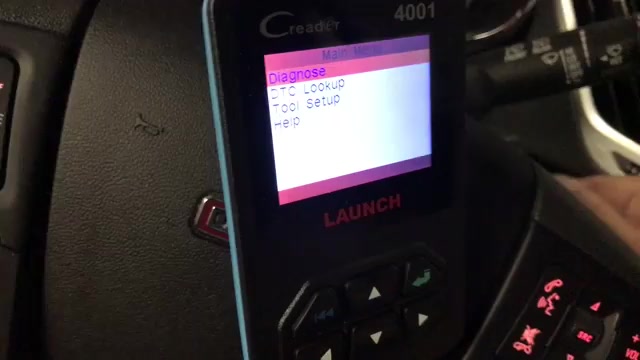
hings. And then you can maneuver or navigate Readiness completed. Um, read codes, and I have no fault codes. Yes! Which is what I was expecting, to be honest. Um, and then you can just keep hitting back, but pretty awesome. I mean, um, I love it, man. I, like I said, I used to have an OBD scanner, paid $100 for it. All it would tell me is P0102 or whatever it was, and you’d have to look it up…
Verdict
Full context is in the embedded video. Use the buy box if you want the same class of product I showed.
FAQ
Is this sponsored Amazon content?
The post has #ad affiliate links; I earn from qualifying purchases.
Where is the full review?
Embedded YouTube video on this page.
Can facts change?
Yes — listings, stock and accessories change; captions are the source for what I observed then.


Leave a Reply