#ad: This post contains affiliate links. As an Amazon Associate I earn from qualifying purchases.
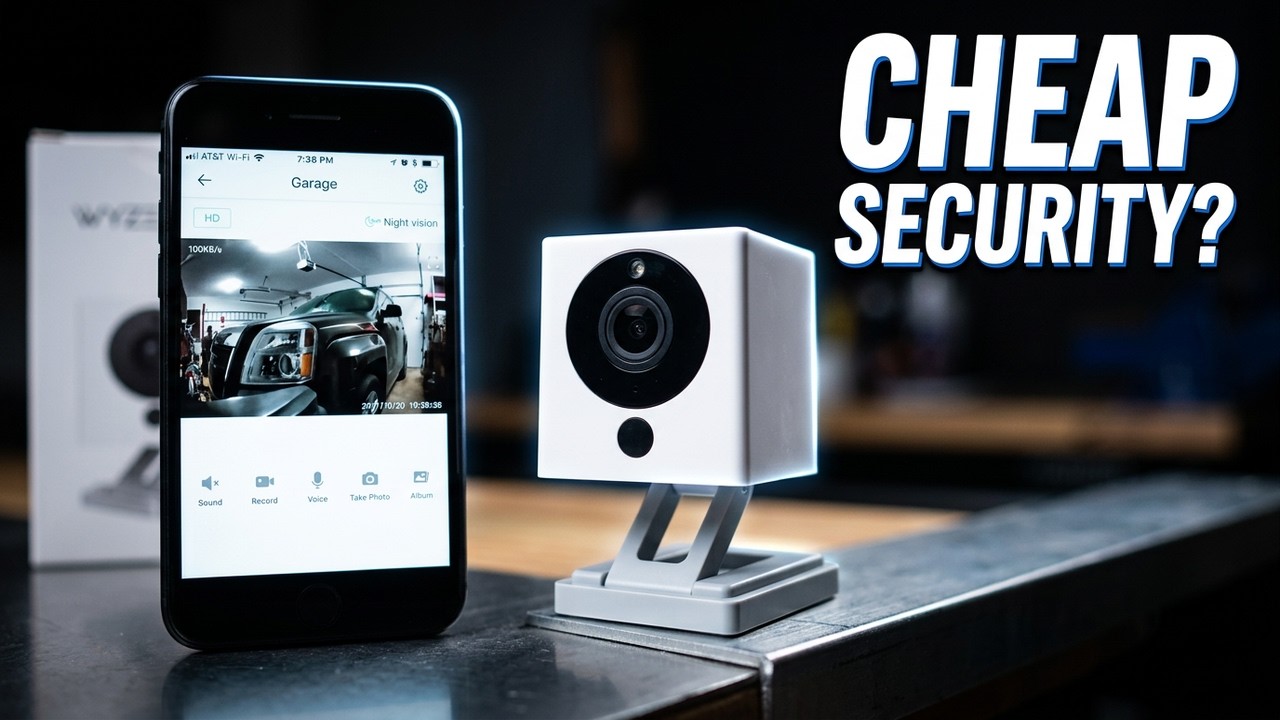
Tired of $50 cameras that never pair? The Wyze Cam blew me away: 1080p, night vision and two-way audio for about $20.
Here’s the unboxing, the clever magnetic base, setup, and how it does watching my garage.
- Unbelievable value
- Feels solid, not cheap
- Easy QR-code setup with voice prompts
- Great color and resolution
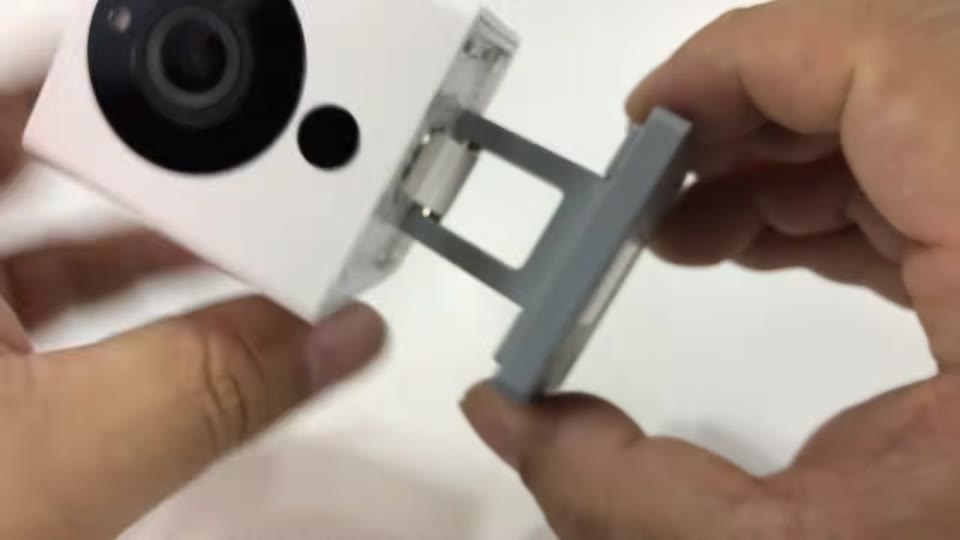
- Magnetic base
- The base tips over if you raise it all the way without the magnet
- Live view runs through the app
▶ Watch the full review on YouTube
Why I bought the Wyze Cam
I like having cameras on areas I don’t check often, like the garage, to make sure the door is closed. But I’d had bad luck with $35 to $60 cameras that used generic apps and never paired. The polished ones were a couple hundred dollars. Reviews said Wyze might be the best of both worlds.
What’s in the box?
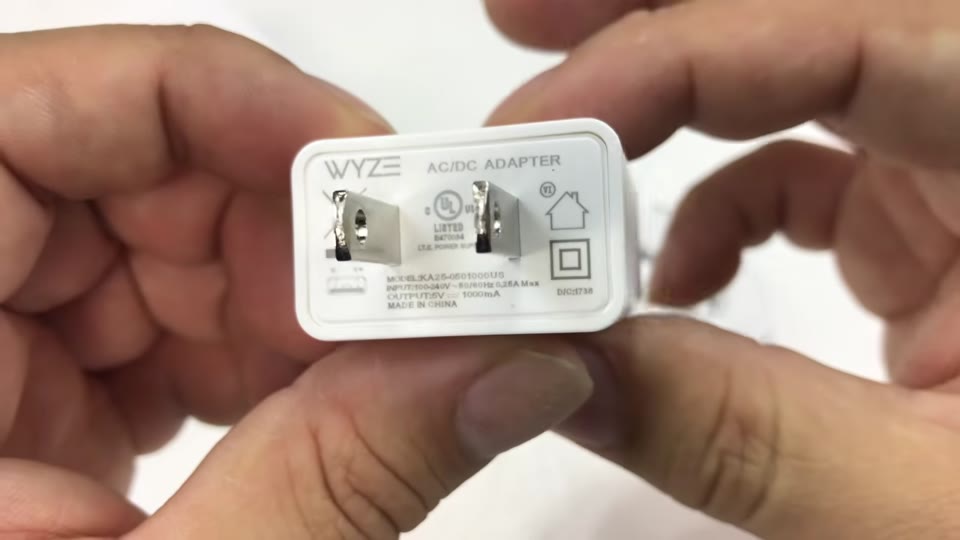
A Wyze-branded charger, a long flat micro-USB cable, double-sided 3M tape and a brushed metal plate for mounting. It all feels robust and premium for something this cheap.
The magnetic folding base
The camera is a small, almost cube-shaped body on a fold-out scissor-style arm that swivels. There’s a magnet in the base, so it sticks to the metal plate or anything metal, which gives it weight and stability. There’s an SD card slot and a setup button on the camera, and a speaker, USB port and micro-USB power port on the back.
How to set up a Wyze Cam
- Download the Wyze app.
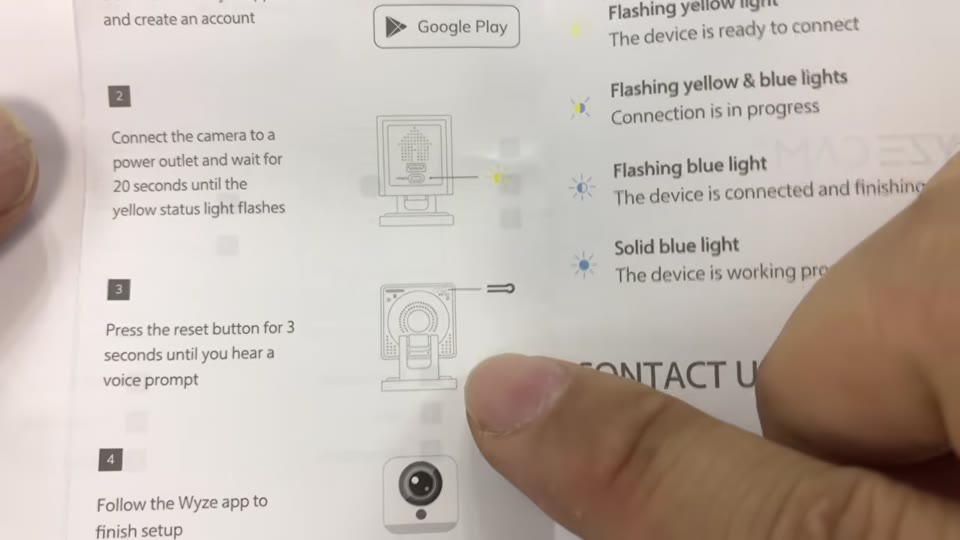
- Plug the camera in and wait for the yellow light on the back to flash (mine took about 10 seconds).
- Hold the setup button for 3 seconds until you hear the voice prompt.
- Follow the app. Have your Wi-Fi password handy. The camera scans a QR code shown on your phone, with audio prompts like “QR code scanned.”
It’s basically idiot-proof.
Video quality and night vision
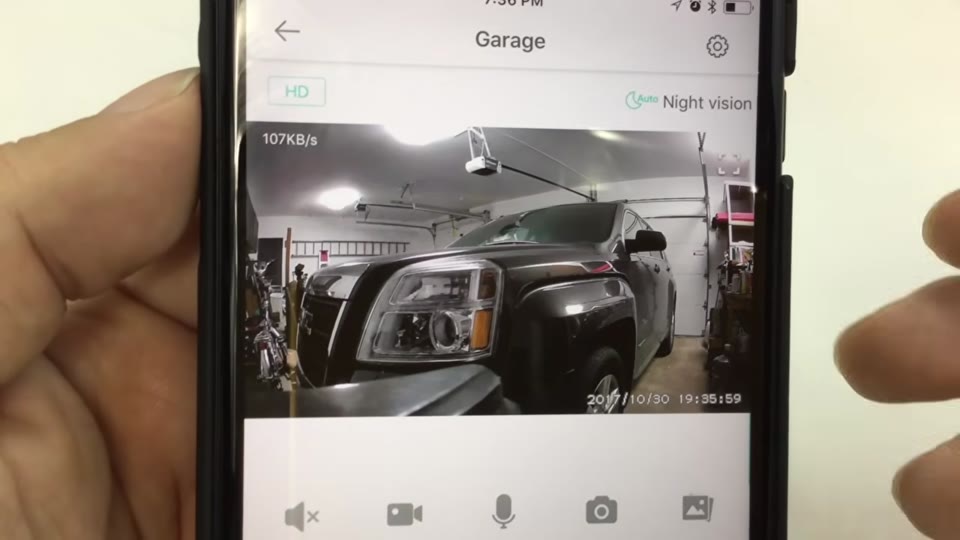
I named it Garage, and the stream is quick. Color and resolution are phenomenal, much better than pretty much any camera I’ve had. With night vision on auto, it switched to infrared when I turned the garage lights off, so I can check for a raccoon or an open door.
You also get a time stamp, two-way audio (handy for deliveries), recording, snapshots and albums. It could work as a baby cam or for an Airbnb, too.
FAQ
How do you set up a Wyze Cam?
Plug it in, wait for the flashing yellow light, hold setup for 3 seconds, then let the camera scan the QR code in the Wyze app.
Does Wyze Cam have night vision?
Yes. Auto, on or off, using infrared.
Is the Wyze Cam base magnetic?
Yes, there’s a magnet in the base.


Leave a Reply