#ad: This post contains affiliate links. As an Amazon Associate I earn from qualifying purchases.
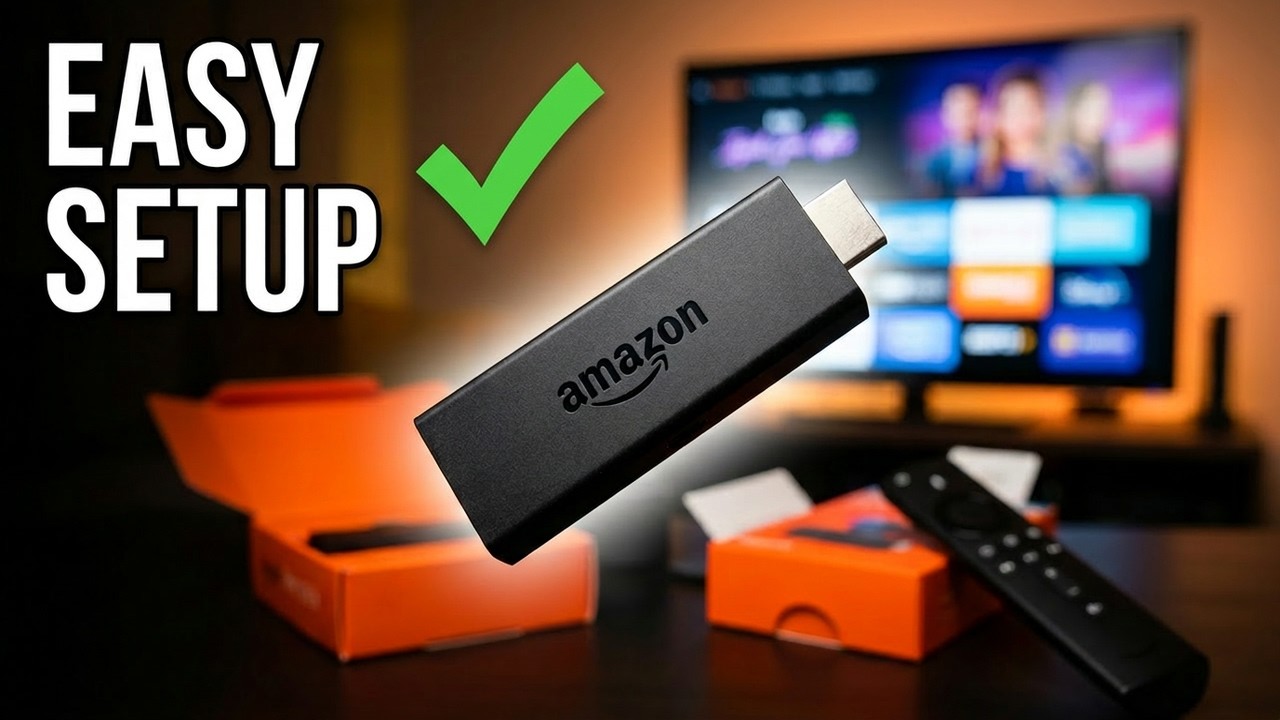
Turn an old monitor into a TV and cut the cable box rental fee.
I just ordered the Amazon Fire TV Stick with the Alexa Voice Remote. Prime members had a 15 dollar discount on it a couple of days ago, but even the normal price was only around 30 bucks. I wanted to see how it compares to my other media streamers, so here is a quick unboxing, setup and first try of the voice remote.
- Everything you need is in the box
- Alexa voice search works really well
- Can install apps like Sling
- Comes pre-registered to your Amazon account
- Turns an HDMI monitor into a TV
- First-time setup and updates are a bit slow
- All-plastic remote is a little slick
- Needs a power outlet
▶ Watch the full review on YouTube
What is in the box
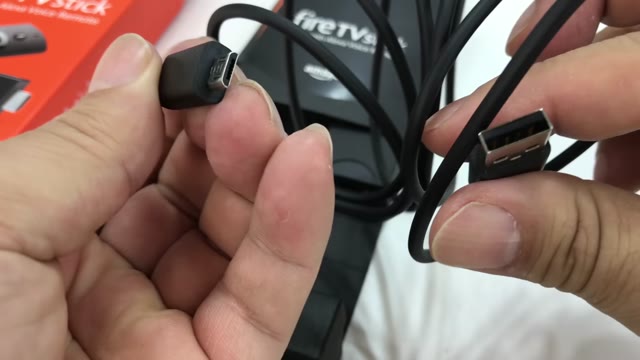
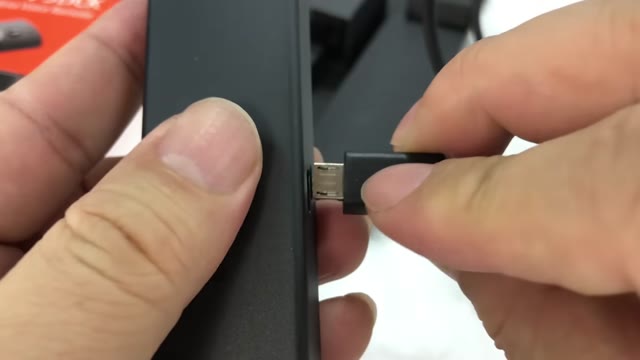
You get the Fire TV Stick, a micro USB power cable, a power brick, a short HDMI extender and two AAA batteries for the remote. The stick plugs right into your TV’s HDMI port, and if the port is buried or crowded, the extender helps. It comes with literally everything you need right out of the gate.
The Alexa Voice Remote
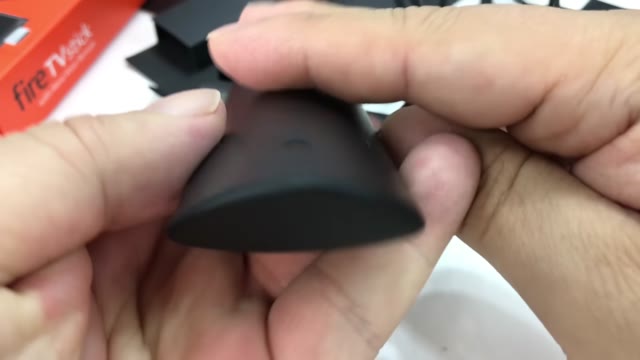
The remote is much bigger than an Apple TV remote, at least the older ones, and all plastic instead of aluminum. It is curved, so it feels really nice in the hand, if a little slick. The batteries go in the same direction on both sides. There is a rubberized microphone button, a control ring with an enter button, and menu, rewind, play/pause and fast-forward.
Setup and first impressions
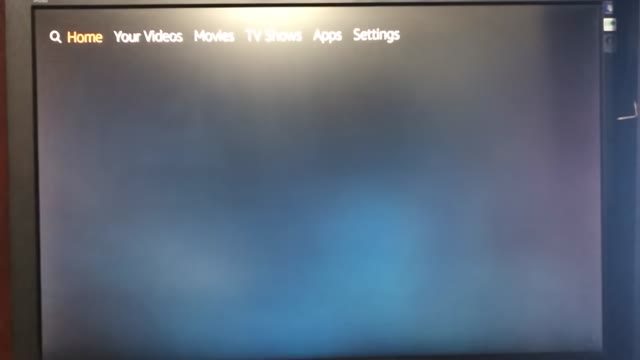
I plugged it into a computer monitor with an HDMI input. You pair the remote, pick a language, connect to Wi-Fi, and it downloads software updates, which took about ten minutes. Because I ordered it on my account, it came registered to me.
I asked Alexa to play Valerian and The Grand Tour, and it worked pretty well. I even asked for the weather and got the Alexa answer with a graphic on screen. Then I found and downloaded the Sling TV app to try cutting the cord on my 10 dollar a month cable box rental.
About the buy link
The Fire TV Stick in my video is an older generation. The button goes to the current Fire TV Stick HD model my description now links.
Bottom line
The voice control is very good, much better than my experiences with Siri, and at this low price point the Fire TV Stick is really pretty impressive compared with my Chromecast and Apple TV. The button goes to the current Fire TV Stick model.
FAQ
What comes with the Fire TV Stick?
The stick, a micro USB cable, power brick, HDMI extender, Alexa Voice Remote and two AAA batteries.
Does it work on a computer monitor?
Yes, if the monitor has an HDMI input.
Can you download apps like Sling TV?
Yes, I downloaded Sling TV right on it.
How good is the Alexa voice search?
Really good. It found shows quickly and even answered weather questions.
Is this an affiliate link?
Yes. The buttons are #ad affiliate links, and as an Amazon Associate I earn from qualifying purchases. It costs you nothing extra.


Leave a Reply