#ad: This post contains affiliate links. As an Amazon Associate I earn from qualifying purchases.
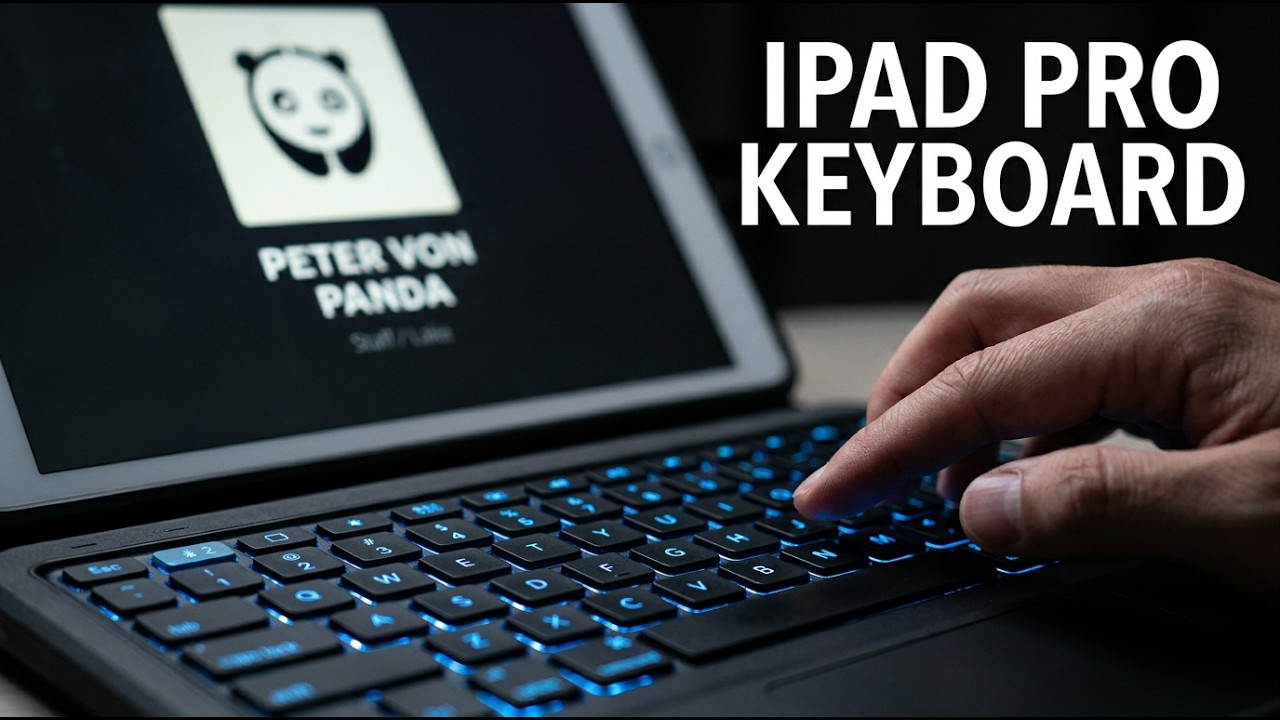
Turn an iPad Pro into something close to a laptop.
I needed an iPad keyboard cover right away, so I picked up the ZAGG Rugged Messenger wireless keyboard with cover for my 10.5-inch iPad Pro. I’ve liked ZAGG products in the past, and after using it for a couple of days like a MacBook, there’s a lot I like and a few things I don’t.
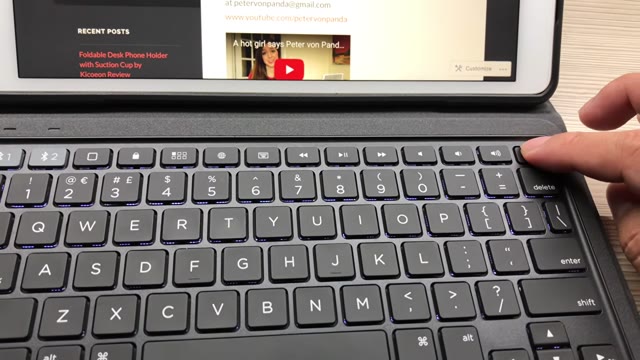
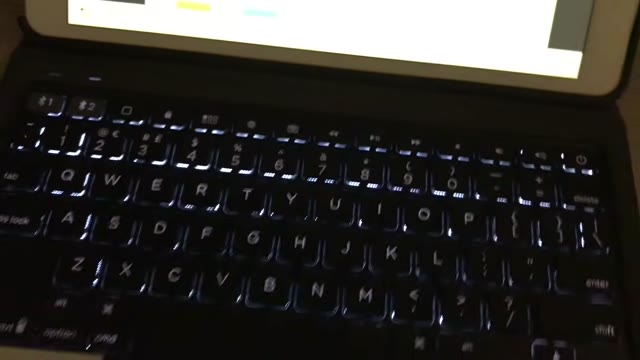
- Backlit keys that light up when you type
- Good key travel, better than the 12-inch MacBook
- Magnets keep the iPad from kicking out
- Rugged OtterBox-style protection
- On-screen keyboard steps aside when it’s on
- Very flat angles flop down from the iPad’s weight
- Angles aren’t infinitely adjustable
- Pencil holder isn’t removable
▶ Watch the full review on YouTube
What you get
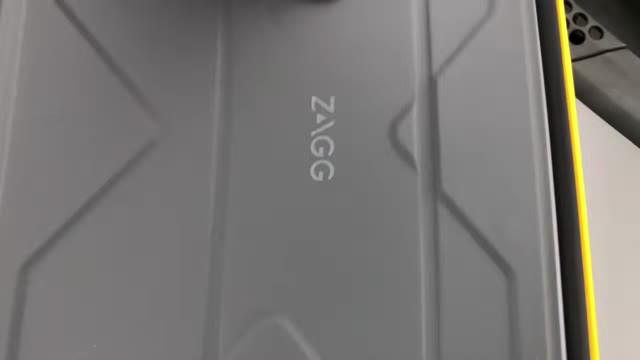
It kind of looks like an OtterBox. There’s a magnetic flap on the front and a pleather-ish folding cover that works like a Smart Cover. The keyboard is all hard plastic with chiclet-style keys, and there are Bluetooth 1 and 2 buttons. The back has an armored X pattern.
Inside is the case the iPad sits in: grey and black plastic with a spot for the Apple Pencil, button cutouts or imprinted buttons, a triangular opening for the camera, a Lightning port opening and soft plastic around the edges for protection. The iPad snaps into that shell, and the shell attaches magnetically.
Backlit keys and pairing
Like any iPad with a Bluetooth keyboard paired, when the keyboard is on you won’t get the on-screen keyboard, which is great. Hold the power button to turn it on, and hold it a few seconds to turn it off, and the on-screen keyboard comes back.
My favorite part is the backlighting. The keys light up once you start typing, stay on while you work and eventually fade out.
Viewing angles and magnets
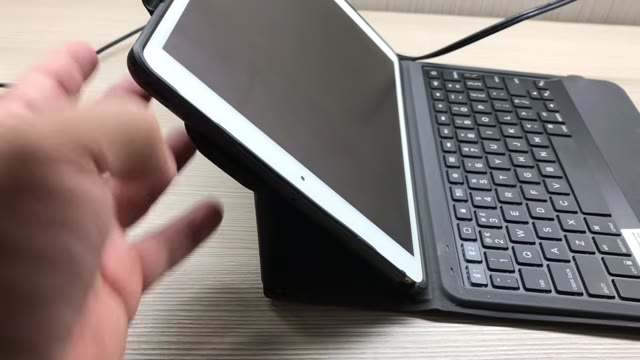
There are magnets in the back and a row of them in the middle, so the iPad sticks where you set it. Even without a deep trough, you don’t have to worry about the back end kicking out.
Fold it like a Smart Cover and it props the iPad up. That first angle felt like I was looking down on it, and when I watched a movie on an airplane I wanted it tipped back, so you slide it up to the next magnet. Go much flatter than that and the weight of the 10.5-inch iPad makes it flop down. At 45 degrees or more vertical, there’s no problem. It’s not infinite adjustability, but it’s good enough to find an angle you like.
What I didn’t like
The Apple Pencil holder at the top isn’t really intrusive, but I’d have liked it to be removable, something you could snap or slide on. And again, it won’t hold very flat angles.
About the buy link
The Rugged Messenger for the 10.5-inch iPad Pro isn’t sold on Amazon anymore, so the button goes to ZAGG’s current rugged backlit keyboard case, the Rugged Book for the 11-inch iPad Pro (M4/M5). Check that it matches your iPad model before you buy.
Verdict
The shortcut keys, like the play button for the audio player, are nice. I have a screen protector on and haven’t had any problems with the keys rubbing it. Being able to use it like a laptop while keeping the touchscreen is kind of the best of both worlds, and it extends the functionality of the iPad Pro. I really like it.
FAQ
Does the ZAGG keyboard have backlit keys?
Yes. They light up when you type and fade out after a while.
Will the iPad fall backward?
Not at normal angles. At very flat angles the weight can make it flop down.
Does it hold an Apple Pencil?
Yes, there’s a holder at the top, though it isn’t removable.
Is this an affiliate link?
Yes. The buttons are #ad affiliate links, and as an Amazon Associate I earn from qualifying purchases. It costs you nothing extra.


Leave a Reply