#ad: This post contains affiliate links. As an Amazon Associate I earn from qualifying purchases.
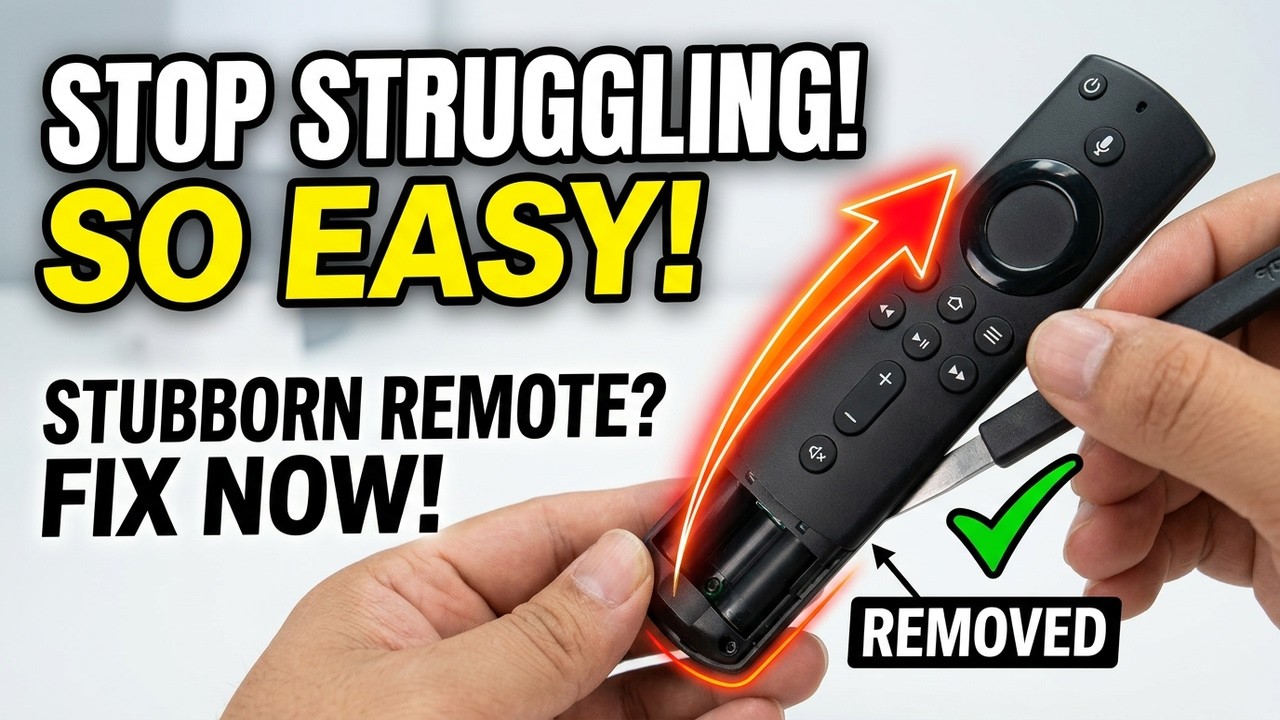
The battery cover on the Fire TV Stick remote is really tight the first time. Here is the trick.
I have the enhanced Alexa Voice Remote with TV controls that comes with the latest Amazon Fire TV Stick, and a lot of people are asking how to get the battery compartment open. I already had mine open to put batteries in, and I will tell you it is tough. I do not know why it is so sticky and tight, but it is.
- Cover stays secure once closed
- Gets much easier after the first time
- No tools needed
- Very sticky and tight out of the factory
- Finger indentation is tiny
- Easy to squeeze the wrong spot
▶ Watch the full review on YouTube
Where the cover is
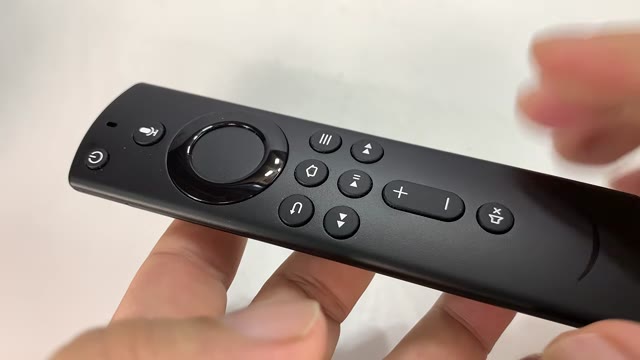
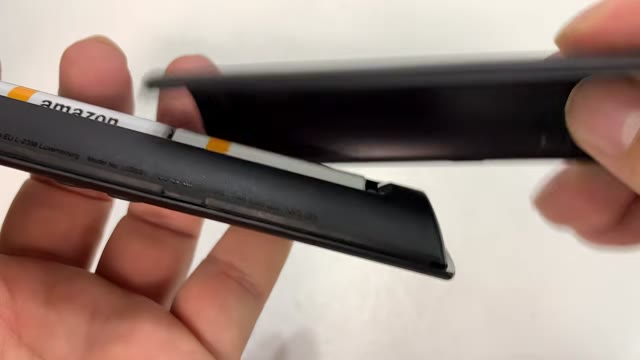
You can see the cutout for the cover on the back of the remote. Basically this whole piece slides downward. There is a little indentation, a very, very minor one, for getting your finger in to push it down. You might even want one of those rubberized jar openers to help.
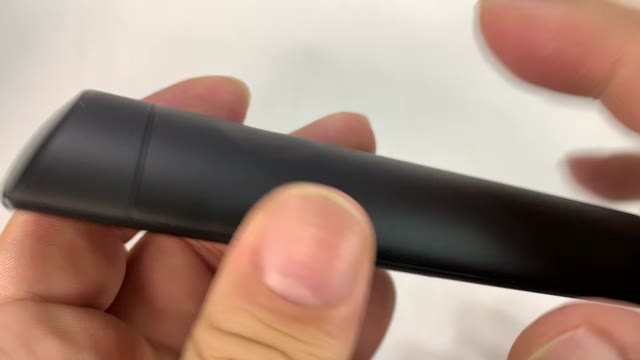
How to slide it off
Push on that indentation and push down to slide the cover off. It will come out, and then you can put in your batteries. Once you have done it once, it is a lot easier the second, third and every time after that, but the first time it is really, really sticky.
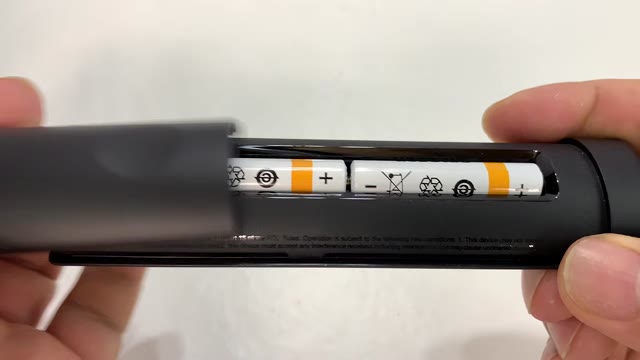
What not to do
You can see little tabs that go into the body, and there are tabs on the remote too. What you do not want to do is grab it by the sides and try to pull, because then you are pushing those tabs in and making it tighter. Push right at the indentation instead. It looks easy on video, but your first time you are going to really muscle it.
About the buy link
The button goes to the current Fire TV Stick 4K model with the Alexa Voice Remote, the version my video description now links.
Bottom line
So there it is: push at the indentation and slide down, and do not squeeze the sides. The button goes to the current Fire TV Stick 4K model on Amazon.
FAQ
Which way does the Fire TV remote cover slide?
Downward, from the small finger indentation.
Why is it so hard to open?
It is very tight from the factory the first time; it loosens up after that.
Should I squeeze the sides?
No. That pushes the tabs in. Push at the indentation instead.
What batteries does it take?
AAA batteries.
Is this an affiliate link?
Yes. The buttons are #ad affiliate links, and as an Amazon Associate I earn from qualifying purchases. It costs you nothing extra.


Leave a Reply