#ad: This post contains affiliate links. As an Amazon Associate I earn from qualifying purchases.
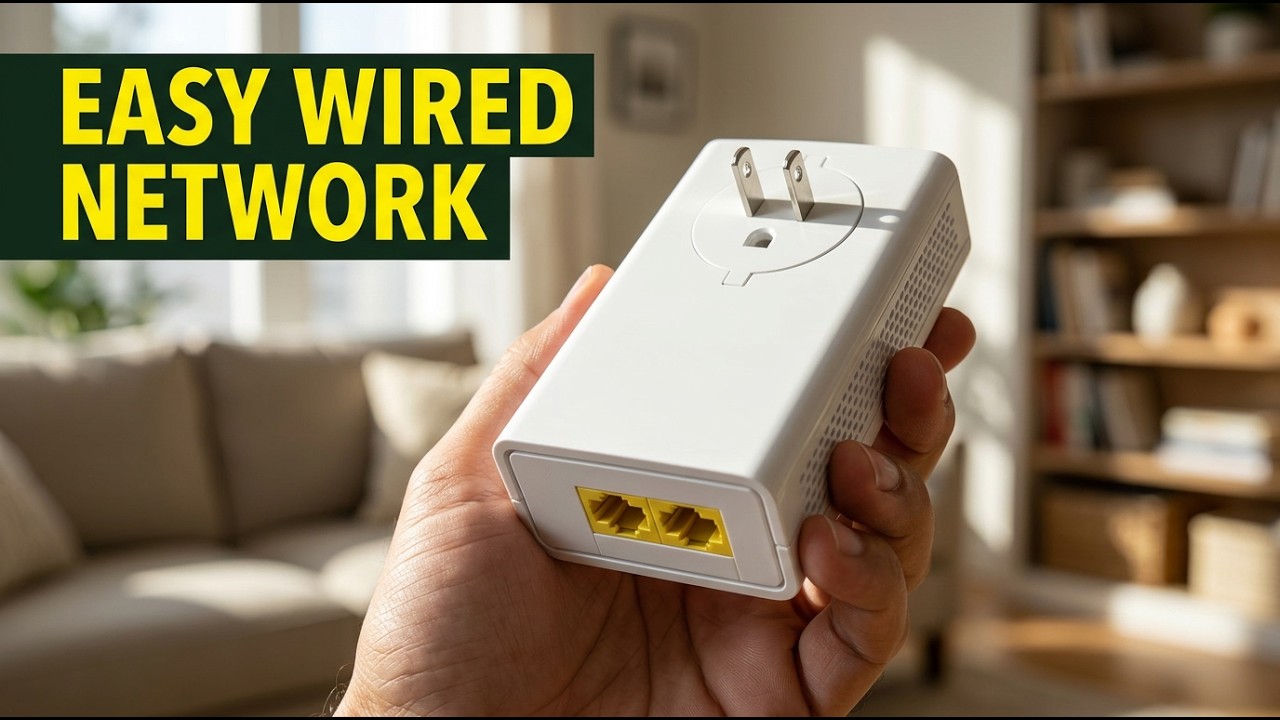
Wi-Fi not cutting it? Turn your electrical wiring into a network cable.
There are times when Wi-Fi just will not cut it. The easiest way I have found to add a wired network to a house is with powerline adapters, a sender and receiver that plug into wall outlets and use the wiring in your home as one giant network cable.
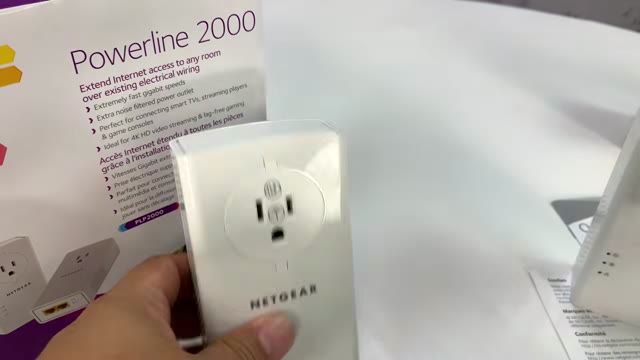
- Almost plug-and-play
- Faster than my mesh Wi-Fi in a far corner
- Pass-through outlet keeps the socket usable
- Two Ethernet ports per adapter
- Adapters are fairly big
- Upload was a bit slower in my test
- Results depend on your home wiring
▶ Watch the full review on YouTube
What you get
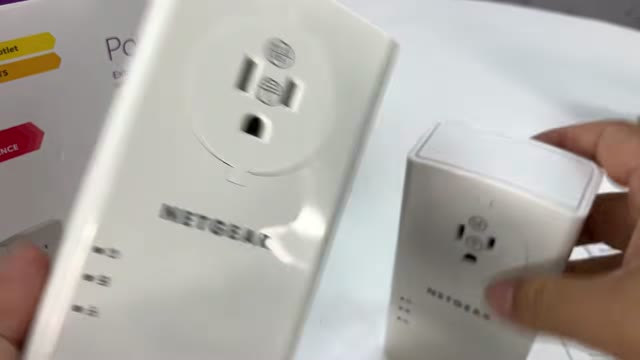
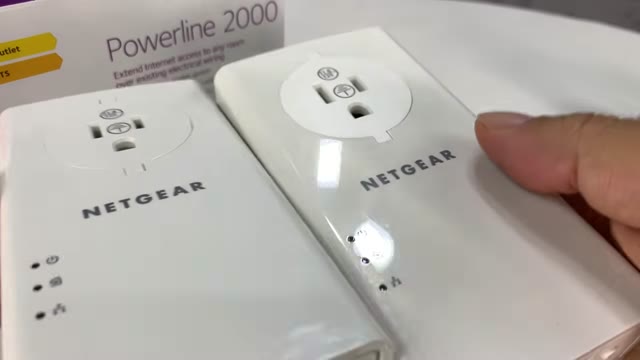
Two identical units, which I think do not matter because traffic is bidirectional. They are pretty big, and the first thing you notice is the grounded pass-through outlet, since each one covers up an outlet when plugged in. There are power, network and pairing LEDs, some venting, two Ethernet connectors, and quick-connect pairing buttons on the bottom.
Setup
I plugged an Ethernet cord into one adapter and the other end into my modem, and plugged the adapter into the wall. Wait until the power LED is lit. Plug the second adapter into an outlet near the computer, hold the pairing button on the first for a couple of seconds until the light blinks, then press the button on the second within two minutes, and they connect to each other.
Speed test
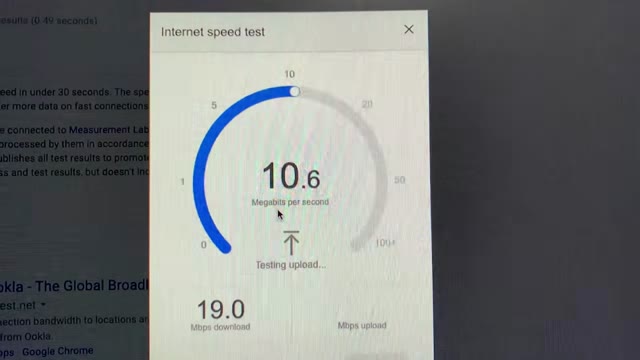
I have a 50 megabit connection and the Google home mesh network, which is about as good as wireless gets. On Wi-Fi at my computer I got about 19 down and 10 up. Then I turned Wi-Fi off, plugged in the NETGEAR and ran the test again. 34.5 megabit down, about 9 up. An improvement right out of the gate.
Verdict
It is a pretty simple, cheap and easy way to get better speeds, especially at a far corner of the house where Wi-Fi is weaker than mine. Note the adapter in my video is the 2000 Mbps model; the button goes to the NETGEAR powerline kit I linked.
FAQ
What is a powerline adapter?
A pair of adapters that carry network data over your home’s electrical wiring.
How do I pair them?
Hold the button on one, then on the other within two minutes.
How fast was it?
34.5 Mbps down versus 19 on Wi-Fi in my test.
Do I lose an outlet?
No, each adapter has a pass-through outlet.
Is this an affiliate link?
Yes. The buttons are #ad affiliate links, and as an Amazon Associate I earn from qualifying purchases. It costs you nothing extra.


Leave a Reply