#ad: This post contains affiliate links. As an Amazon Associate I earn from qualifying purchases.
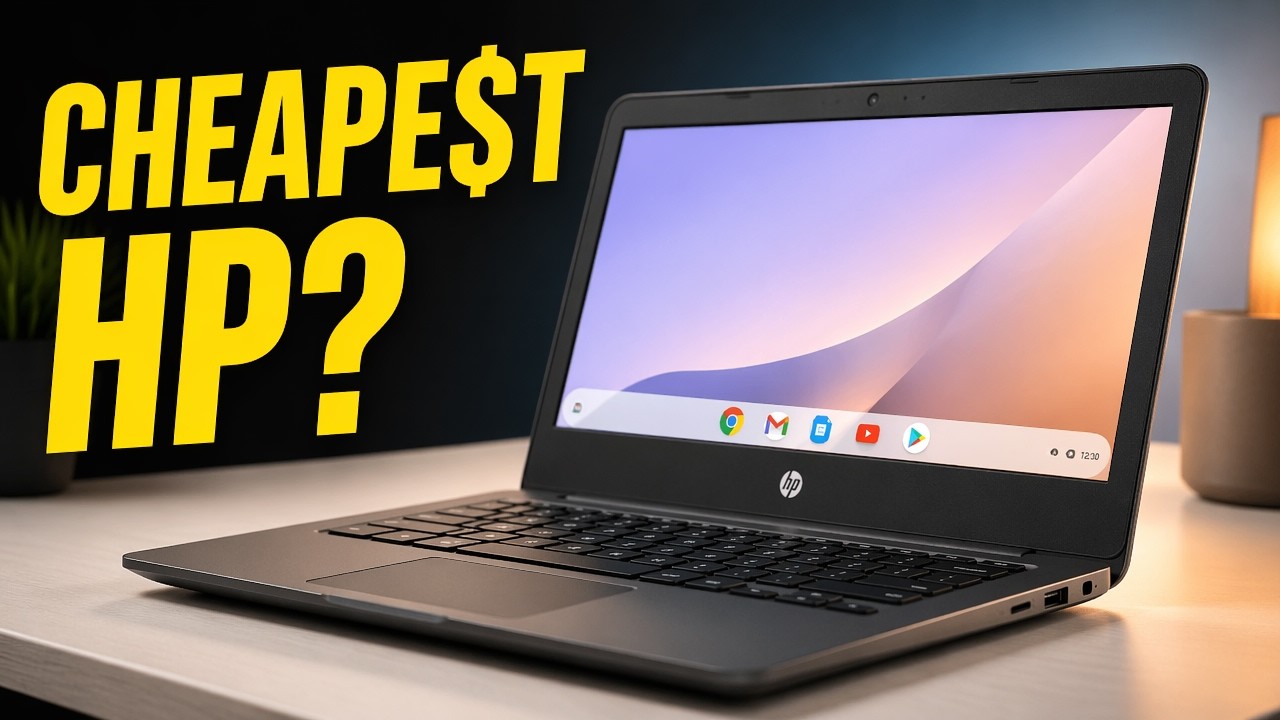
Why a small, cheap Chromebook is great for light work.
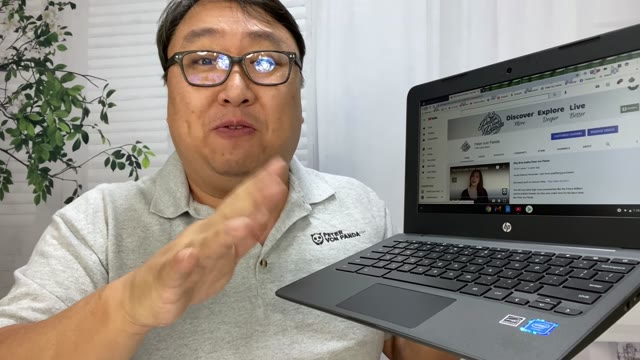
I picked up a new Chromebook from HP because I really like Chromebooks for light work on my lap. Many laptops today do not fit well on your lap, and a lot of what we do is pretty light: emails, documents online, reviewing information on a website. So many apps are web-based now that a Chromebook handles a lot of work.
- Small, light and portable
- Comfortable on the lap thanks to the flat bottom
- Matte finish hides fingerprints
- Rugged build, opens with one hand
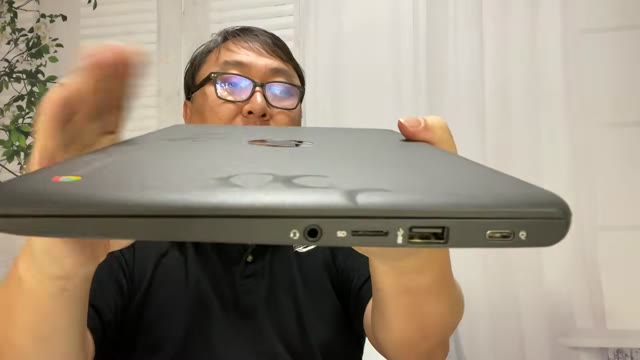
- Good port selection
- Big bezels around the screen
- Plastic construction is not premium
- Charger is bulkier than a plug-in brick
▶ Watch the full review on YouTube
What is in the box
You get setup instructions and the power cable, which is all most Chromebooks need. The charger is a USB-C cable with a sausage-shaped end and then a three-prong cable that plugs into it. It is a hefty setup for a laptop, and I prefer a brick that plugs right into the outlet.
Build and design
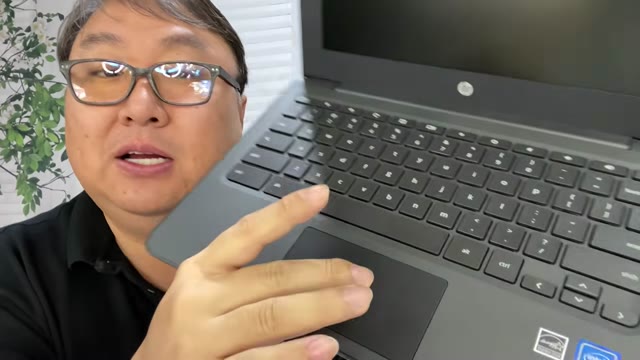
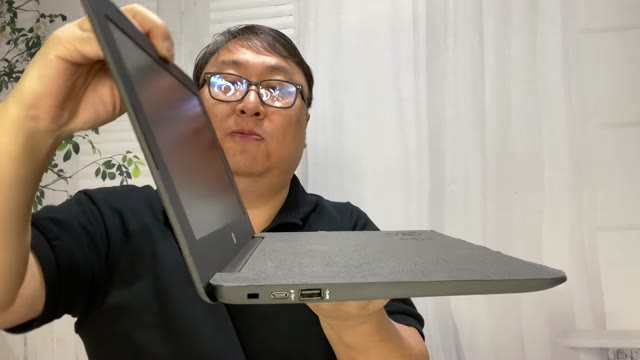
The dark matte plastic does not show fingerprints, with a glossy HP logo and a slim contoured shape. There are rubber feet on the bottom for traction and grilles on the sides. At about a foot across it is nice and compact. The laptop is weighted so I can open the hinge with one hand, with rubber strips on top to protect against hitting the chassis.
The screen is about a foot diagonal with a pretty big bezel and a matte finish, plus a webcam and microphone. It would be nice to have an edge-to-edge screen, but that is not a big deal for a computer that is not my everyday machine.
Keyboard, trackpad and ports
It has an island-style keyboard with matte textured black keys, arrow keys, a power button and a pretty decent trackpad about as wide as a MacBook Air but shallower. The sides have a headphone jack, an SD card slot, USB ports and a USB-C port for charging. Nothing screams high quality, but it feels more ruggedized than anything else.
Using it
I used it on the couch on my lap and it was really comfortable. The flat bottom is underrated. Overall it gets a thumbs up from me for light work and watching videos on the road. This exact model has likely been replaced, so the button goes to a current equivalent.
FAQ
Is a Chromebook good for light work?
Yes, for email, documents and web apps.
What ports does it have?
Headphone jack, SD slot, USB and USB-C.
How does it charge?
Via USB-C with a three-prong adapter.
Is it durable?
It feels ruggedized, like many school Chromebooks.
Is this an affiliate link?
Yes. The buttons are #ad affiliate links, and as an Amazon Associate I earn from qualifying purchases. It costs you nothing extra.


Leave a Reply