#ad: This post contains affiliate links. As an Amazon Associate I earn from qualifying purchases.
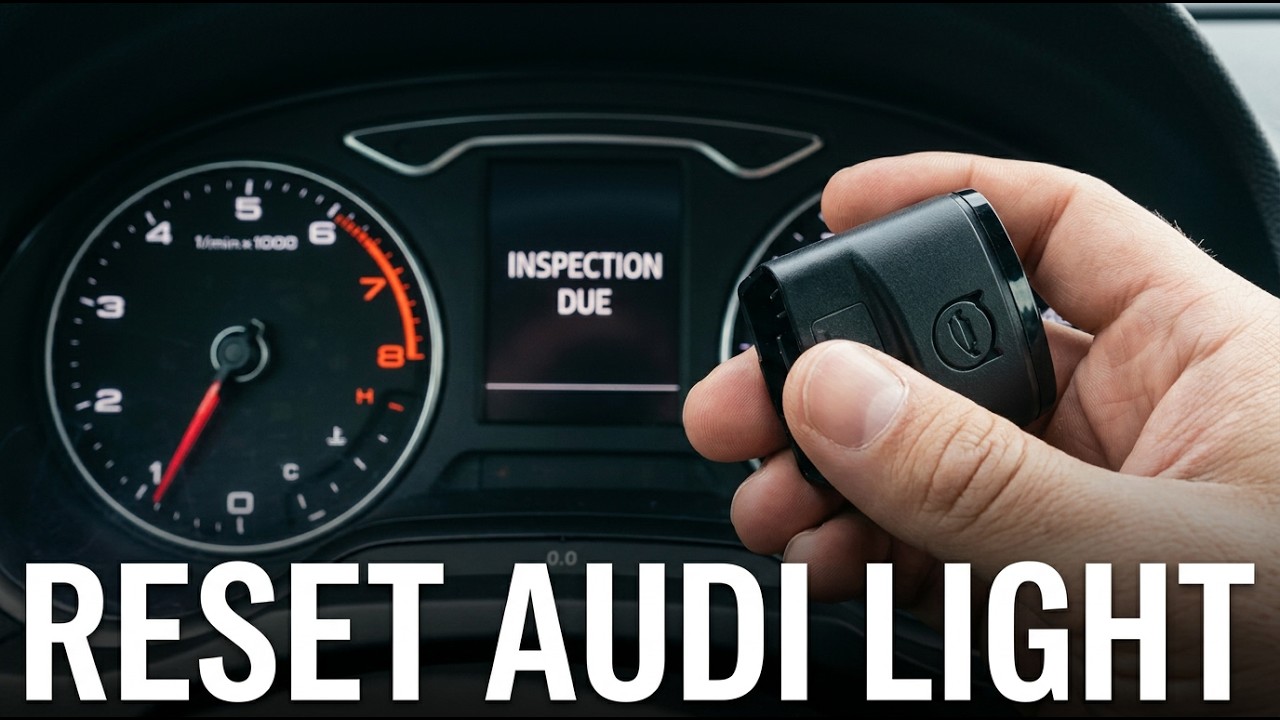
No button trick on this car. You need a tool, and this little one did it for free.
My Audi A3 gives an Inspection Due warning, which is more like a 30,000 or 40,000-mile service reminder, and it’s not something you can reset in the car itself. It’s really annoying because it shows up every time you turn on the car. A lot of cars have a hack where you press and hold a button, but on this car you need a tool. I found OBDeleven, a little Bluetooth OBD connector for Audi and VW, and the app reset the light.
- Reset the inspection light in a few minutes
- Free starter credits covered the reset
- Small enough to leave in the car
- App identified my A3 automatically
- Needs an account and app sign-up
- Many functions cost credits
- Firmware update on first connect
▶ Watch the full review on YouTube
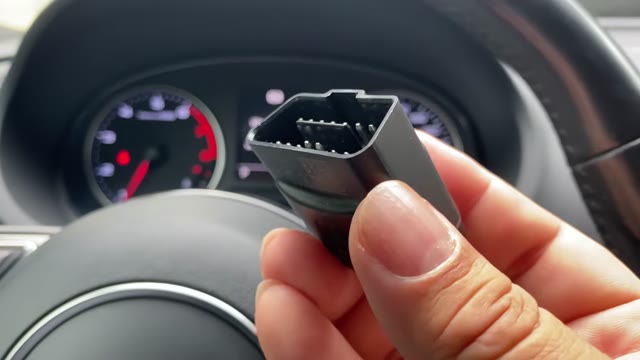
The OBDeleven connector
The connector is pretty small and very light, and it comes with a little lanyard you can thread through it if you want to hang it up. I’ll probably just leave it in the car so I know where it is when I need it.
Plug it into the OBD port, which on my car is down under the dash. Mine is bright pink, and you get a little Cylon-red glowing light.

Connect the app
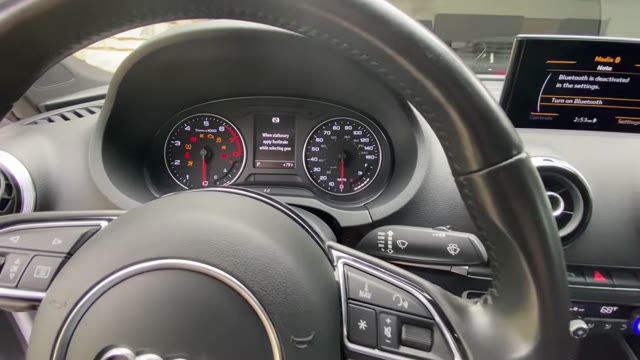
Turn the power on without starting the engine: leave your foot off the brake and just hit the power button. You’ll see the Inspection Due warning one more time.
Open the OBDeleven app, sign up and log in, then hit connect. It found my device, I tapped connect and it updated the firmware. Because I bought it legitimately and set up an account, I got about 100 bonus credits, which you need to do things in the app. You can buy more, so if you work on a lot of Audis or VWs it’s probably worth it. It read the control units and showed an Audi A3.
Reset the inspection
On the vehicle screen, go to Apps, tap Workshop at the top, and scroll to the very bottom to Inspection service reset. I had the credits I needed, so I hit change value, reset, and activated it. Done. Then disconnect.
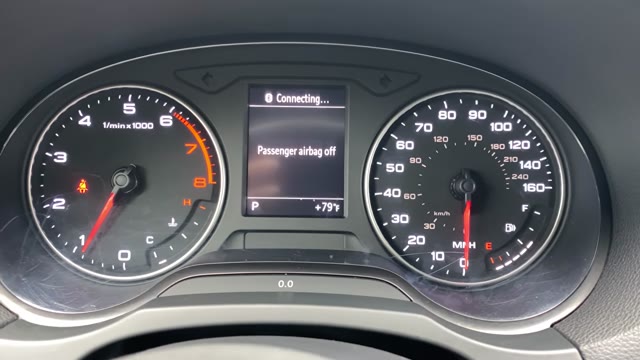
I put my foot on the brake and started the car from cold. Everything came back up, and no more Inspection Due light.
About the buy link
The OBDeleven device from my video description doesn’t have an Amazon buy button right now, so the button goes to the newer OBDeleven 3. The current app still uses credits for One-Click Apps like the inspection service reset.
Verdict
That was pretty easy. All you really need is the OBDeleven starter pack, and it didn’t cost me anything extra thanks to the free credits.
FAQ
Can you reset the Audi A3 inspection light without a tool?
Not on my car. There was no button trick, so I used an OBD tool.
What does the inspection reset cost in OBDeleven?
It used some of the free bonus credits I got when I set up my account.
Do I start the engine?
No, turn the ignition on without starting the engine while you connect.
Does it work on VW too?
OBDeleven plugs into Audi and VW vehicles.
Is this an affiliate link?
Yes. The buttons are #ad affiliate links, and as an Amazon Associate I earn from qualifying purchases. It costs you nothing extra.




Leave a Reply