#ad: This post contains affiliate links. As an Amazon Associate I earn from qualifying purchases.
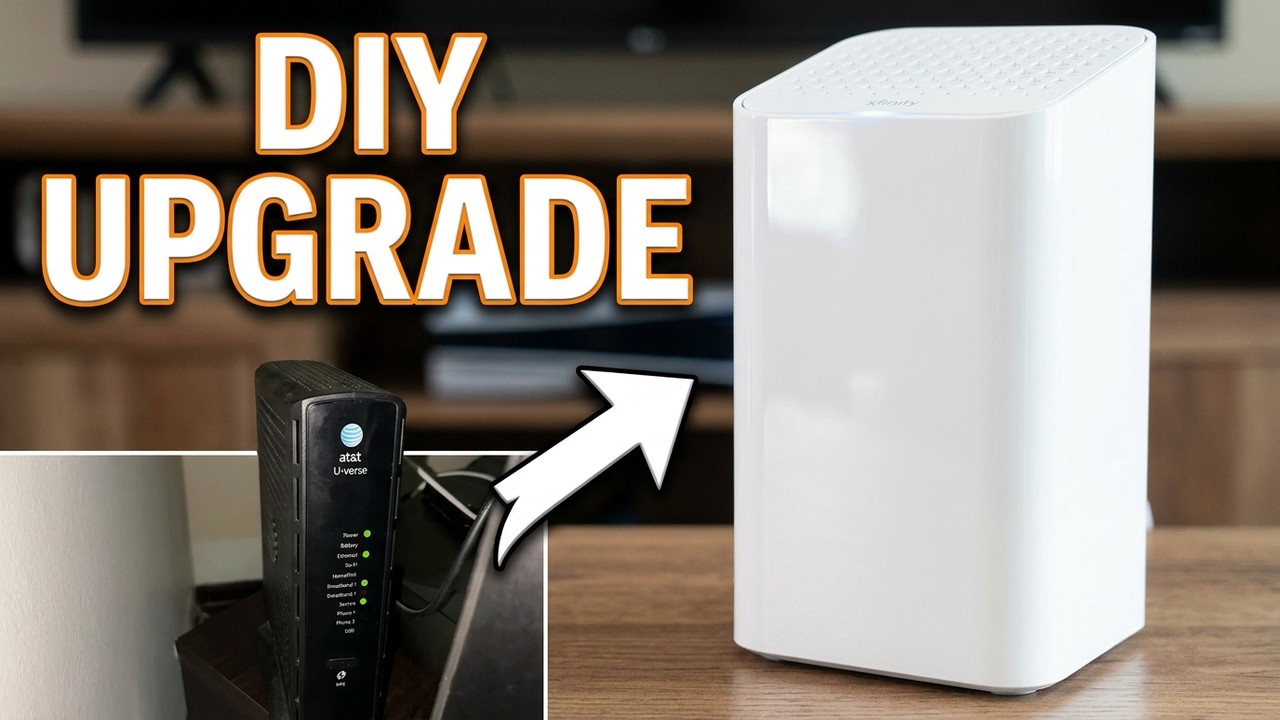
Six times as fast for the same price, and I installed it myself.
Today I am replacing my old AT&T U-verse internet with faster Comcast Xfinity. My U-verse router is old, the brand barely exists anymore, and I had their best speed, 50 megabits, which is entry level for most services. Xfinity offered much faster speeds at the same price, so I ordered it and they sent a do-it-yourself installation kit.
- Easy self-install with the app
- No technician visit
- Big speed jump for the same price
- Works with your own router or mesh
- Setup may need a retry or two
- Included coax is female-to-female
- May need to hunt for old coax in the wall
▶ Watch the full review on YouTube
What is in the kit
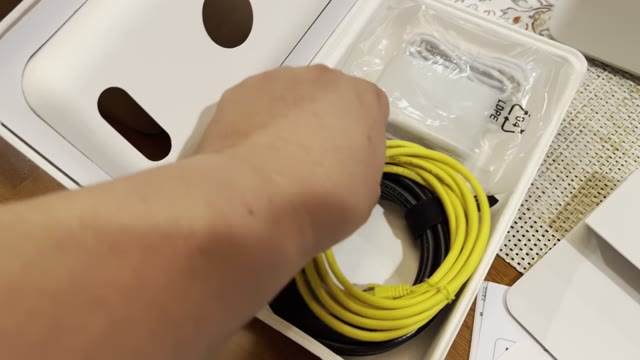
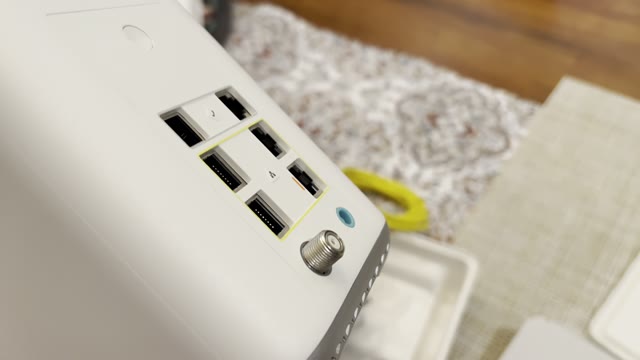
The box is kind of low rent but has some style. Inside are getting-started info, what I think is the cable modem, which may also be a wireless router (I use my eero instead), instructions in English and Spanish, an Ethernet cable, a coax cable and a power cord. On the back is the coax input, power and Ethernet ports.
Finding the cable
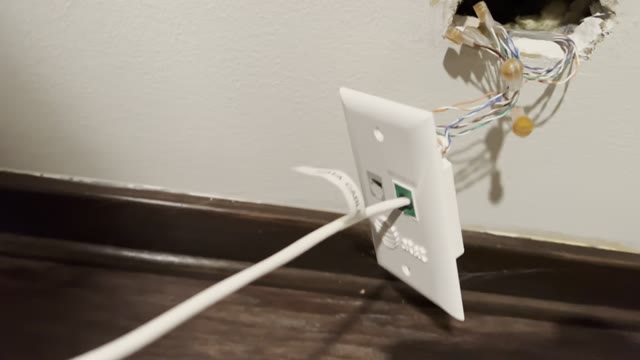
They check whether your address was ever wired for Comcast, but that does not mean the cable has not been cut over the years. I never had cable TV here, so I went behind my TV and found the old coax coming through a tiny hole in the wall.
One gotcha: the included coax is female on both ends, basically an extension cable for a wall plate with a male connector. My cable came straight out of the wall, so I had to set the modem on the floor.
Setup in the app
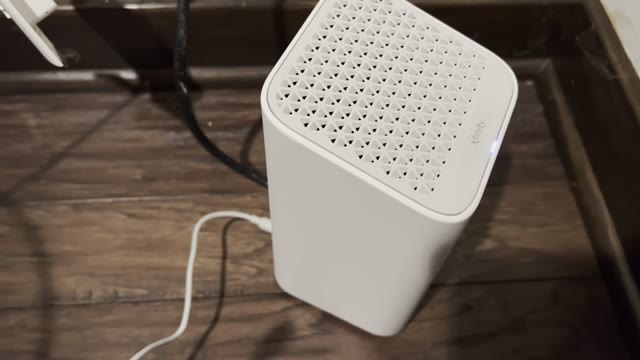
You need the Xfinity app. Once everything is plugged in, it walks you through a wizard. Estimates were three to ten minutes, and sometimes it did not work on the first go, so I retried. The light blinked yellow, then green, then turned white, which is when the app said it was working and let me name my network.
Speed results
On the first Wi-Fi test the speed was okay, adequate for streaming, YouTube and video calls. On the Xfinity connection it tripled. And with my eero home mesh network plugged directly into the modem by Ethernet, the improvement was dramatic. It is about six times as fast for the same price as U-verse. You can buy compatible routers instead of renting theirs, and the button goes to the eero mesh system I use.
FAQ
Can you install Xfinity yourself?
Yes. The self-install kit and the Xfinity app walk you through it.
How long does setup take?
Each attempt is about three to ten minutes, and you may need to retry.
What does the white light mean?
Solid white means it is connected and ready.
Can I use my own router?
Yes. I plugged my eero mesh into the modem.
Is this an affiliate link?
Yes. The buttons are #ad affiliate links, and as an Amazon Associate I earn from qualifying purchases. It costs you nothing extra.


Leave a Reply