#ad: This post contains affiliate links. As an Amazon Associate I earn from qualifying purchases.

A dead AirTag is a two-minute fix.
If you want to know how to change the battery in an AirTag, I’ll show you. The battery in this one is completely dead. You don’t need any tools, just your fingers and a new CR2032 coin battery. Here’s the whole process step by step.
- No tools needed
- Takes about a minute
- CR2032 batteries are cheap and common
- Chime tells you it worked
- Chime is very quiet
- Cover takes a firm push to twist
- Keep spare CR2032s on hand
▶ Watch the full review on YouTube
Step 1: Open the cover
Flip the AirTag to the silver side. Push down with your finger and twist counterclockwise. It doesn’t go very far, maybe an eighth of a turn, and then the cover comes up.
Step 2: Swap the battery
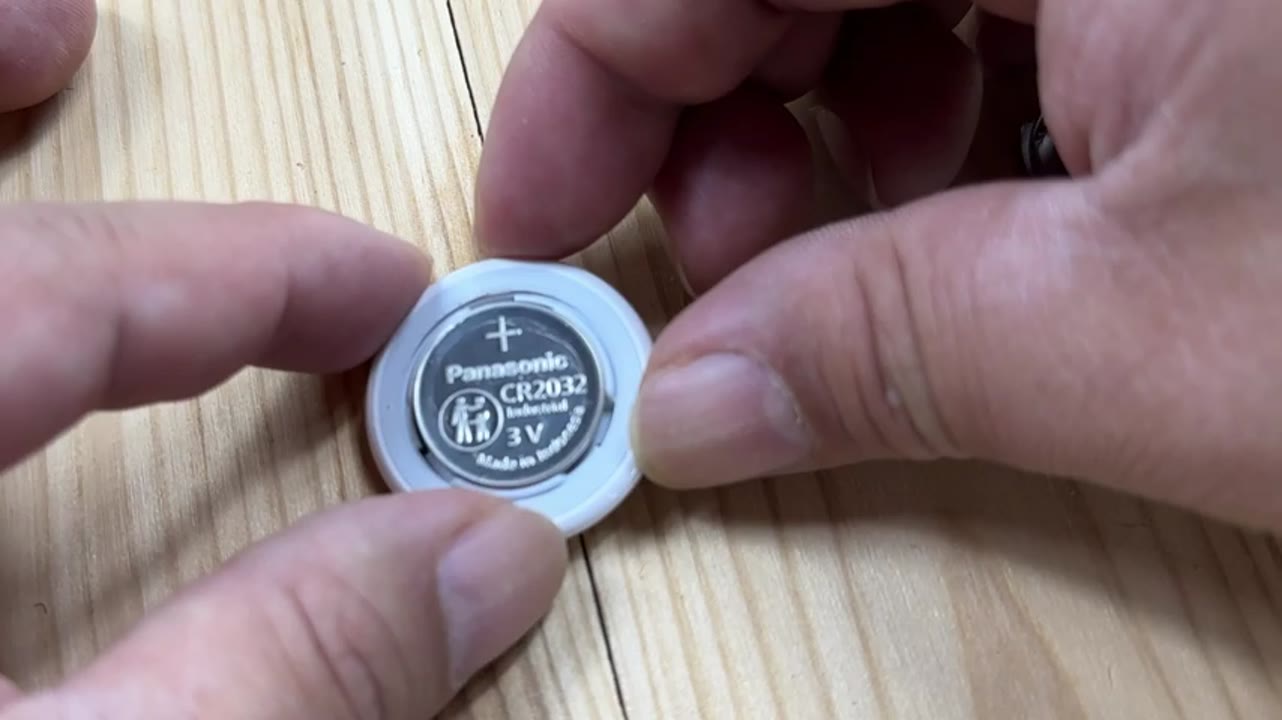
Inside, the battery sits positive side up and says CR2032. Make sure you get a new CR2032, then drop it in the same way. It should fit just like that.
Step 3: Close it up
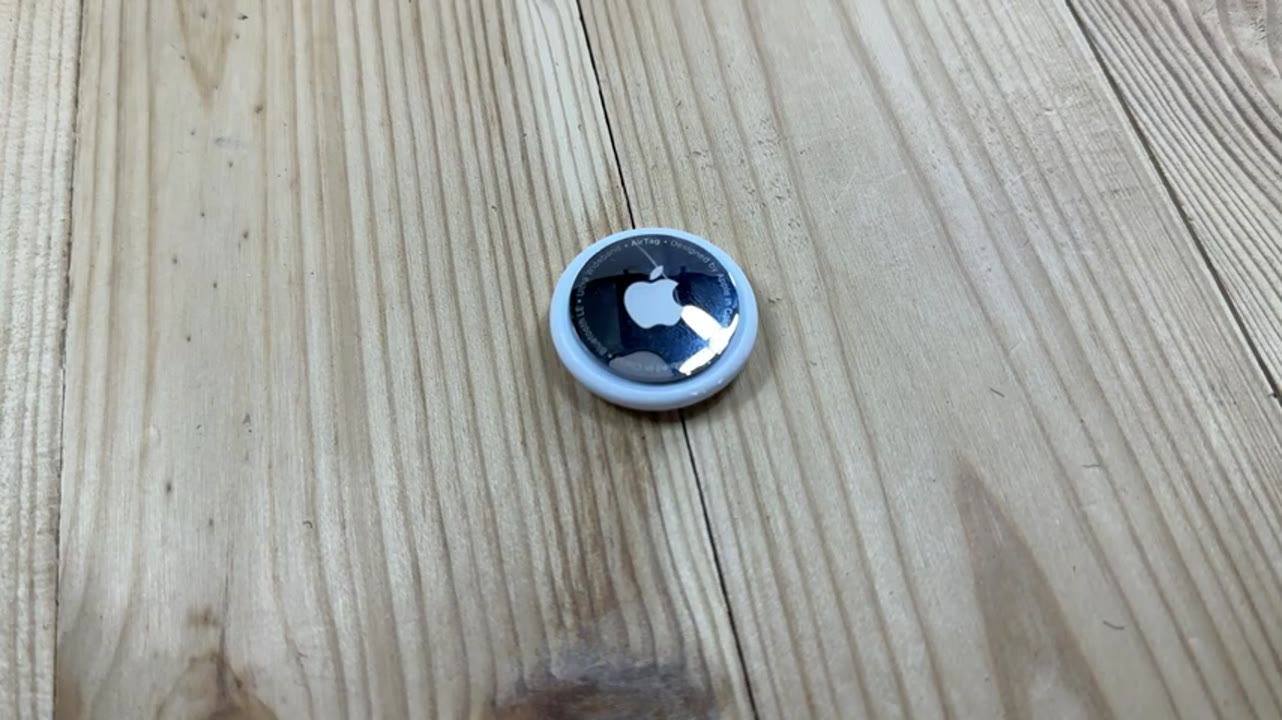
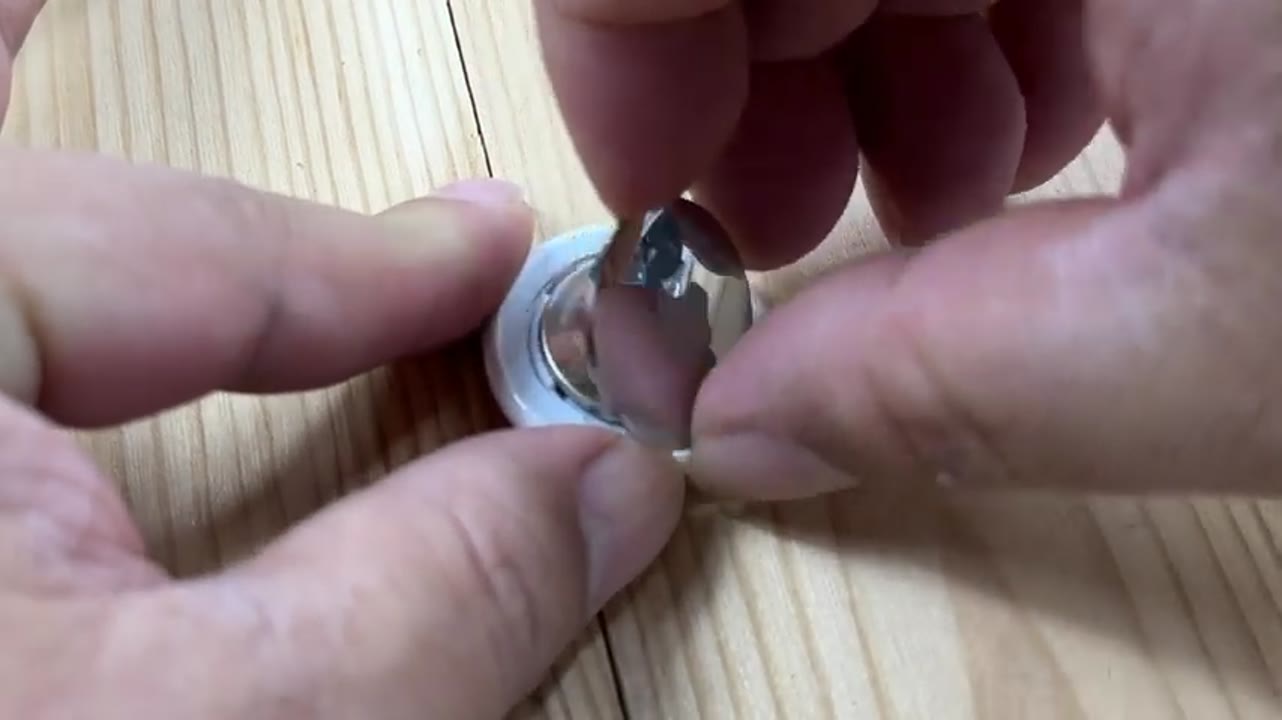
Look at the little tabs on the cover. They fit into the slots on the AirTag, so drop the cover in so they line up. Push down and twist the other way, and you should get a little chime telling you the new battery is in and active. Mine was very, very quiet, but it was there.
My take
That’s it. Your AirTag is ready to go. It’s worth keeping a pack of CR2032 batteries around so you’re never stuck with a dead tracker.
FAQ
What battery does an AirTag use?
A CR2032 3V lithium coin battery.
Which way does the battery go in?
Positive side up.
How do I know it worked?
You should hear a short chime after you close the cover. It can be very quiet.
Is this an affiliate link?
Yes. The buttons are #ad affiliate links, and as an Amazon Associate I earn from qualifying purchases. It costs you nothing extra.


Leave a Reply