#ad: This post contains affiliate links. As an Amazon Associate I earn from qualifying purchases.
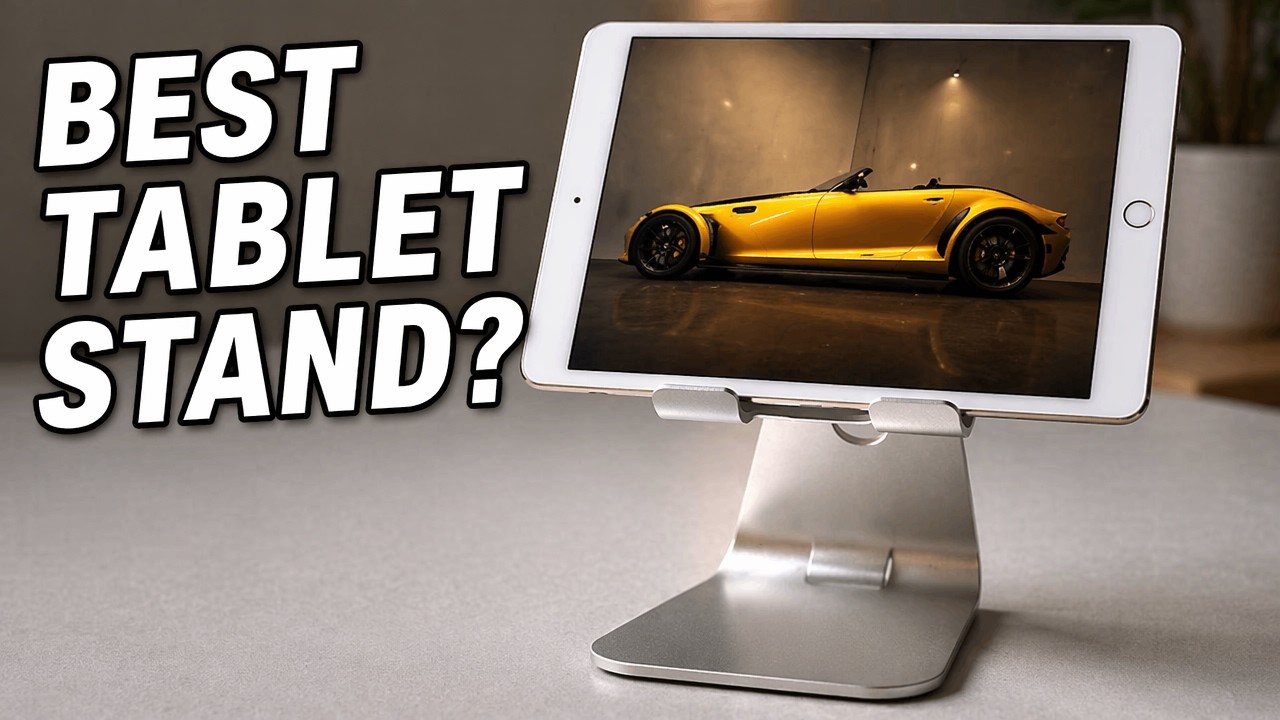
Desk work with a podcast or movie on the iPad Mini beside the big screen? I grabbed a light aluminum alloy stand that looks like Apple kit.
I bought an OnBo aluminum-alloy phone/tablet stand because it looked high-quality and Apple-adjacent: blasted shiny finish, silicone feet, stiff machined hinge, silicone pads so the tablet never hits bare metal, and a cable pass-through hole. Under $15. Here is how it held an iPad Mini in a case. The button goes to the aluminum tablet stand on Amazon.
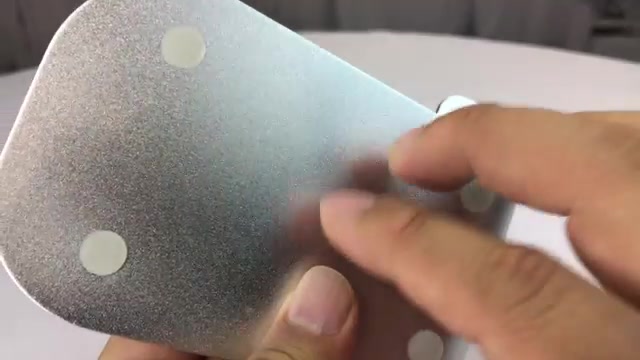
- Looks like Apple desk gear
- Silicone everywhere the tablet touches
- Hinge stays where you put it
- Cable hole keeps the cord tidy
- Under $15
- A bit large if you only ever mount a phone
- Not a heavy-duty studio arm
▶ Watch the full review on YouTube
Build
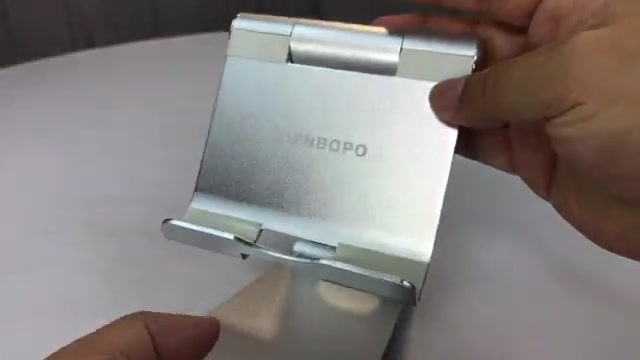
Very light alloy with a shiny but blasted finish. Base has four silicone pads. Clamp has silicone on front and back plus raised pads on the rear face so nothing is metal-on-metal. Hinge is machined and stiff.
On the desk
I wanted a second screen in my peripherals while the main monitor does work. iPad Mini in a case dropped in fine; a full-size iPad still had pad room for a thicker case. Angle adjusts to you. Power cord can run through the base hole like an iMac cable route.
Verdict
Looks right next to Mac gear, solid for the money, under $15 including shipping.
FAQ
Will an iPad Mini fit with a case?
Yes. Mine did, with pad room left.
Does the hinge hold?
Stiff machined hinge — stays at the angle you set.
Phone too?
Possible, though the clamp is sized more for tablets.
Cable management?
A hole in the base routes the power cord.


Leave a Reply