#ad: This post contains affiliate links. As an Amazon Associate I earn from qualifying purchases.
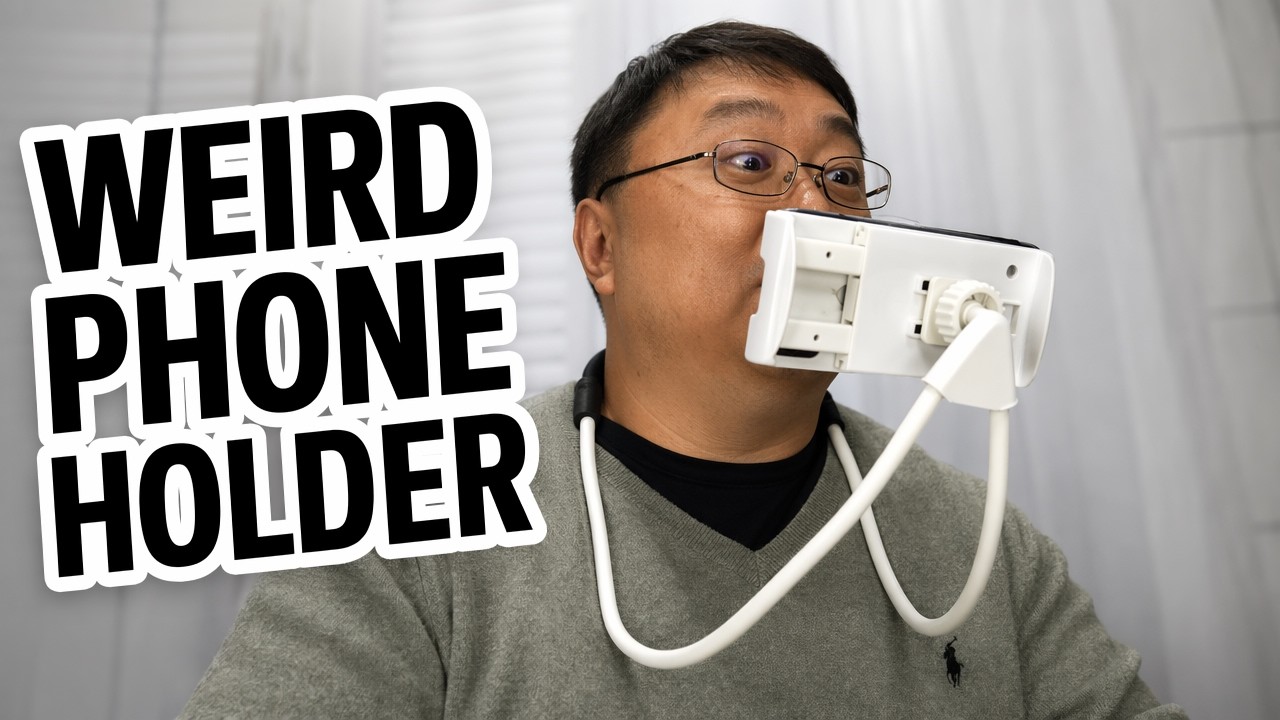
Tired of holding your phone up to watch movies, or worried about dropping it on your face when you doze off? A neck-mounted phone holder keeps it in front of you hands-free.
I unboxed the Lazy Arm, put it together and wore it to see how it works. Here’s how it’s built, how to set it up, and what it’s like to use.
- Truly hands-free viewing
- Foam pads protect the phone
- Ball joint lets you angle the screen
- Gives a big-screen effect up close
- Plastic feels like toy plastic
- Threading the holder onto the ball joint is fiddly
- Stiff wire takes some muscle to shape
- Bounces a little when you move
▶ Watch the full review on YouTube
Why use a neck phone holder
When you’re watching your phone or a movie, who wants to hold it up all the time? Your arms get tired. And if you fall asleep, you might drop the phone on your lap or, even worse, your face.
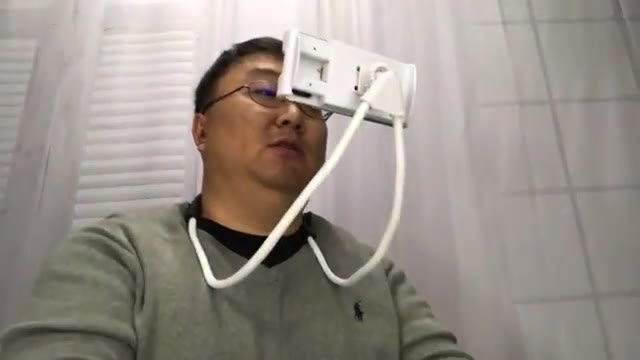
The Lazy Arm hangs around your neck and holds the phone in front of you so your hands are free.
What’s in the box
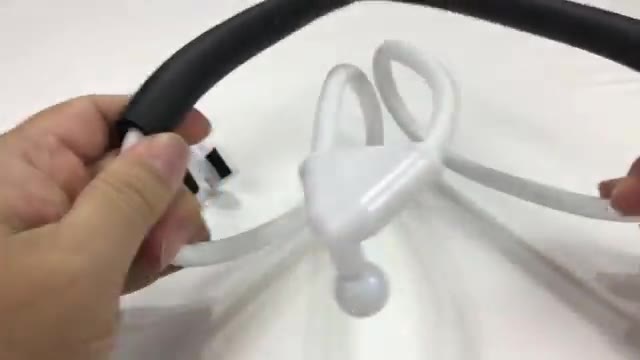
It comes in just two pieces. The main part is a stiff wire, kind of like heavy coat-hanger wire, wrapped in a soft, silicone-type rubber. That’s where the rubber meets the road: it wraps around your neck and braces against your body.
The second piece is the holder. It snaps onto a ball joint at the end of the wire and gets tightened down.
How to put it together
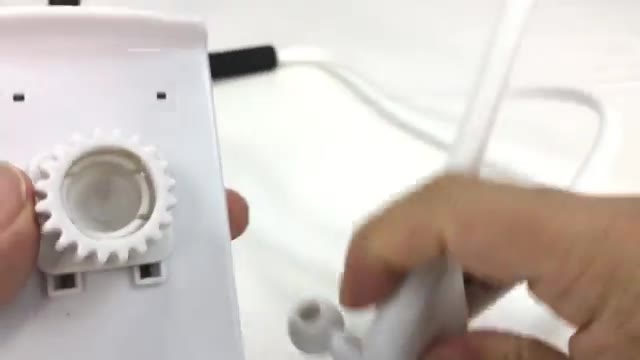
- Unscrew the tightening collar on the ball joint (I had to take it all the way off).
- Fit the holder over the ball joint.
- Thread the collar back on to lock it in place. The threads are a little hard to line up, so take your time.
- Open the spring-loaded clamp and set your phone between the foam pads.
The phone clamp
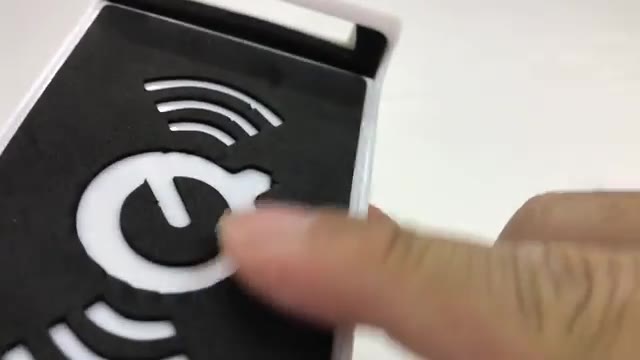
The holder slides in and out on a spring, and both sides are padded with foam, so you don’t have to worry about the phone breaking. Heck, you could almost fit a small iPad in there.
The plastic is old-school molded plastic, not anything fiber reinforced, but it does the job.
Wearing it
You do have to manhandle the wire a bit to shape it, because it’s pretty tough. Once it’s adjusted, it braces against your body and holds the phone in place.
It’s not that long, so my iPhone X sat less than a foot from my face, which gives a big-screen effect. It bounces around a little, so you may need to adjust how it braces against you. But I’m hands-free, and it looks great and feels great.
FAQ
Does the Lazy Arm fit large phones?
It held my iPhone X, and the clamp opens wide enough that a small iPad might fit.
Is it hard to set up?
Not really, but threading the holder onto the ball joint is fiddly and the wire takes some muscle to bend.
Will it scratch my phone?
The clamp has foam pads on both sides.
Does it bounce?
A little. Adjusting how it braces against your body helps.


Leave a Reply