#ad: This post contains affiliate links. As an Amazon Associate I earn from qualifying purchases.
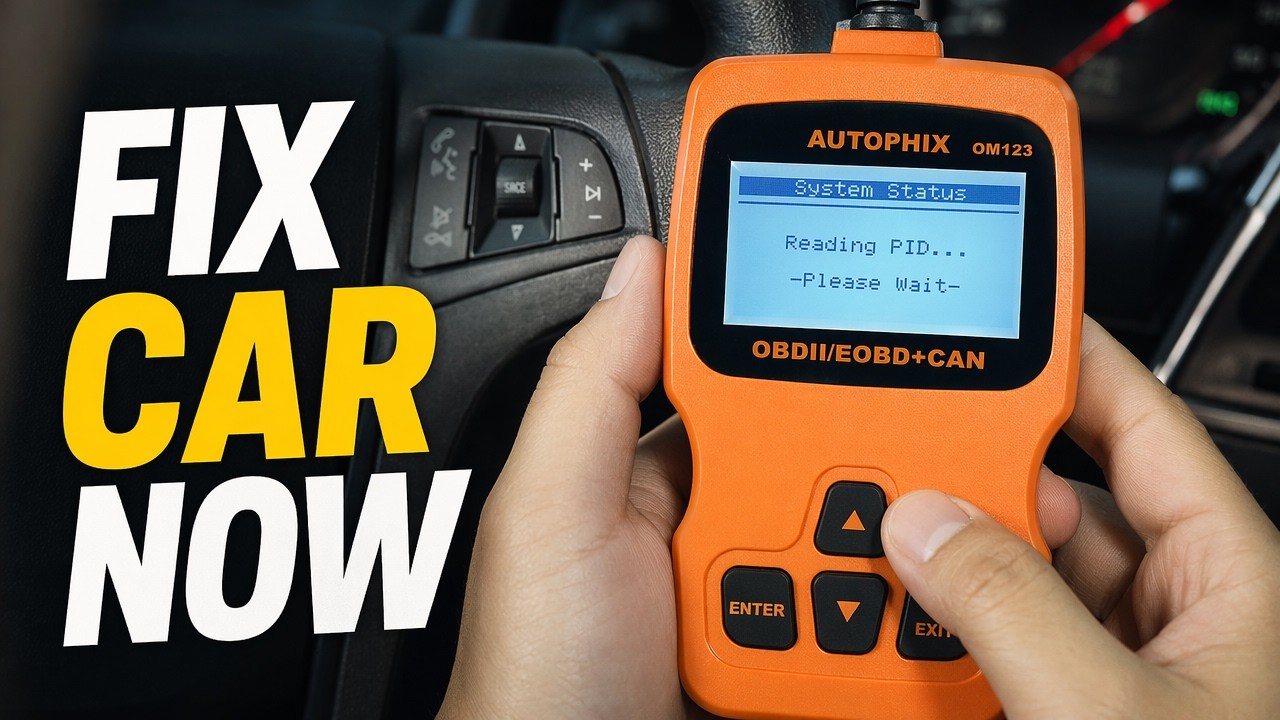
Check engine light on? Instead of waiting in line at the parts store, a cheap OBD2 code reader tells you the code in your own driveway.
Some stores will scan codes for free, but you have to go there, wait, and get someone to come out. Sometimes it’s just nice to know the code. I picked up the cheapest scanner I could find, an orange OM123 (Autophix), and tested it on my GMC Terrain. Handheld scanners can run around $100; this was under $40. The button goes to the Autophix OM123 on Amazon, since my old link pointed to a different listing.
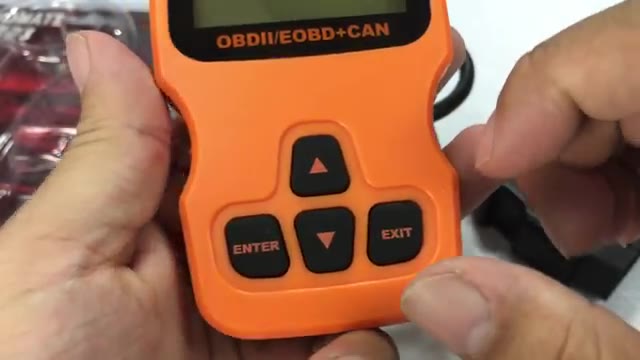
- Under $40 instead of around $100
- Backlit screen is really readable
- Feels well built; plastic like a cordless tool
- Long cable
- Read and erase codes, plus pending codes
- More robust menu than other cheap scanners I’ve had
- It tells you the code; you still look up what it means
- My test car had no check engine light to diagnose
▶ Watch the full review on YouTube
What a basic code reader does
A scanner like this tells you what the code is. Then you look it up online, like I usually do, or in the manual, which helps garage mechanics nail down the problem. Sometimes it’s something simple, like an evap fault from a loose or missing gas cap.
Codes are usually P plus four digits, like P0101 or P1305, and give you general guidance on the fault.
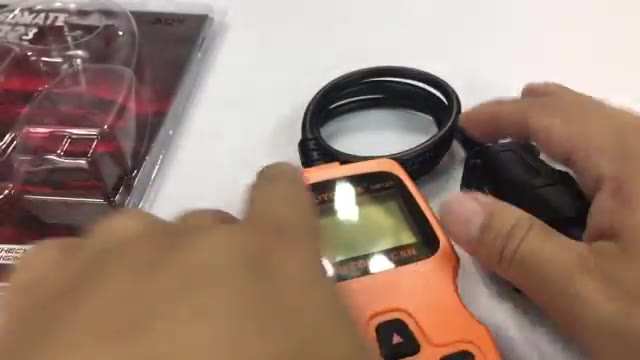
Build and controls
The orange plastic looks the business, like cordless-tool plastic. There’s a big traditional LCD, up and down buttons to scroll codes and menus, and Enter and Exit. The attached cable is about two feet long, and the whole thing feels well constructed.
Finding the OBD2 port
Pretty much every recent car (around 2000 and newer) has the port under the dashboard, usually under the steering column in the driver footwell. On my GMC Terrain it’s down by your left foot. The car typically needs to be at least in accessory power.
Testing it on my GMC Terrain
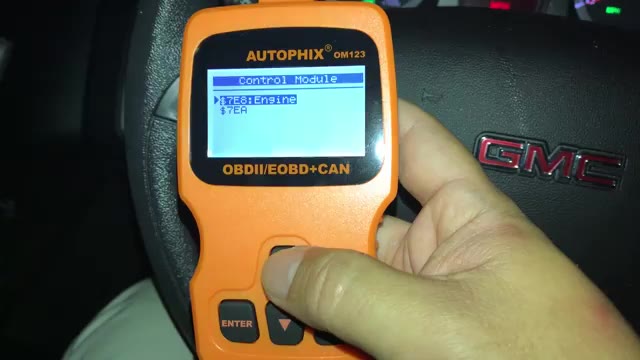
As soon as I plugged it in with the ignition on, it powered up, and the screen is backlit, so it’s really readable. Press any key, it waits for the vehicle to respond, and then it scrolls through its checks.
I went into stored codes: none found. Pending codes: no trouble codes. If you’d fixed something, like replacing an O2 sensor, you can erase the codes from the menu. It also showed specific vehicle info.
Is it worth it?
I’m pretty impressed. The menu is more robust than the cheap scanners I’ve had, and for under 40 bucks you can keep one at home. If you’re a garage mechanic, have an aging car, or help friends, it’s super nice to have around, and it might make you the favorite neighbor.
FAQ
Where is the OBD2 port?
Usually under the dash below the steering column. On my GMC Terrain it’s down by your left foot.
Does the car need to be running?
It needs at least accessory power. Mine powered up with the ignition on.
Can a cheap scanner clear a check engine light?
Yes. The OM123 menu lets you erase codes once you’ve fixed the issue.
Does it tell you what the code means?
It gives you the code; I look up the meaning online or in the manual.
How much did it cost?
Under $40 when I bought it.


Leave a Reply