#ad: This post contains affiliate links. As an Amazon Associate I earn from qualifying purchases.
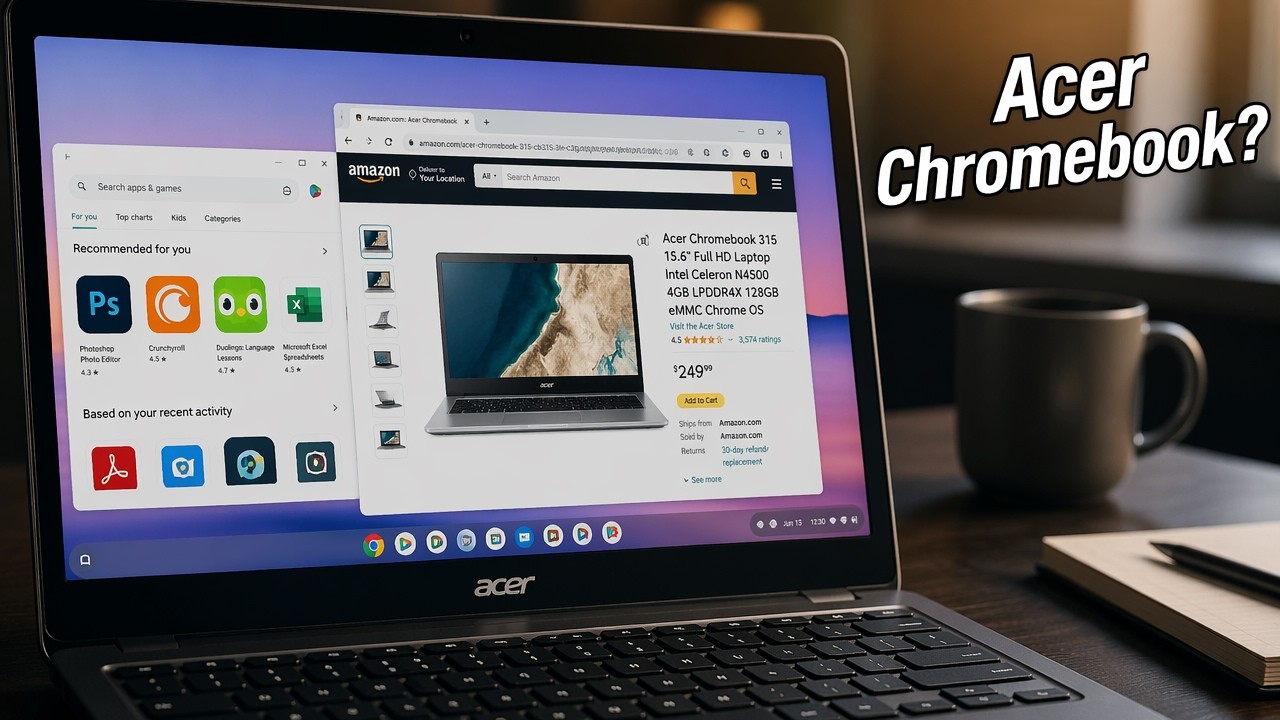
Most cheap Chromebooks feel flimsy and have tiny, dim screens. The Acer 15.6-inch Chromebook surprised me to the upside.
I’ve owned a number of Chromebooks, and most I really didn’t like. This Acer 15.6-inch with a Celeron N3060, 2 GB of RAM and a 16 GB drive was different. That 2016-era model is only sold renewed now and is too old to still get Chrome OS updates, so the button goes to the current Acer Chromebook 315, the same big-screen idea. Here’s what I loved and what to think about.
- Big 15.6-inch screen with good brightness
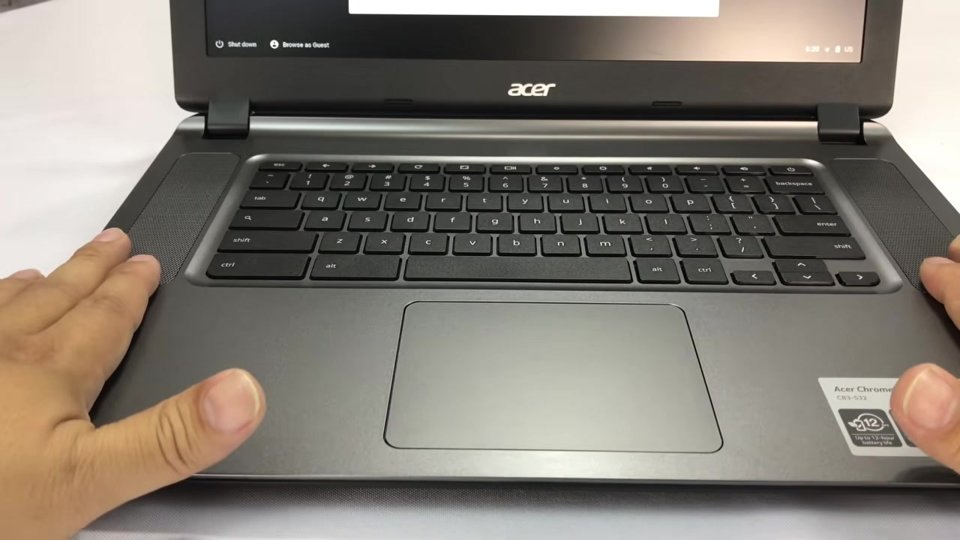
- Best speakers I’ve heard on a Chromebook
- One of the better Chromebook trackpads
- Full-size chiclet keyboard
- Smooth YouTube playback
- Silver finish hides fingerprints
- Screen resolution isn’t great
- Big and heavy for travel
- Thin, non-standard power plug
- Battery a bit short of the estimate
▶ Watch the full review on YouTube
Build and ports
It’s plastic, but the silver paint looks good even when it’s been touched and is a little dirty. The bottom has a diamond texture, almost like carbon fiber or fabric, plus little rubber feet and some venting.
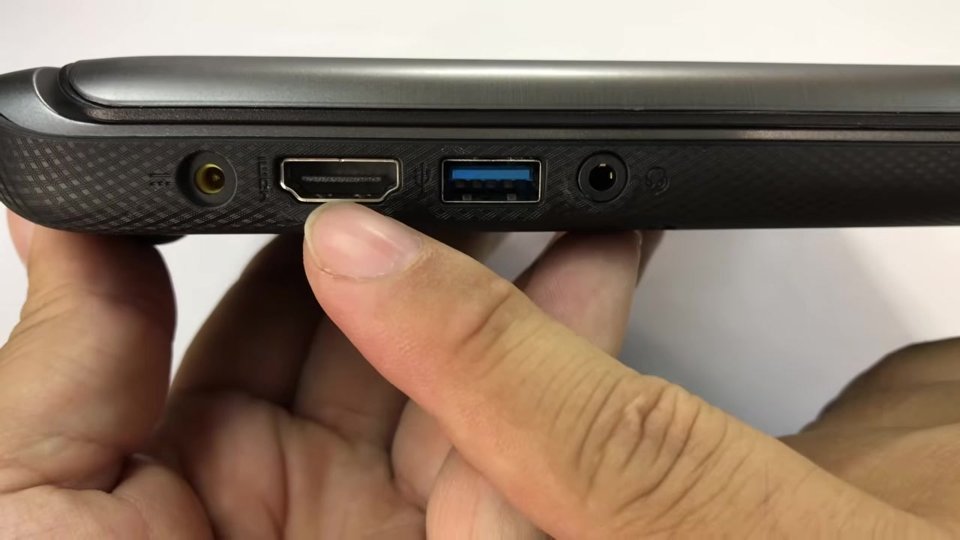
On the left you get power, HDMI, a USB 3 port and a headphone jack. On the right, an SD card reader, another USB 3 and a lock slot. It doesn’t feel premium, but it feels pretty decent.
The big, bright screen
What I really like is the big screen with good brightness. I crank brightness all the way up, and some Chromebooks still looked dim at max. Not this one.
The weak spot is resolution. It’s no Retina display. But on the road, typing emails and browsing, a big screen makes all the difference, especially as a desktop replacement.
Keyboard, speakers and trackpad
The keyboard is normal-sized and chiclet style with decent travel. Because the body is so wide, Acer put two big speakers on either side, and they sound great. By far the best audio I’ve had on a Chromebook.
YouTube ran smoothly despite the low-end specs. And the trackpad, which kills me on most Chromebooks, is one of the better ones I’ve used for accuracy and sensitivity, with decent clicks.
The power plug and battery
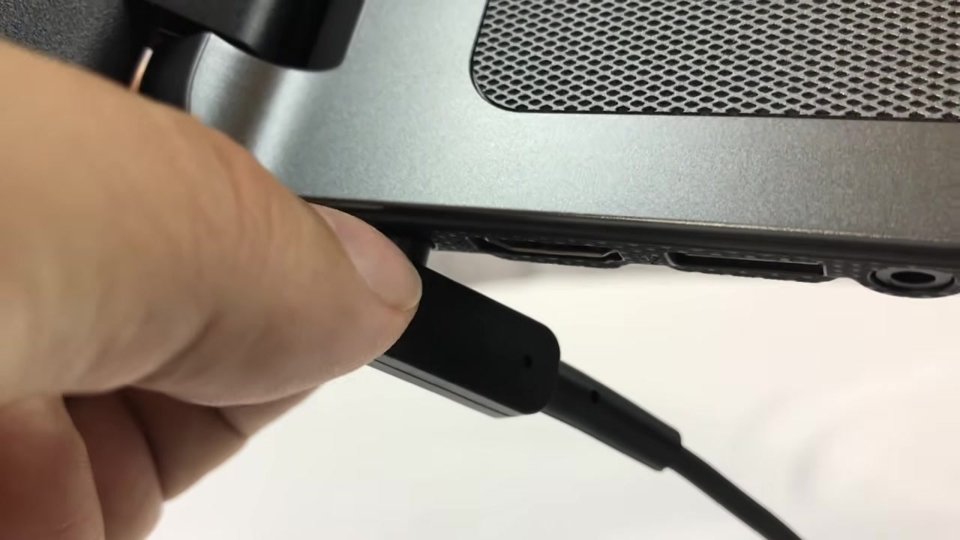
The power plug has a very small, thin prong with a thick collar that braces it into a recess. It’s always charged fine, but it makes me a little uneasy, and it doesn’t seem to be a standard plug, so none of my other cords fit.
After a full charge it estimates about 7.5 hours (more like 7 hours 15 minutes). With YouTube, max brightness and the speakers up, I got a little under 7 hours.
Is a big-screen Chromebook right for you?
At under $130 refurbished when I bought it, it was a great value. If your Chromebook will travel with you a lot, a 15.6-inch is probably not the one, because it’s big and heavy. But as a desktop replacement or a couch laptop with great sound, I really like it.
FAQ
What specs did your Acer Chromebook have?
Celeron N3060 dual-core 1.6 GHz, 2 GB RAM, 16 GB storage, 15.6-inch screen.
How was the battery life?
It estimated about 7 hours 15 minutes; I got a little under 7 hours with YouTube and max brightness.
How are the speakers?
The best I’ve heard on a Chromebook, thanks to the big side speakers.
Is it good for travel?
Not really. It’s big and heavy. It shines as a desktop replacement.
Can I still buy the model in the video?
It’s only sold renewed and is too old for current Chrome OS updates, so the button goes to the current Acer Chromebook 315.


Leave a Reply