#ad: This post contains affiliate links. As an Amazon Associate I earn from qualifying purchases.
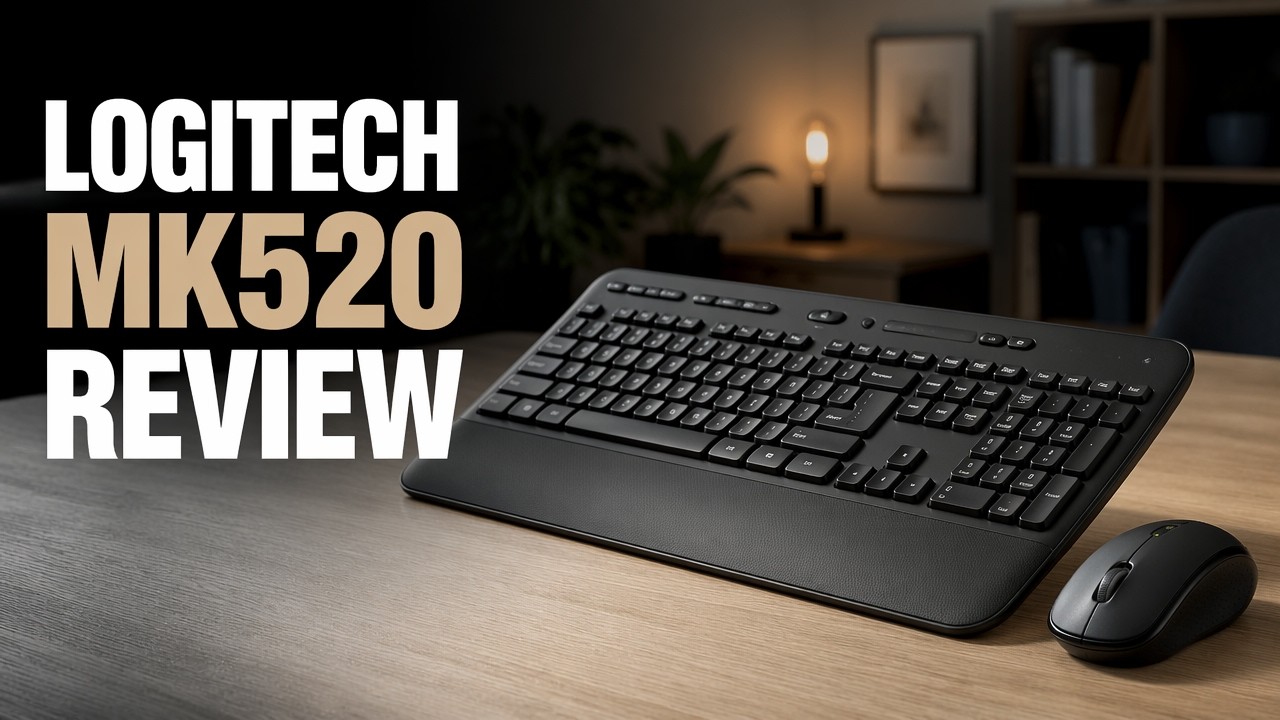
After a cheap keyboard died on me after about a year, I wanted a wireless combo from a brand known for quality without spending a lot.
I picked up the Logitech MK520 on Amazon for under $40. It’s a full-size keyboard with a number pad plus a chunkier mouse. Here’s the unboxing and how it feels to type on.
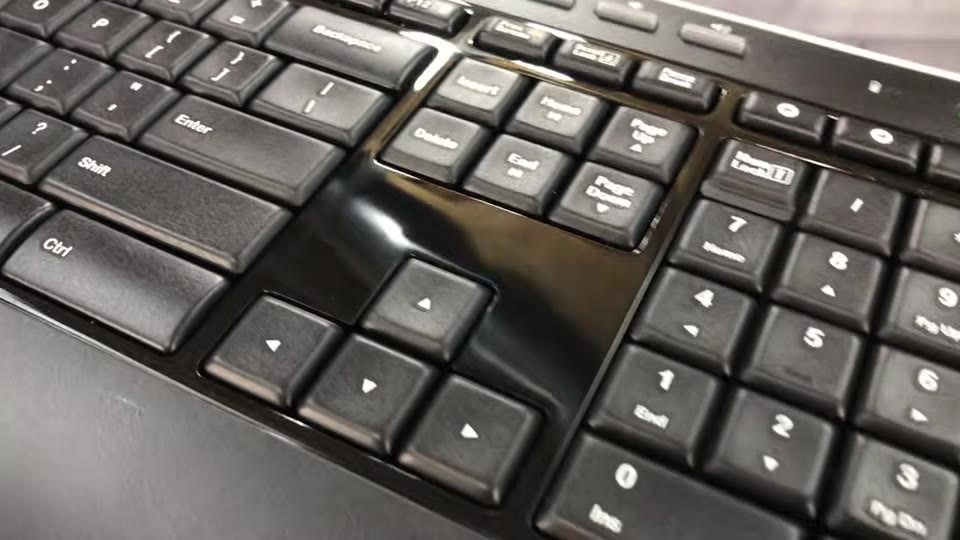
- Looks and feels more premium than the price
- Quiet typing with a soft bottom-out
- Dedicated print screen, media and volume keys
- Batteries included
- Storage spots for the receiver
- Rounded keys feel different at first
- Plastic snap-out feet could fold under when moved
▶ Watch the full review on YouTube
Why I chose the MK520
My old keyboard worked well until it failed after about a year, and I couldn’t get it working again. This time I went with something more known for quality, from a brand I’ve liked before.
It wasn’t the cheapest wireless combo on Amazon, but it was one of the cheaper ones.
What’s in the box
The keyboard, the mouse, and a tiny micro receiver that’s attached to the cardboard (not stored in the mouse like a lot of combos). Batteries are included, with pull tabs to connect them.
The mouse
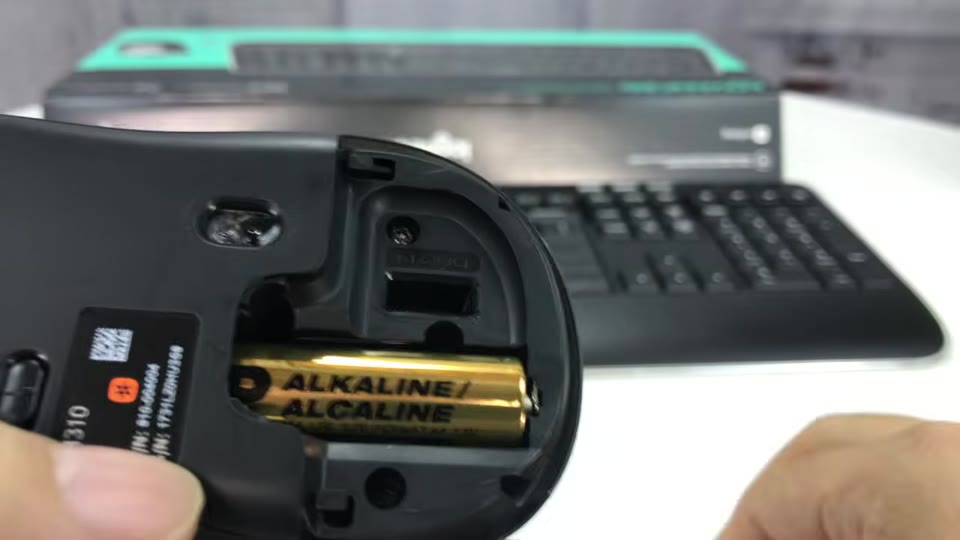
It has a gunmetal-gray top and soft, rubberized black sides for a good grip. There’s an on/off switch, the optical sensor, and a little spot to store the nano receiver if you’re taking it around.
The keyboard
It looks and feels more premium than I expected for under $40: textured plastic that won’t show fingerprints, a gloss black surround and a nice rounded palm rest.
You get dedicated volume, play/pause and track buttons, a Windows key, and the reason I bought it: a print screen button. On smaller keyboards you notice pretty quickly when it’s missing.
Typing feel
The keys are a hybrid between chiclet and old-school tall keys, slightly rounded with no gaps between them. They reminded me of big oversized car stereo buttons, but they feel good.
The travel is nice, and there’s a distinct but soft response at the bottom, so it’s pretty quiet. That’s great in an office where you don’t want click, click, click all day.
Underneath
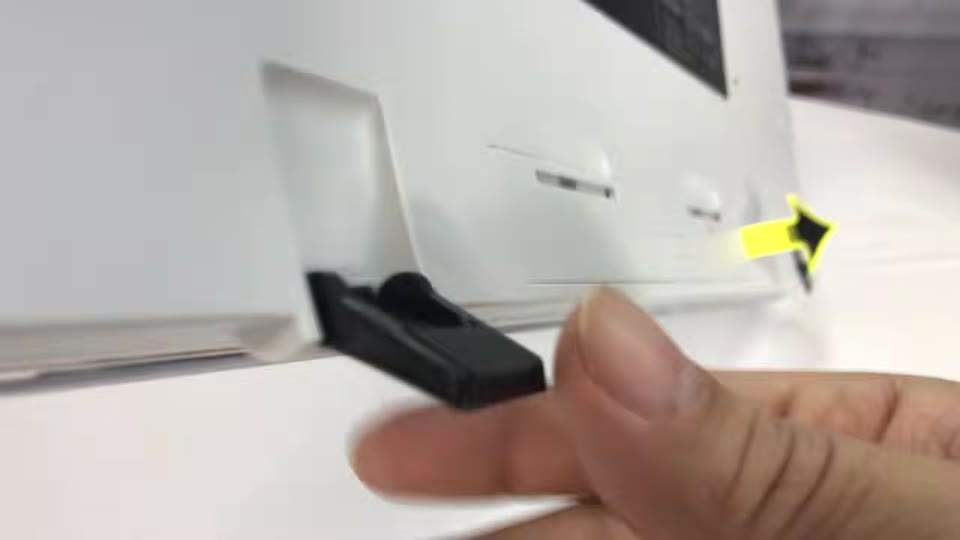
The bottom is white with snap-out feet that click in well, plus rubber pads so it won’t scuff or slide. The battery compartment also has a spot to store the receiver.
FAQ
Does the Logitech MK520 include batteries?
Yes. Mine came with batteries in both pieces.
Does it have a number pad?
Yes, it’s full size with arrow keys and a number pad.
Is the MK520 quiet?
Yes. The keys have a soft bottom-out rather than a loud click.
Does it have a print screen key?
Yes, which is one reason I bought it.


Leave a Reply