#ad: This post contains affiliate links. As an Amazon Associate I earn from qualifying purchases.
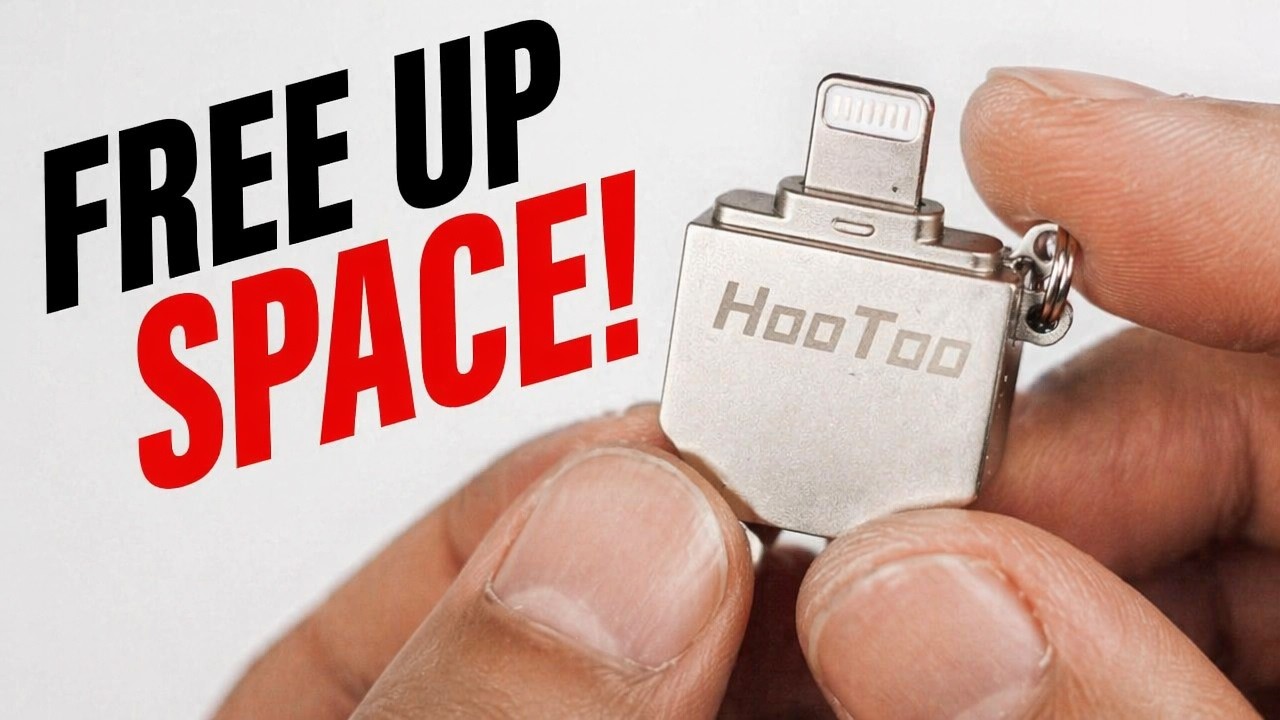
Want to carry movies on a keychain and watch them on your iPad without filling it up? I tried the HooToo 128GB Lightning flash drive.
The HooToo is a dual-ended flash drive: regular USB on one end, Lightning on the other. I loved my SanDisk iXpand, but those get expensive, so I went looking for a cheaper alternative and tested this one on my iPad Mini. HooToo’s drive isn’t on Amazon anymore, and newer iPhones and iPads have moved to USB-C, so the button goes to SanDisk’s 128GB Ultra Dual Drive Luxe with USB-C and USB-A ends. Here’s how the HooToo worked and where it fell short.
- Played every format I tried: MKV, MP4, M4V and AVI
- Swipe to scrub through a video
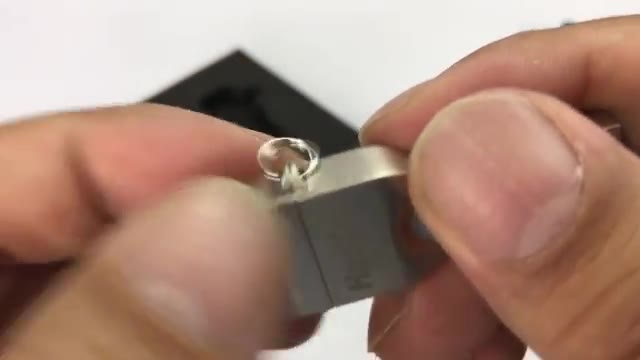
- Solid metal body with a keychain loop
- Cheaper than the iXpand at the time
- Easy way to offload photos and videos
- Requires the iPlugMate app for everything
- No playback speed control
- I couldn’t find a way to export a video to another player app
- Sometimes thought the drive was unplugged
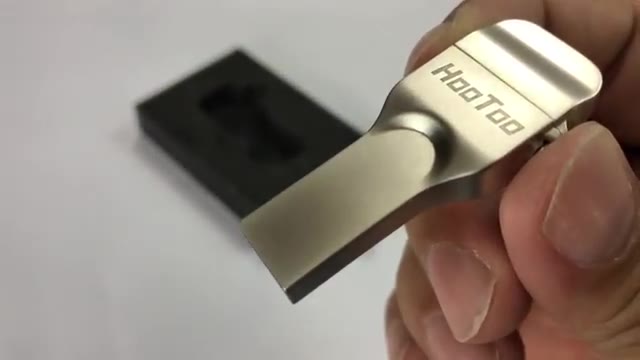
- Sticks out from the device while plugged in
- iXpand went up to 256GB; this tops out at 128GB
▶ Watch the full review on YouTube
Design and build
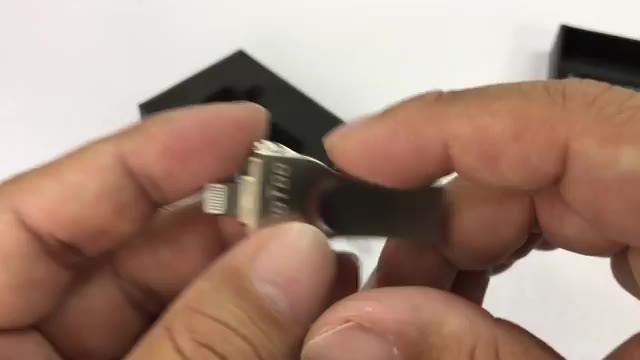
It’s a bead-blasted silver metal drive with a keychain-style loop. The Lightning end has a cap, and the other end is a standard USB plug for your computer.
When it’s plugged into an iPhone or iPad it sticks straight out, so you have to be careful with it, especially if you’re holding the device while watching.
The iPlugMate app
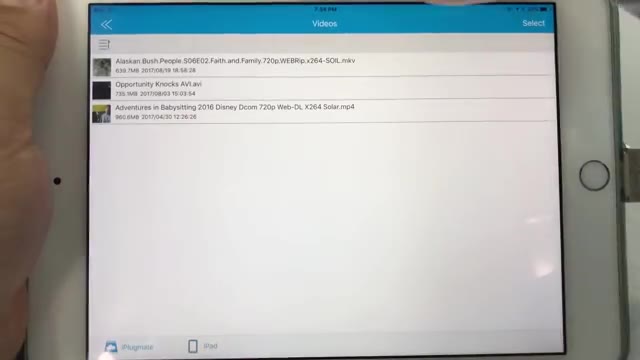
You need HooToo’s iPlugMate app to use it. You load files from your computer onto the drive, plug it into the iPad, and open the app to browse.
When you plug it in, the app shows both your iPad’s internal storage and the external drive, and you can toggle between them. It wasn’t perfect, though. Sometimes it thought the drive was unplugged, even mid-video, and I’d have to pull it out and plug it back in before it would work again.
Video playback
This is the best part. It played MKV, MP4, M4V and AVI files for me, which is great for movies that iOS won’t play on its own. You can swipe across the screen to seek forward and back.
What’s missing: there’s no way to control playback speed. With my iXpand I could export a file to a different player on my iPad and change the speed there, but in iPlugMate I found delete and other options, never an export.

HooToo vs. SanDisk iXpand
Is it as polished as the iXpand? No, and it doesn’t have as many features in my experience. I also like how the iXpand wraps around the back of the phone. But you can still do backups and put photos and music on the HooToo, and for 128GB it was the better value. The iXpand is the only one I’d seen that goes up to 256GB, if you need that much.
Today, if your phone or tablet has USB-C, a dual USB-C and USB-A drive like SanDisk’s Ultra Dual Drive Luxe makes more sense than a Lightning drive. If you still have a Lightning device, check that whatever you buy has a Lightning plug.
FAQ
Does the HooToo flash drive need an app?
Yes, it needs HooToo’s iPlugMate app.
What video formats does it play?
In my test it played MKV, MP4, M4V and AVI files.
Is it compatible with USB-C iPhones?
No, it has a Lightning plug. For USB-C devices, get a USB-C drive like the SanDisk Ultra Dual Drive Luxe.
What capacity is it?
Mine is 128GB.
Any problems?
Sometimes the app thought the drive was unplugged, and there’s no speed control.


Leave a Reply