#ad: This post contains affiliate links. As an Amazon Associate I earn from qualifying purchases.
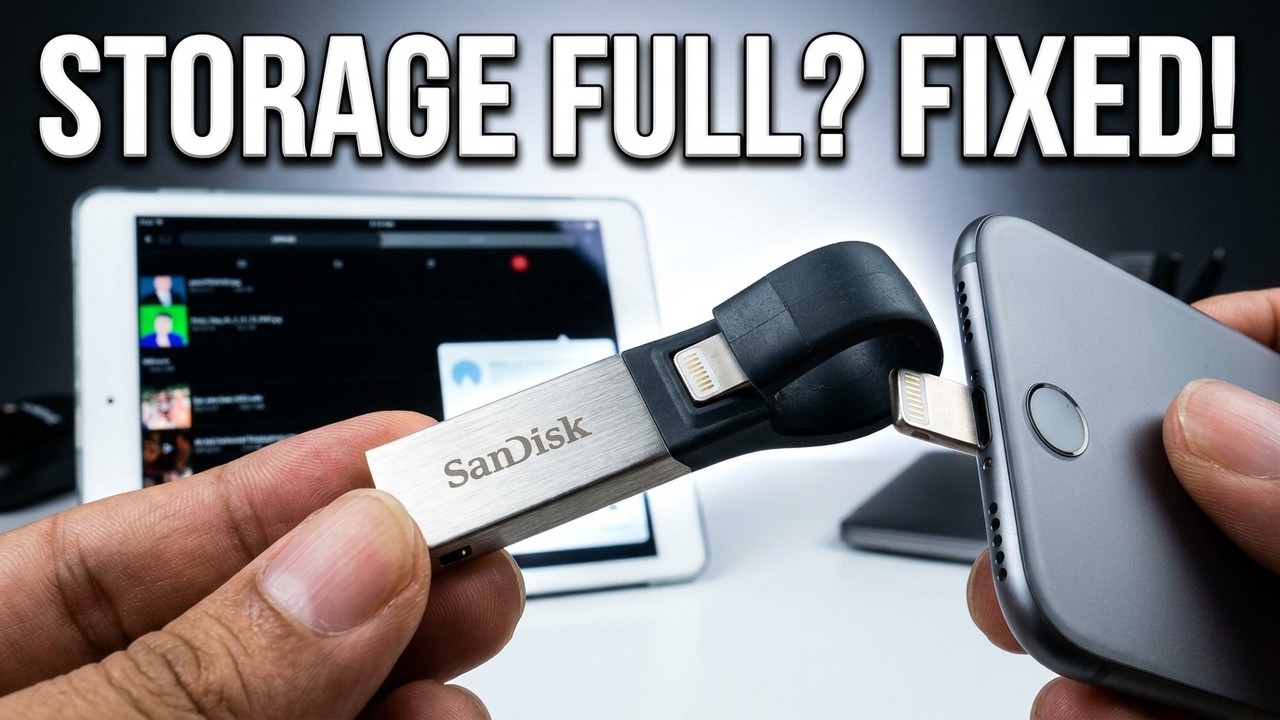
Want to bring a pile of movies on a trip without filling up your iPhone or iPad? A flash drive with a Lightning plug on one end is the trick.
I bought the SanDisk iXpand to solve exactly that problem, and it took me a while to pull the trigger. Here’s how it works, which video formats played, the features I really like, and the couple of things to keep in mind.
- Curved, rubberized design hugs the device and worked through my iPad and iPhone battery cases
- Plays AVI and MKV, not just iOS-friendly M4V/MP4
- Drag-and-drop loading from a computer
- Password-protected secure vault that encrypts files
- Device independent: hand it to anyone with an iPhone or iPad
- The scrub bar in the player can be finicky
- No variable playback speed in the iXpand app itself
- Securing large video files takes a while
- Uses a little of your device’s battery
▶ Watch the full review on YouTube
The problem it solves
When I travel I want 20 episodes of TV or a stack of movies with me, because I don’t know what I’ll be in the mood for. Loading them onto an iPad or iPhone takes time, often needs converting to an iOS format or a third-party app, and you end up copying the same files to two devices.
Storage on iOS devices also fills up fast with photos and videos. A flash drive that holds everything and plugs into whichever device I’m using was really enticing.
Design: why the curved shape matters
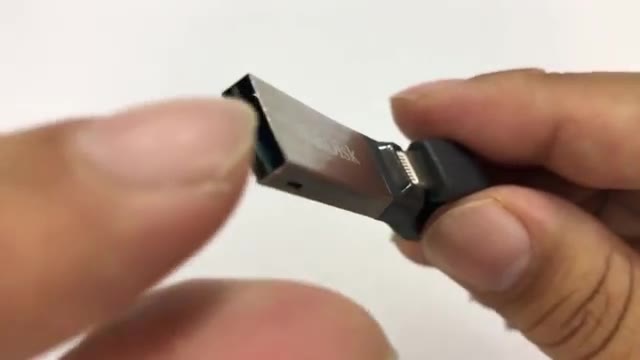
Mine is the 32 GB model. It has a little key-loop shape and a rubberized body, and I really like the form factor.
When you plug it in, it has a bit of resistance and hugs the device. It worked fine with a case on my iPad and with my battery case on my iPhone, and it clips in place instead of sticking straight out where it could get knocked and snap off.
How to set up the SanDisk iXpand
- Install the free SanDisk iXpand Drive app from the App Store.
- Plug the drive into your computer and drag and drop your movies, shows or photos onto it.
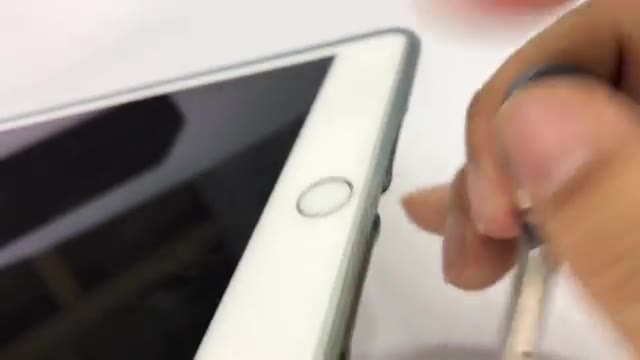
- Plug it into your iPhone or iPad. A box pops up asking to open the app; allow it.
- Tap a file to play it.
You can put files right in the root of the drive, whether it’s a movie or a photo. You can also use it to back up what’s on your iPad or iPhone, which is handy for offloading videos and photos on vacation when you don’t have Wi-Fi.
Which video formats play?
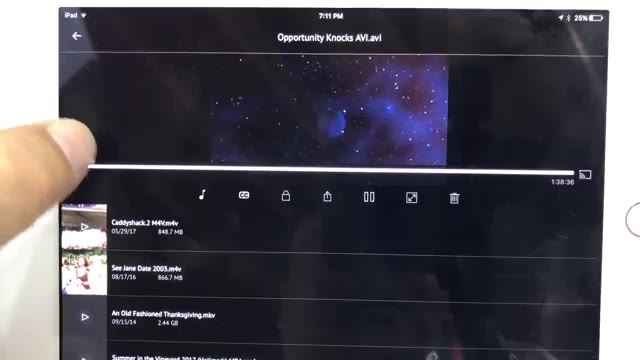
I wondered if it would only play the M4V or MP4 files iOS likes. The answer is no. An AVI played right away, an M4V was fine, and an MKV, a format you run into a lot, played too.
Picture quality looked just as good as a native file, and the volume was fine. My one gripe is the interface: there’s no growing scroll bar, so jumping around can be a little finicky. Put your finger on the bar and slide, and it works.
Secure vault for private files
You can create a password-protected secure vault. That’s nice if you have kids: put your PG-13 and R-rated movies in the vault and hand them the drive for their G-rated films.
You can’t just drag files into the vault from a computer. Instead, select files in the app and tap Secure. The app renames and encrypts them, and on a computer the names look completely garbled. Securing big video files takes a while; if you interrupt it, you can resume.
Bonus: export to another player for 2x speed
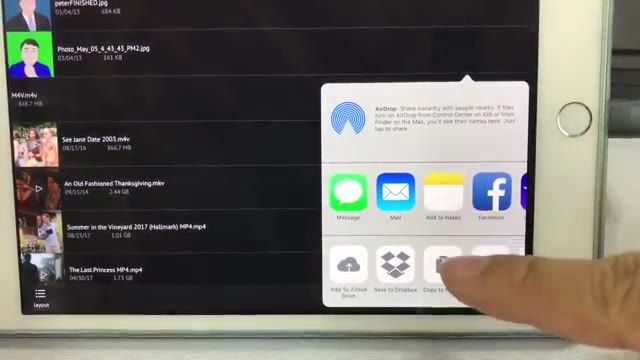
The iXpand app doesn’t do variable playback speed. I like watching slow documentaries at 2x, so I use the export menu (the ellipses) to send a movie to my AV Player HD app.
It copies the file into that app’s inbox (an 848 MB file took a moment), and then I can unplug the drive and watch at whatever speed I want.
Verdict
It works phenomenally, and that’s why I’m raving about it. The form factor is great, the app works remarkably well, and it’s device independent, so you’re truly mobile with everything on one drive.
Keep in mind it runs off your device’s power, so you’ll give up a bit of battery. For me that’s a small price to pay, and I’m tempted to step up to the 256 GB version.
FAQ
Does the SanDisk iXpand play MKV files?
Yes. In my test an MKV played, along with AVI and M4V files.
Do you need an app for the iXpand?
Yes, the free SanDisk iXpand Drive app. It launches when you plug the drive in.
Can I password-protect files?
Yes. The secure vault encrypts files and needs a password, but you add files through the app, not by dragging them in on a computer.


Leave a Reply