#ad: This post contains affiliate links. As an Amazon Associate I earn from qualifying purchases.
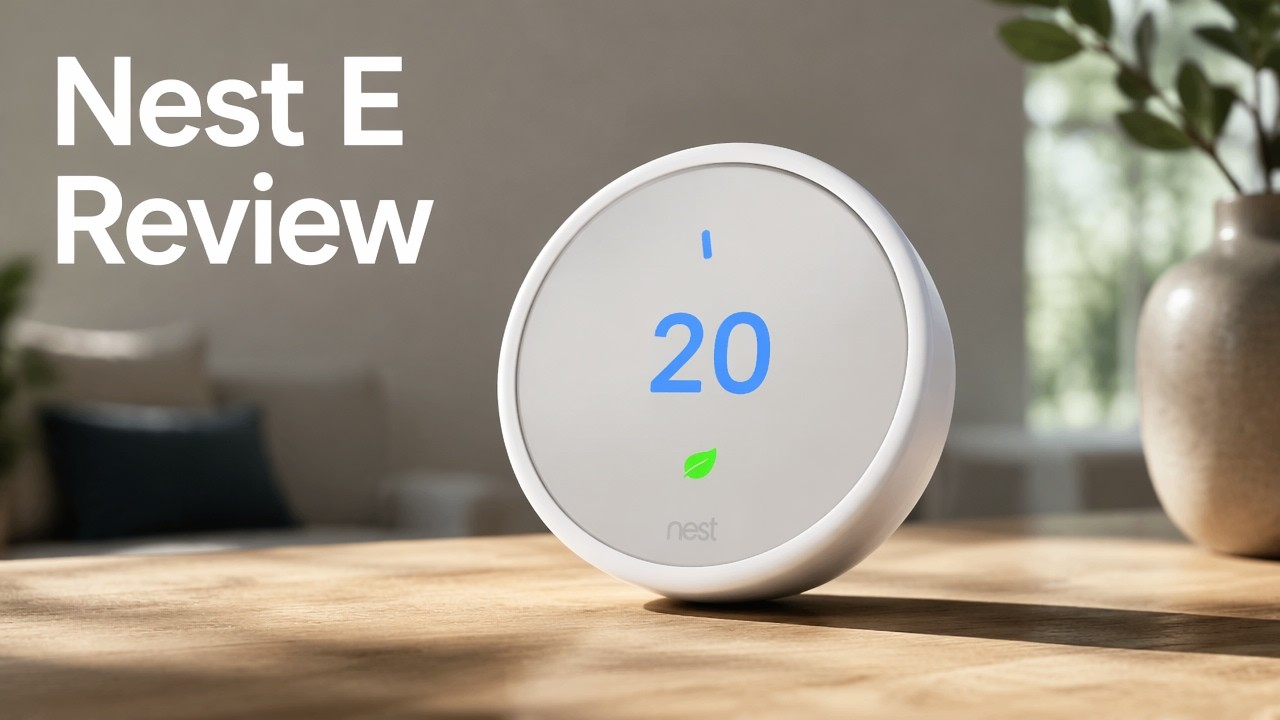
The Nest Thermostat E was a lot cheaper than the original Nest, and in some ways I liked it even more. Here are the measurements, setup and my take.
I bought the Thermostat E at half off through my Chicago-area power company’s smart thermostat discount. It has a frosted display and a white finish designed to disappear into the wall. Google no longer sells the Thermostat E, so the button goes to the current Google Nest Thermostat on Amazon. Before you buy, check with your energy provider for rebates.
- Cheaper than the original Nest
- Neutral white design blends into the wall
- Lighter and a bit thinner
- Smooth outer ring with no jitter
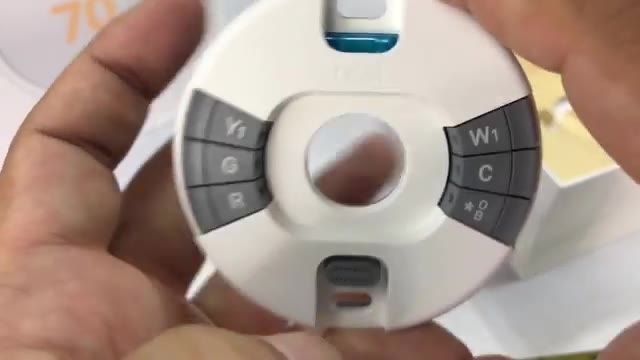
- Bubble level in the base
- Matching trim plate covers old holes
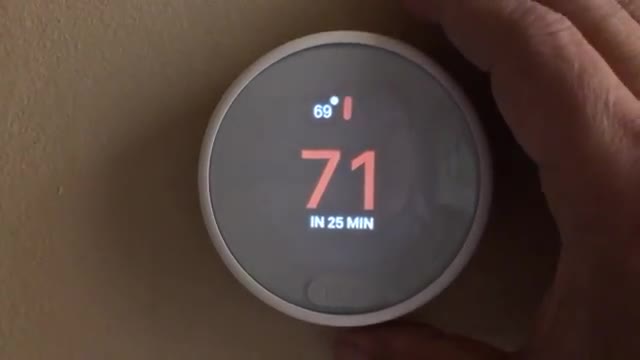
- Blue for cooling, orange for heating
- Wakes when you walk up
- Adjust from the app anywhere
- Frosted screen isn’t as bright as the original
- Some people may find it harder to read
▶ Watch the full review on YouTube
Design: made to disappear
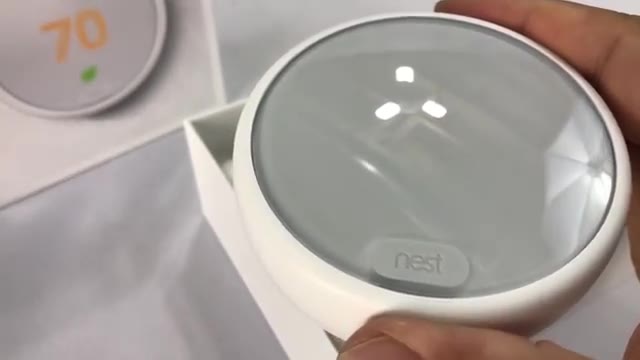
The cover is clear and smooth, with the frosting on the underside. The body is off-white, almost eggshell, with a matte, drywall-like finish, so it should blend in with most paint. The original black Nest with its polished ring looked like a piece of hardware, a computer on the wall. This one just chills.
The outer ring rotates to change the temperature, smoothly with a little resistance and no clicking. You can program schedules in the app, and if you adjust it manually it learns over time.
Measurements you’ll want
The thermostat is about 3 5/16 inches across and about 13/16 of an inch thick, plus a sixteenth or two for the slight dome.
The included trim plate is just under 6 inches wide and almost 4 3/8 inches tall. It’s the same plastic as the thermostat, so it’s a perfect color match, and it covers holes left by an older, bigger thermostat if you’d rather not repair the wall.
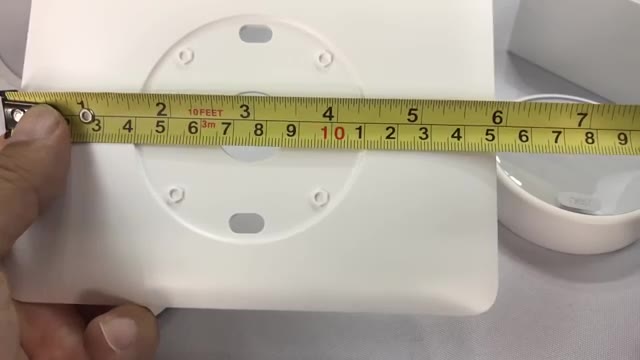
Base plate with a bubble level
You run your wires into the base plate and mount it to the wall. It has a built-in bubble level, which matters because you want the display to look straight, especially if you’re a little OCD. Once the thermostat clicks on, it sits just a few sixteenths of an inch off the wall.
Installing and setting it up
My old thermostat was much bigger, so I took it off, sanded down built-up paint, spackled, and sanded again for a clean install. The Nest itself is big enough to cover the wire hole.
Clip the thermostat onto the base, push the ring to select, connect to your home network, and it runs a quick test that kicks on your furnace or AC.
Using it day to day
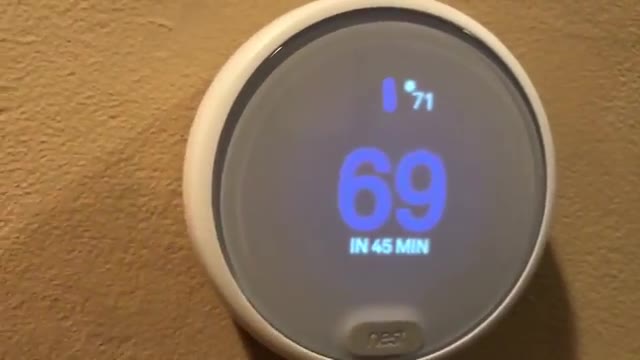
The temperature marker tracks the ring closely. The current temperature showed 71, and I turned it down to 69. It glows blue when cooling and orange when heating, so you know at a glance. There seems to be a proximity sensor too: walk up and it shows the temperature.
Through the frosted cover it’s not as bright as the original Nest, and some say it’s harder to read if your eyesight isn’t great. I have no problem seeing it. Being able to adjust it from bed or while out with friends is really nice.
FAQ
How big is the Nest Thermostat E?
About 3 5/16 inches across and about 13/16 of an inch thick.
How big is the trim plate?
Just under 6 inches wide and almost 4 3/8 inches tall.
Is the Thermostat E hard to read?
It’s not as bright as the original Nest because of the frosted cover, but I had no trouble seeing it.
What do the colors mean?
Blue means cooling and orange means heating.
Can I get a discount?
Check with your energy provider. Mine offered half off.
Is the Thermostat E still sold?
Google has replaced it. The button goes to the current Google Nest Thermostat.


Leave a Reply