#ad: This post contains affiliate links. As an Amazon Associate I earn from qualifying purchases.
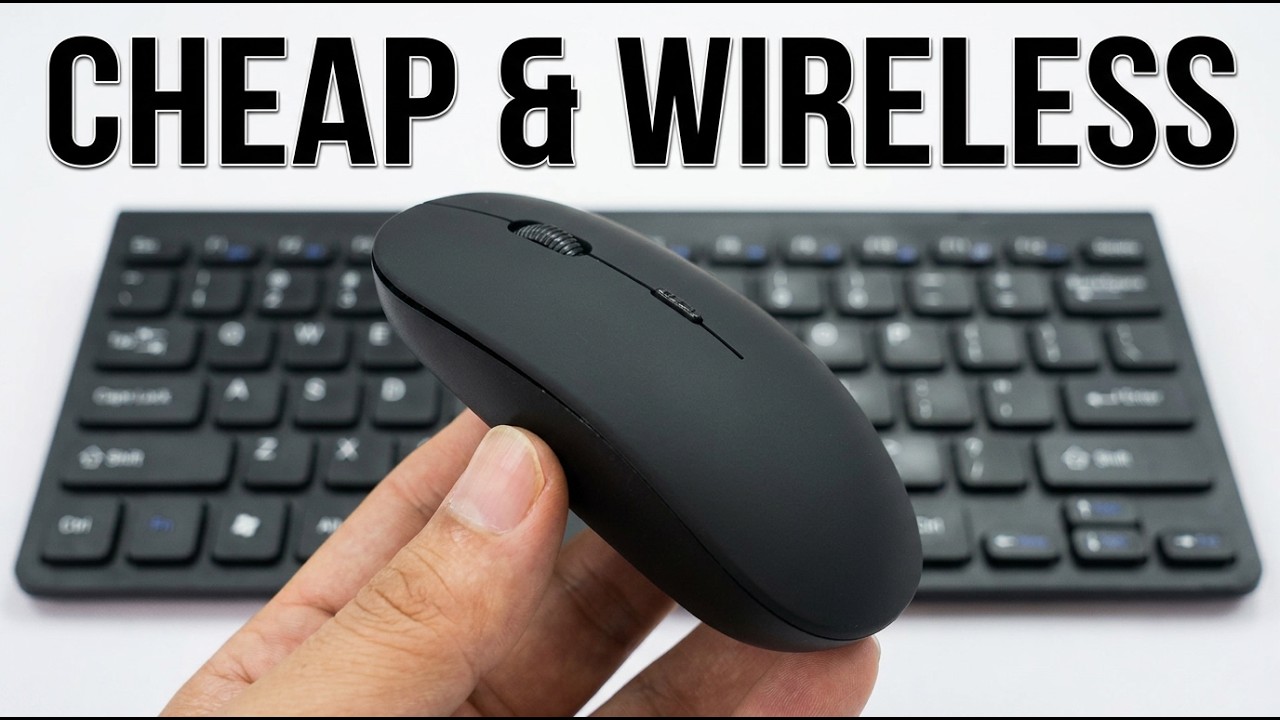
Want to go cordless without breaking the bank, and free up desk space by losing the number pad? This combo cost me about $12.
I reviewed a cheap UPWADE 2.4 GHz wireless keyboard and mouse combo with an Apple-like look. That exact set isn’t listed anymore, so the box below links a current compact keyboard and mouse combo in the same style.
- Very cheap for a keyboard plus mouse
- Frees up desk space
- Mouse scroll wheel has satisfying clicks
- Plug-and-play setup
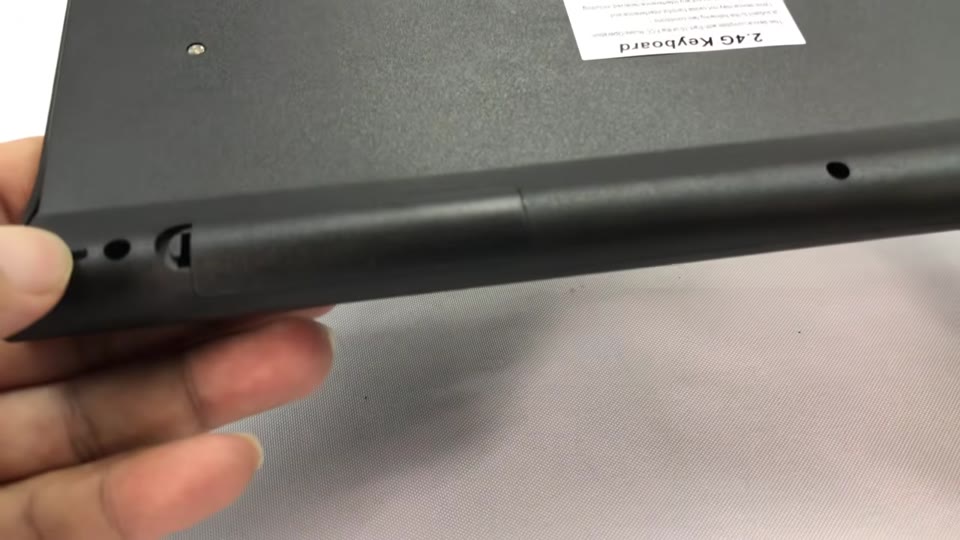
- Receiver stores inside the keyboard
- Light, cheap-feeling plastic
- No kick-out legs
- Batteries not included
- Low mouse takes getting used to
▶ Watch the full review on YouTube
Why I bought it
I’d beaten up my old corded keyboard. I wanted a set with a mouse included, which surprisingly most didn’t, and no side number pad because I don’t use it much.
It was the cheapest one I could find, about $12 for the whole set.
The mouse
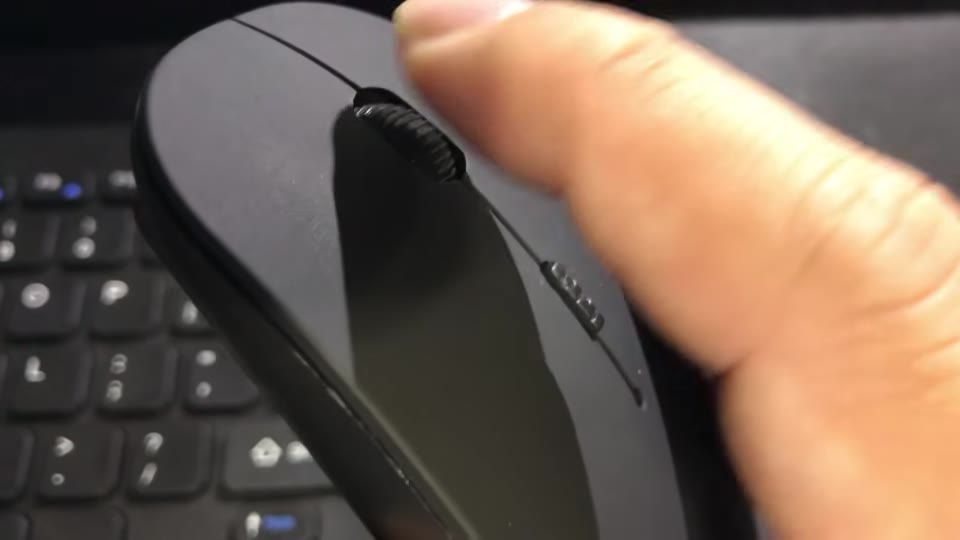
It has the form factor of the Apple mouse: low and curved both ways, with a soft-touch top. The underside curves in so your fingers rest comfortably.
The scroll wheel has distinct but subtle clicks that feel conclusive and high quality. It takes 2 AAA batteries, not included.
The keyboard
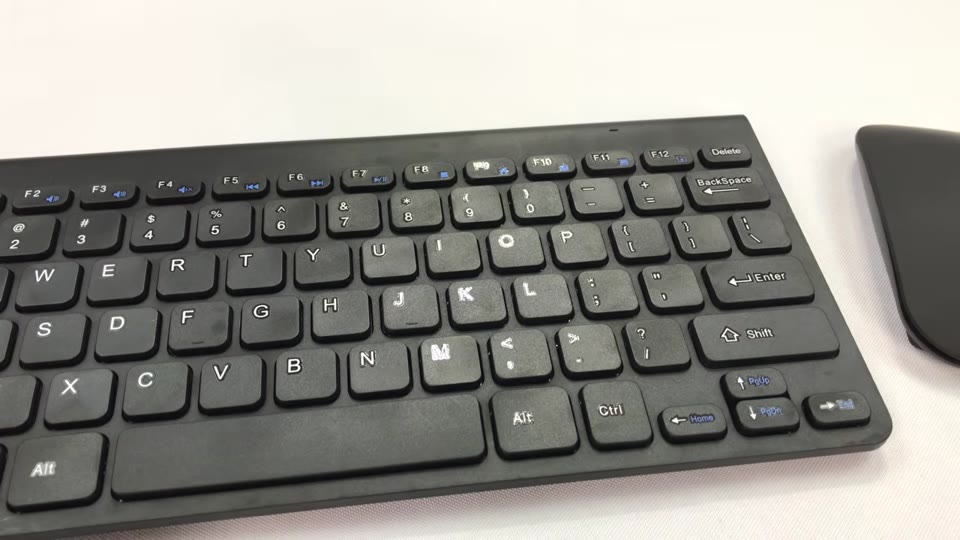
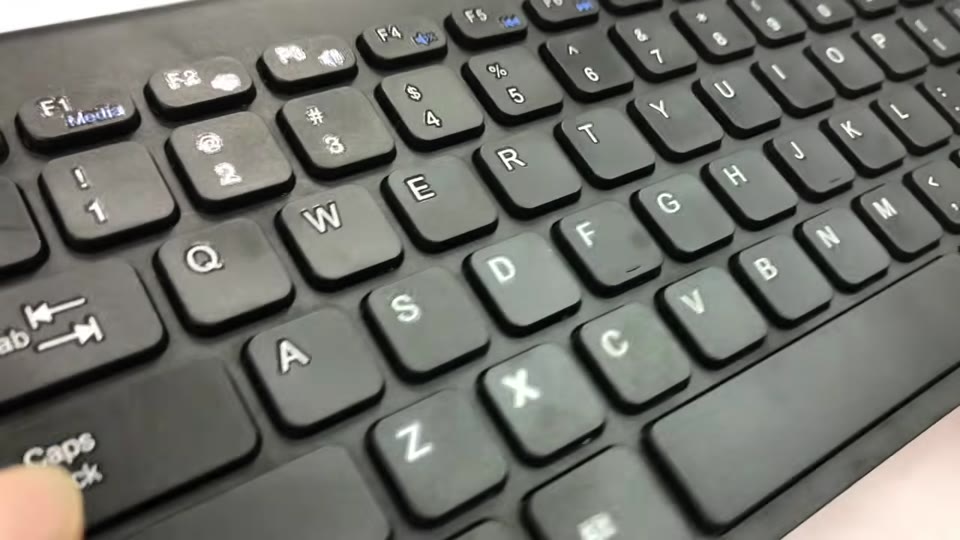
It’s light, with that Apple keyboard look: a thicker rolled edge and a flat panel. It’s plastic, not aluminum, and feels a bit cheap, but the matte finish won’t show fingerprints.
The keys are chiclet style, with a separate Enter key, backspace and delete, a Windows key, a function key, and media functions up top. There are no kick-out legs, just hard rubber feet so it doesn’t slide.
Setup
The USB receiver stores inside the keyboard, so you don’t need Bluetooth built in. Put 2 AAA batteries in the keyboard and 2 in the mouse.
I plugged the receiver into my desktop. Windows found and installed a driver, and it was working before it even finished.
How it types
Key response and travel are just fine, with a soft click at the bottom, kind of like a MacBook. Going from a keyboard with a number pad feels a little off-center at first, but everything works.
Verdict
I wish the plastic were higher quality, but for $12 for the pair, how can you go wrong? It’s a great way to go cordless cheaply.
FAQ
What batteries does it need?
2 AAA in the keyboard and 2 AAA in the mouse, not included.
Does it need Bluetooth?
No. It uses a USB receiver that stores in the keyboard.
Does it have a number pad?
No, it’s compact.
Is setup hard?
No. It was plug-and-play on my Windows desktop.


Leave a Reply