#ad: This post contains affiliate links. As an Amazon Associate I earn from qualifying purchases.
I bought the Apple Watch Series 3 with LTE thinking I could leave my iPhone at home. I nearly returned it. Here’s what worked and what didn’t.
Mine was the GPS + Cellular version on AT&T, tested with my iPhone off or left behind. This was the 2017 Series 3, and Apple has updated watchOS a lot since then, so check Apple’s current feature list before you buy. The button goes to the current Apple Watch GPS + Cellular. Here’s what I found back then.
- Phone calls
- iMessage to other Apple devices
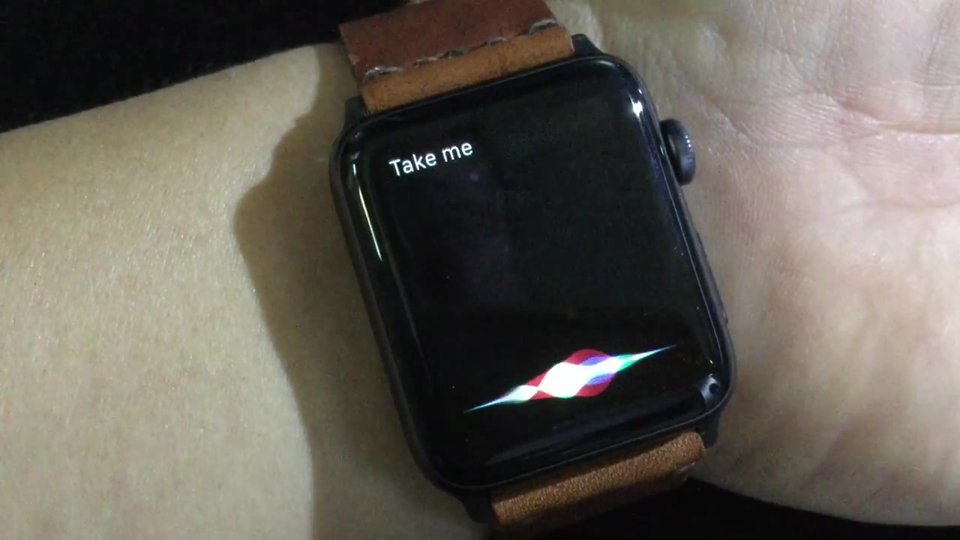
- Turn-by-turn navigation with tap alerts
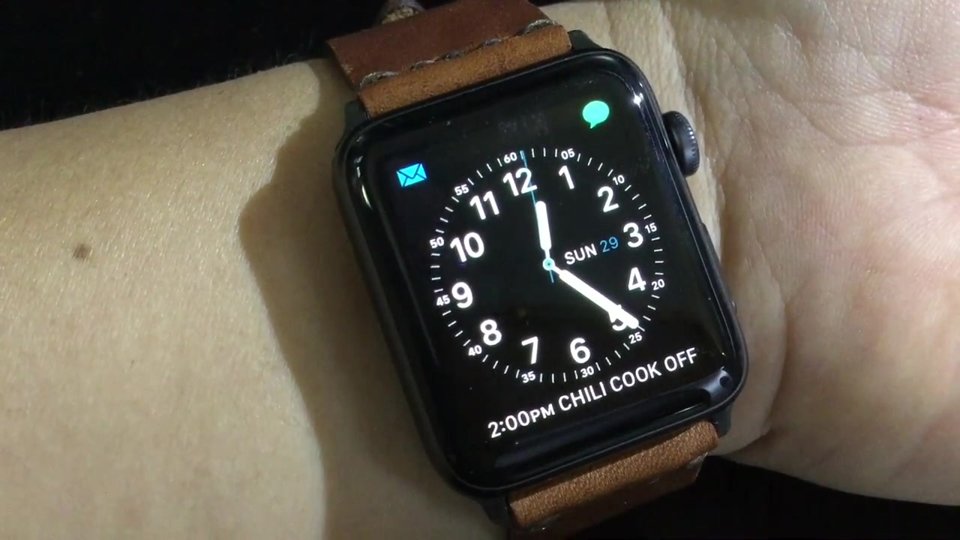
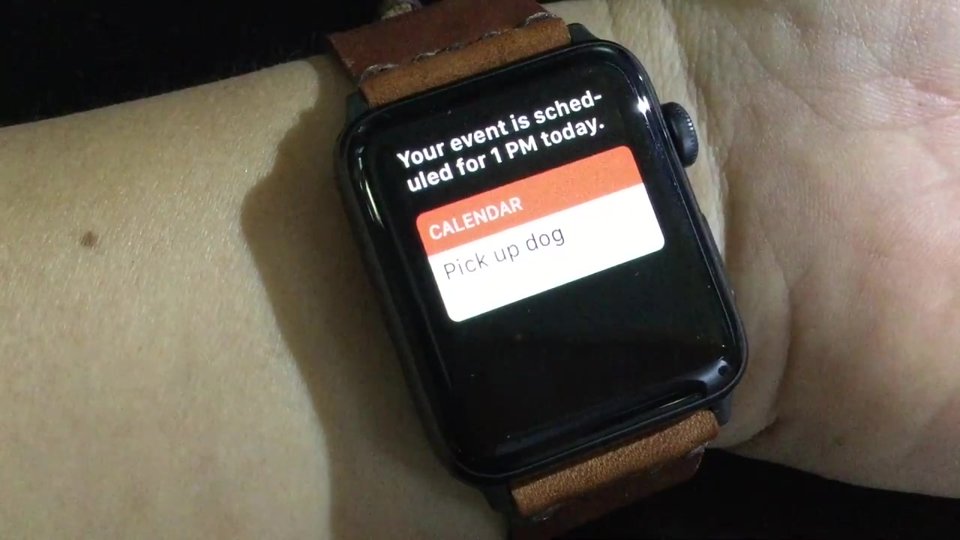
- Calendar alerts already synced to the watch
- Adding events with Siri (syncs later)
- Nest thermostat control
- SMS texts to non-iPhone users
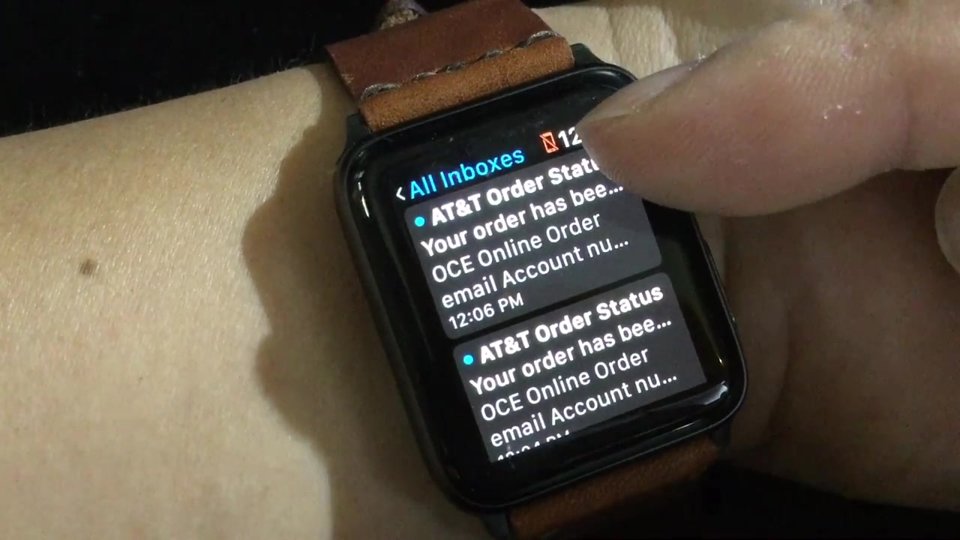
- Pulling or composing live email
- New calendar events from the cloud
- Podcasts not stored on the watch
- Most third-party apps
▶ Watch the full review on YouTube
Why I almost returned it
I’d been testing it with and without my iPhone. I knew going in there would be limits, probably partly because Apple was working with carriers to keep it affordable. But it’s not a small iPhone. A lot of things need the iPhone to do the heavy lifting.
Text messages: iMessage yes, SMS no
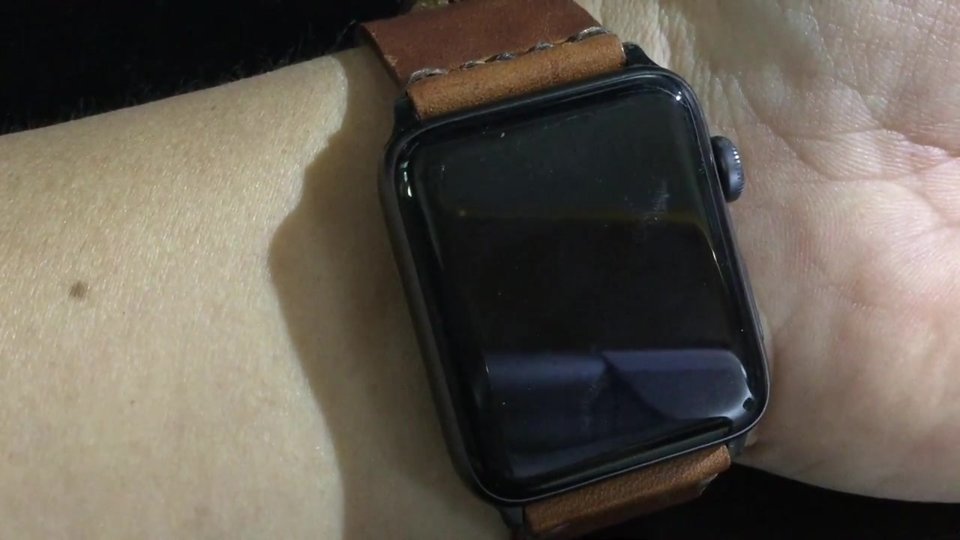
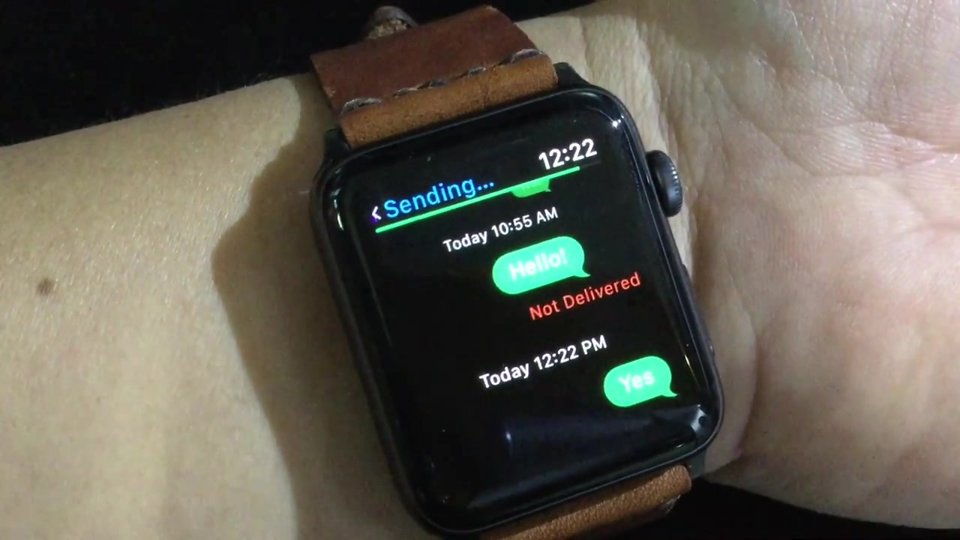
Texts to a non-iMessage account just sat there trying to send, then failed with a notification a minute or two later, and there’s no way to push it again. iMessage to other Apple devices works.
The good news: they’re not lost. When I powered my iPhone back on, the backlog of texts went out, maybe half an hour or an hour later.
Calendar: alerts yes, new events no
Events only come over through the phone. I use Gmail, so an event added there won’t show up on the watch until the iPhone picks it up. Events already synced still give me reminders, which matters because I run a lot of back-to-back meetings.
You can add an event with Siri, like “pick up dog at 1 PM”. It’s stored on the watch and syncs up once the iPhone is back.
Email, podcasts and apps
Email shows a little no-phone icon and won’t refresh. You can trash messages and that syncs later, but it never pulls live email, and Siri sends you to the iPhone to compose. That was a big disappointment.
Podcasts were another one. I hoped to pair Bluetooth headphones and listen on the mower without my phone. My Downcast app was just a remote for the iPhone. Most third-party apps, like Wunderlist, didn’t work either. Nest did, and some news apps like USA Today pulled snippets.
What worked well
Phone calls work, and so does iMessage. Navigation impressed me: ask Siri for the nearest McDonald’s and you get directions with taps on your wrist, no iPhone needed. Long-press the destination and you can call it.
In the end I kept it. Calendar reminders alone were worth it for me, but I’d love to see more apps work standalone.
FAQ
Can the Apple Watch Series 3 send texts without the iPhone?
In my test, iMessage worked but SMS texts to non-iPhones didn’t send until my iPhone was back on.
Does email work on LTE?
Not in my test. It wouldn’t pull new email or let me compose one.
Do phone calls work?
Yes, calls worked over cellular.
Did you keep it?
Yes. The calendar reminders were important enough for me.
Is this still true for new Apple Watches?
This was the 2017 Series 3. Apple has updated watchOS a lot since then, so check Apple’s current feature list.


Leave a Reply