#ad: This post contains affiliate links. As an Amazon Associate I earn from qualifying purchases.
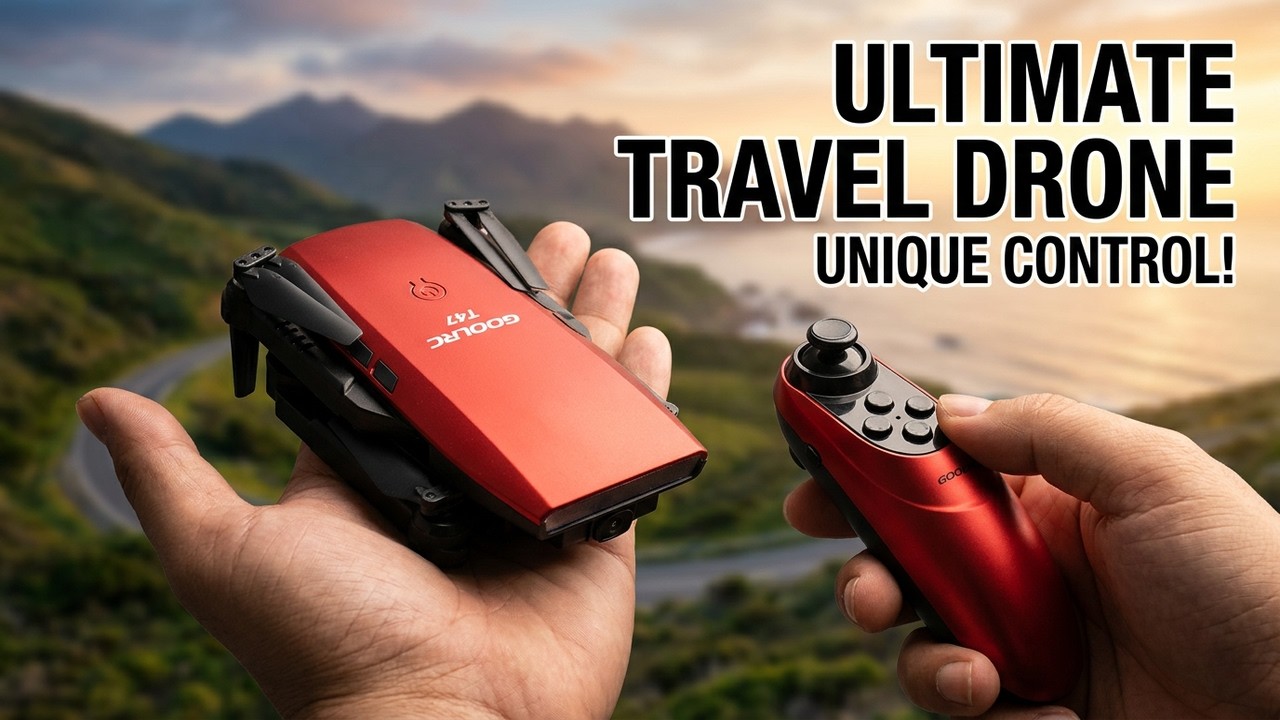
Want a drone that’s tiny enough to toss in a bag for a trip? I unboxed the GoolRC T47 and took it on its first flight.
Here’s what comes in the case, how the unusual tilt-to-fly controller works, and how my first flight went (spoiler: there was a learning curve).
- Very small and light, easy to travel with
- Comes with spare props and a tool
- Controller pairs and responds quickly
- Tilt control starts to feel intuitive
- A totally different control scheme from most drones
- Sensitive, so expect a learning curve (and crashes)
- Fingerprints show on the glossy finish
▶ Watch the full review on YouTube
What’s in the box?
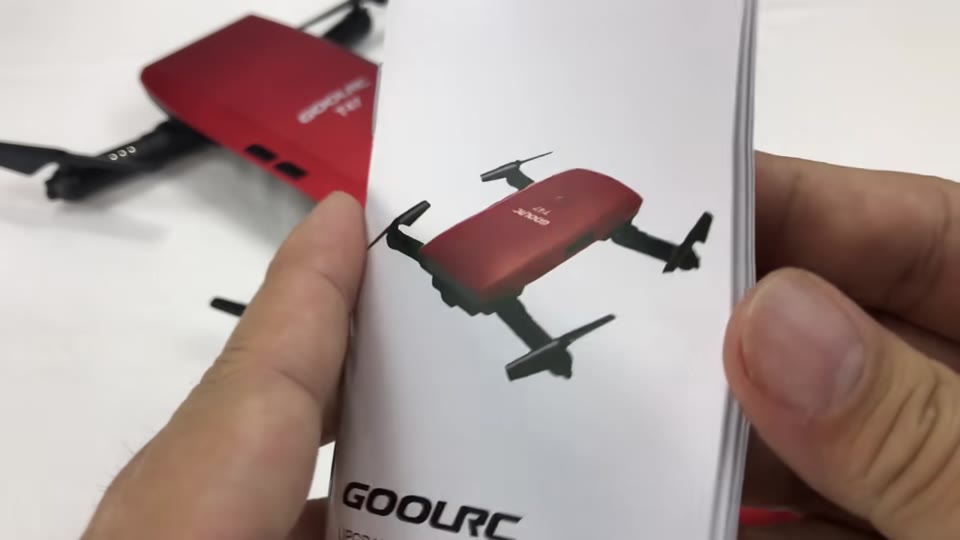
The T47 comes in a hard-sided zippered case with a carbon-fiber-style weave. Inside: the drone, a matching red controller, the manual, a very small Phillips screwdriver, four extra props (they’re assuming you’ll break some), and a small USB charging cable.
Build and design
It’s shiny metallic red, a bit like the red iPhone, and it’s very light, all plastic. The arms swivel out and click into place. There’s a transparent lens on the front for the lights, a camera that tilts up and down, and four rubber feet on the bottom.
The battery slides out from a compartment underneath, and the charging port sits under the arms. There’s a power button on top.
How does the GoolRC T47 controller work?
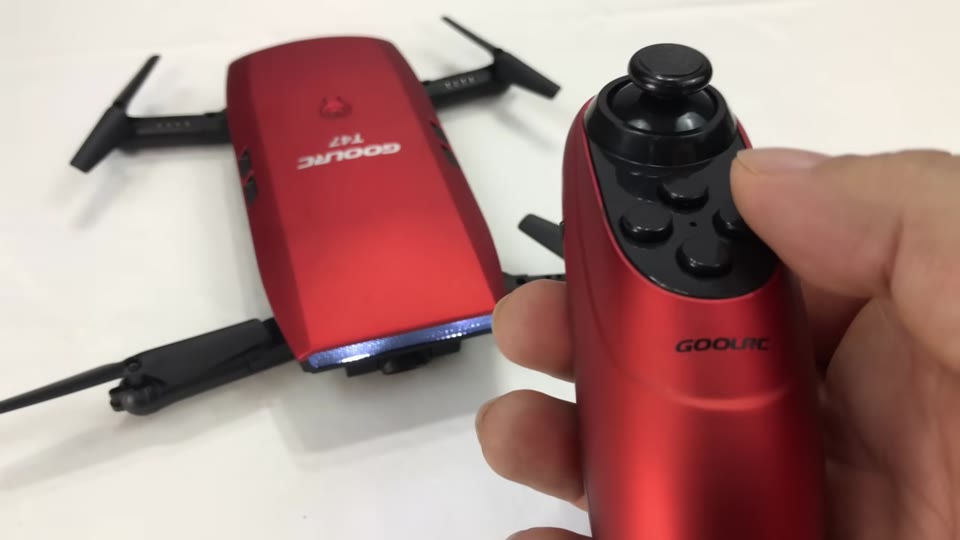
This is the big difference from other drones. The controller has a gravity sensor, so you fly partly by tilting it:
- Joystick: up and down for altitude, left and right to turn (yaw)
- Tilting the controller forward or back moves the drone forward or back, and leaning it side to side moves it sideways
- Trigger: high/low speed
- Buttons: headless mode, calibration (long-press for 2 seconds), emergency stop, and light control
How to pair and calibrate the T47
Charge the drone and put 2 AAA batteries in the controller. Once the light goes steady red, it’s paired.
Then hold the controller vertical and flat, and hold the calibration button for 2 seconds. It calibrates based on how you’re holding it, so if you’re facing the drone the wrong way your controls will feel backwards. That happened to me, and I had to re-pair and recalibrate.
How does it fly?
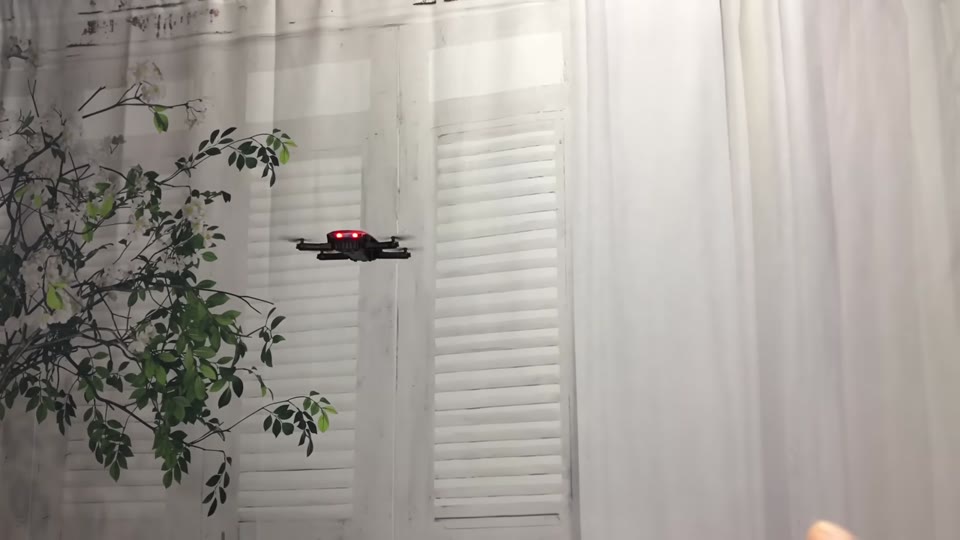
Like any drone, it’s touchy, and it definitely took a while to get the hang of. But it syncs to the remote well and responds quickly, and once the tilt control clicked, it actually felt a bit intuitive.
I flew it indoors, and I’m sure it’d be even more fun outside.
FAQ
How do you calibrate the GoolRC T47?
After pairing, hold the controller vertical and flat, then hold the calibration button for 2 seconds.
What batteries does the T47 controller take?
2 AAA batteries.
Is the GoolRC T47 hard to fly?
It has a learning curve because you tilt the controller to move, but it starts to feel intuitive with practice.


Leave a Reply