#ad: This post contains affiliate links. As an Amazon Associate I earn from qualifying purchases.
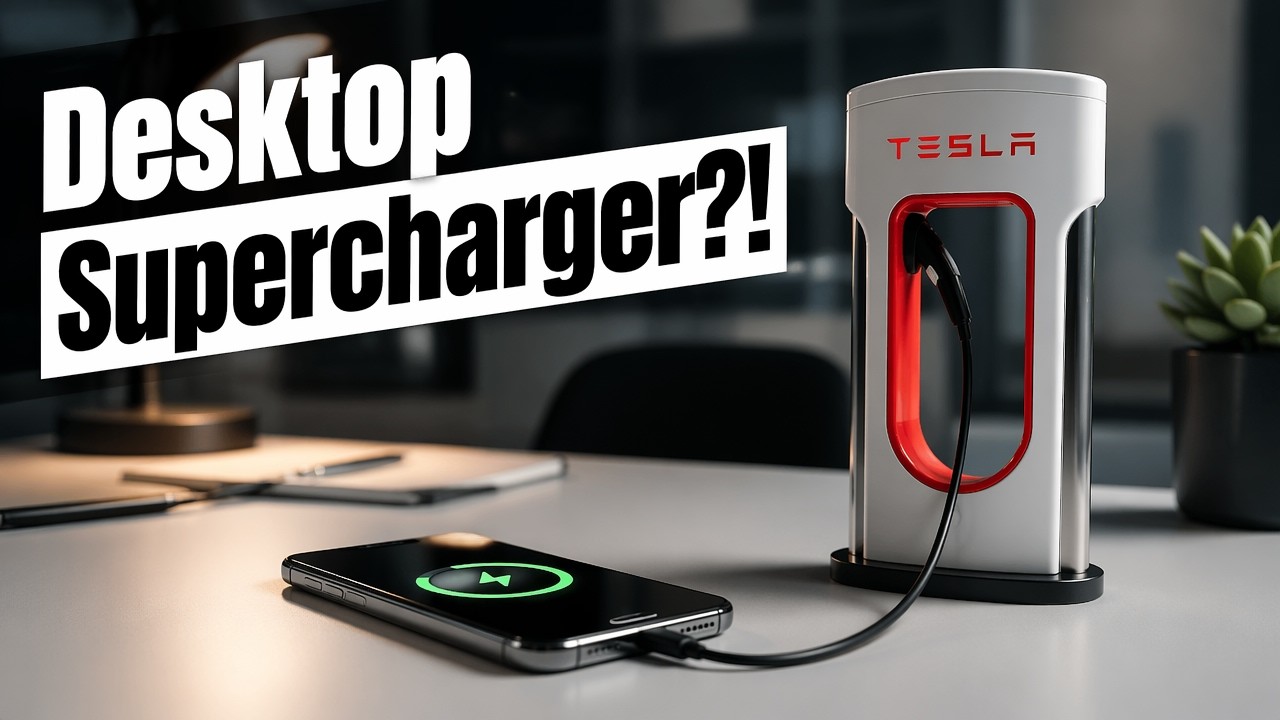
Want a mini Tesla Supercharger on your desk that actually charges your phone? This scale model looks just like the real stations.
I bought Tesla’s desktop Supercharger from the Tesla shop for about $45. Here’s how it’s built and how to snake your own cable through it. The one I reviewed came from Tesla; the box below links a desktop Supercharger replica that’s on Amazon now.
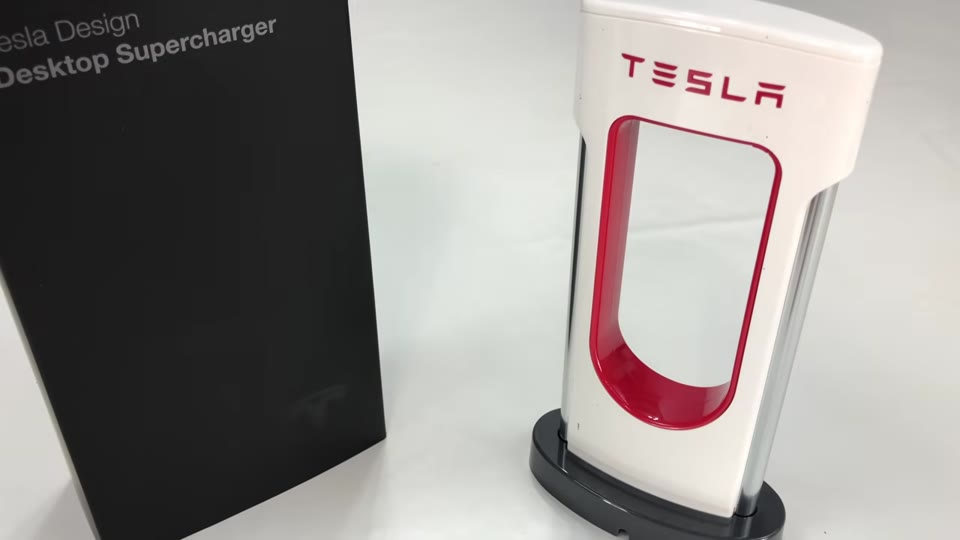
- Looks just like a real Supercharger station
- Metal side posts like the real thing
- Works with your own Lightning or other phone cable
- Fun desk piece for Tesla fans
- No cable or power block included
- Assembly is tedious
- Base plate wiggles a bit
- Top-heavy; relies on tape to stay put
▶ Watch the full review on YouTube
What it is
It’s a desktop Supercharger: something you put on your desk to charge an iPhone or Android device. It’s a facsimile of the Superchargers you see at rest stops where you charge a Tesla car.
There are 3D-printed versions online too, but the ones I’ve seen look a little janky.
Build quality
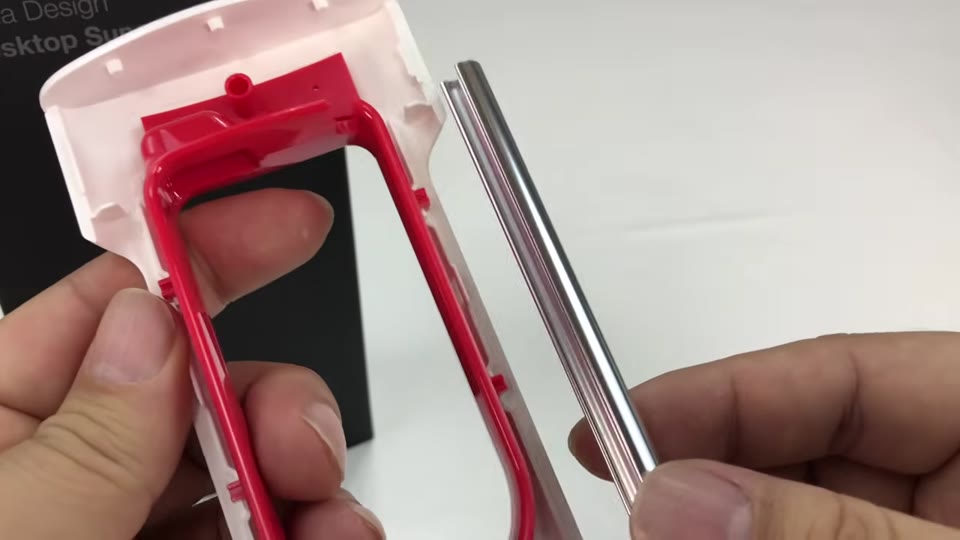
It’s white plastic with a red Tesla logo that’s a separate red plastic piece pressed in from the back, not paint. The side posts are metal with a brushed, partly finished stainless look, like at the stations.
The gray base plate wiggles a little; it’s not Apple-like quality. There’s double-sided tape on the bottom if you want to mount it permanently.
What’s in the box (and what isn’t)
Just the Supercharger. No cables, and no USB port inside it, which I half expected. You have to provide your own cable and power block.
To look right, the cable should be black like the real station’s cord, and long enough to loop around and still reach your power block.
How to install your cable
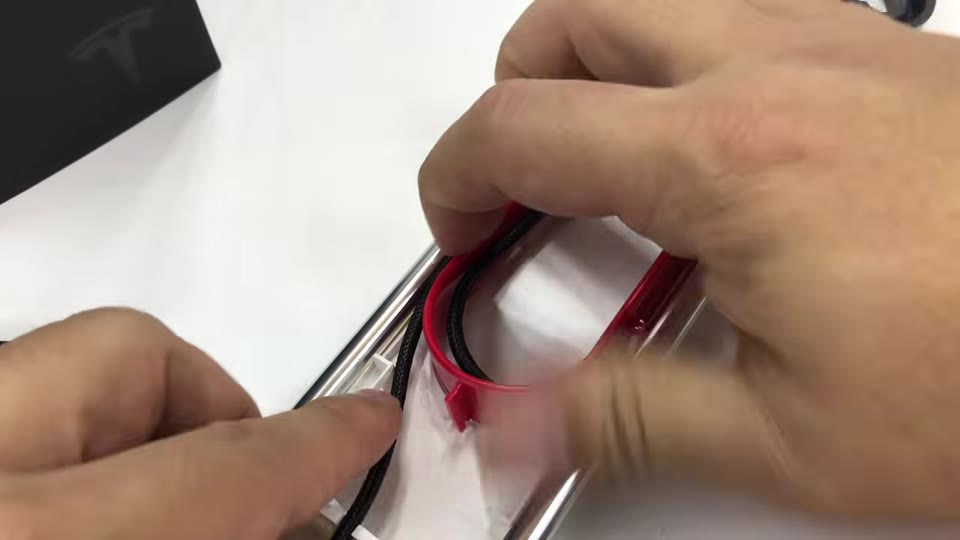
- Pull the bottom base plate off (it takes a little muscle).
- Lift off the side with the slot; the clamshell comes apart and the side posts fall out.
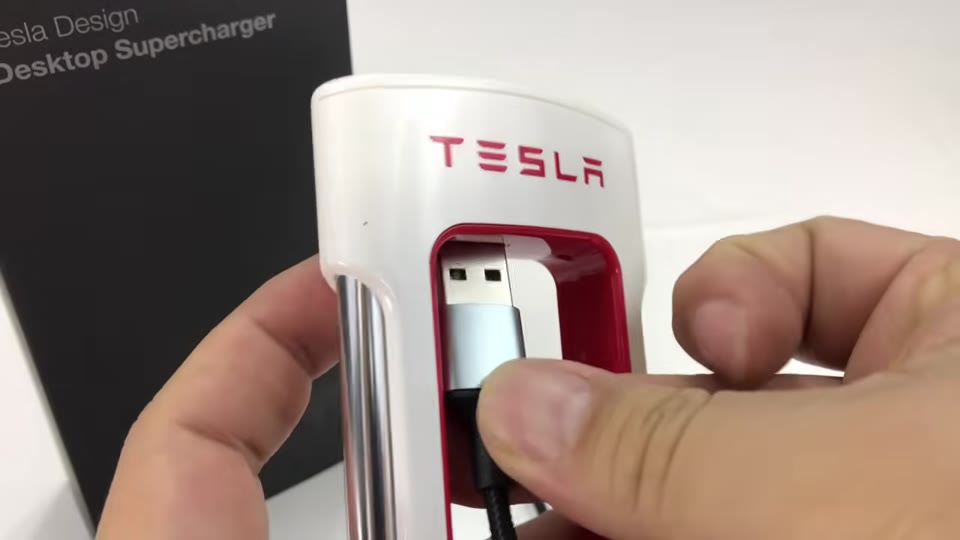
- Run your cable up through the body and out the top so it hangs like a real Supercharger cord. I had to lift a metal bar and run the cable along it to make it fit.
- Put the side posts back, close it up, and feed the cord through the base plate.
It’s a tedious assembly, I can tell you that.
Tips
It’s top-heavy, which is probably why they include the tape. I’d rather use one of those silicone sticky pads from a dash mat so it doesn’t leave residue.
Don’t leave too much slack inside, or the cord won’t hang right.
Is it worth it?
Whether it’s worth $45 depends on how much of a fanboy you are. It’s pretty cool looking, and I dig it.
FAQ
Does the Tesla desktop Supercharger come with a cable?
No. You use your own cable and power block.
Does it have a USB port?
No, not that I could find. It’s a holder you thread your cable through.
How do you get the cable in?
Pull off the base, open the clamshell, and route the cable up through the body and out the top.
Where did you buy yours?
From Tesla’s online shop, for about $45.


Leave a Reply