#ad: This post contains affiliate links. As an Amazon Associate I earn from qualifying purchases.
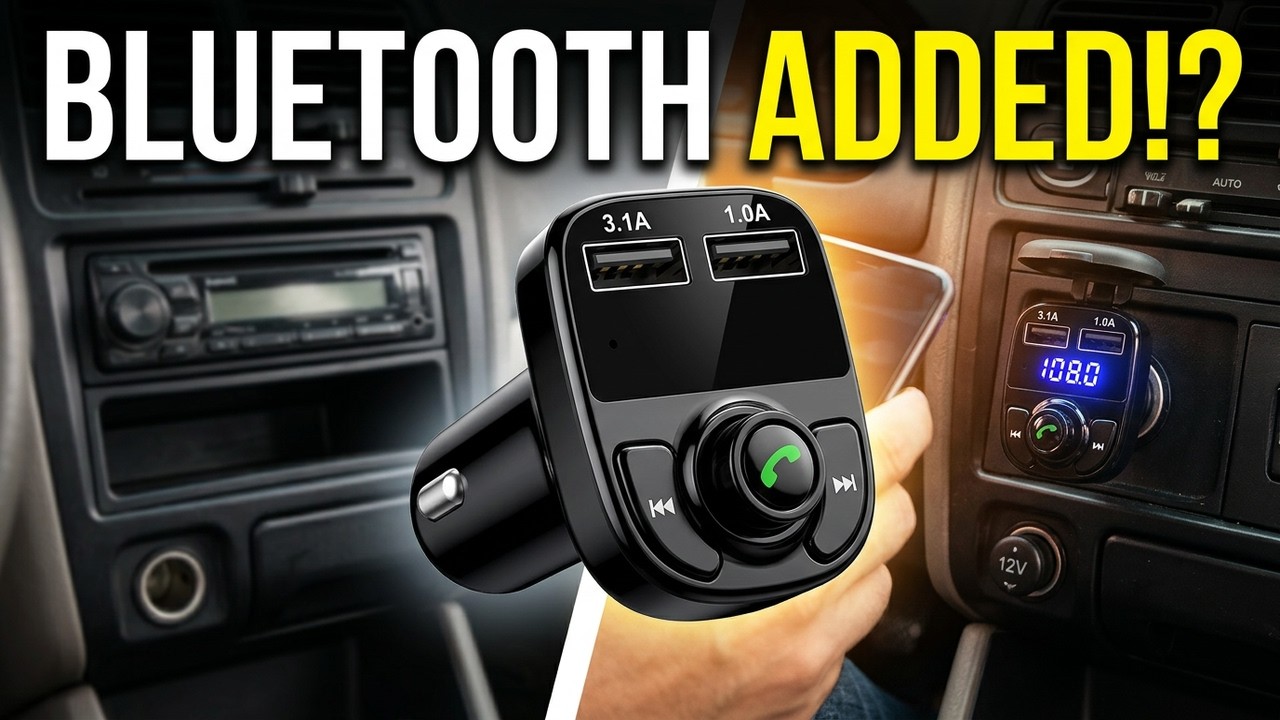
Older car with no Bluetooth and no aux-in? Before spending a couple hundred bucks on a new head unit, try a Bluetooth FM transmitter.
I tested this one in my GMC Terrain for music streaming and hands-free calls, both parked and on the road.
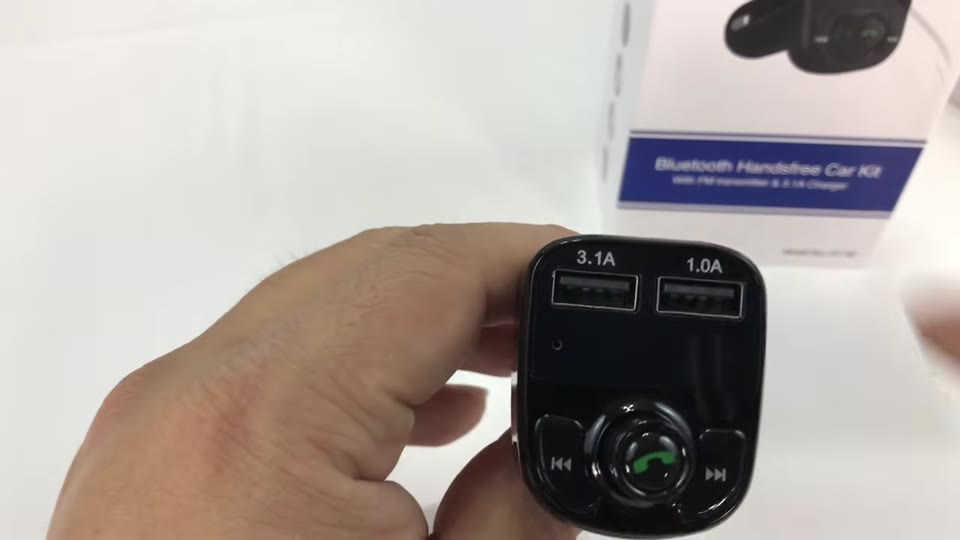
- Sleek, glossy piano-black design
- Built-in mic, so no wiring
- Two USB charging ports
- Music quality was really nice, even in crowded Chicago-area radio
- Call quality depends on where your accessory port is
- Mic ends up low, near your knee in some cars
- You may need to hunt for an empty station
▶ Watch the full review on YouTube
Why use an FM transmitter?
Plenty of pre-iPhone-era cars are still on the road without Bluetooth or aux-in. Upgrading the head unit usually costs a couple hundred bucks at a minimum. An FM transmitter plugs into the accessory port and broadcasts your phone’s audio to an FM station.
Design and features
It’s small and sleek, in glossy piano black. On the front: two clearly marked USB outputs (1 A and 3.1 A), track controls, and a rotary knob with a phone icon that presses in with a solid click.
The standout is the built-in microphone. Normally aftermarket stereos mean running a remote mic behind the dash. Here, everything for music streaming and hands-free calls is in one device.
How to pair and change the station
- Plug it into the accessory port. Mine showed 108.
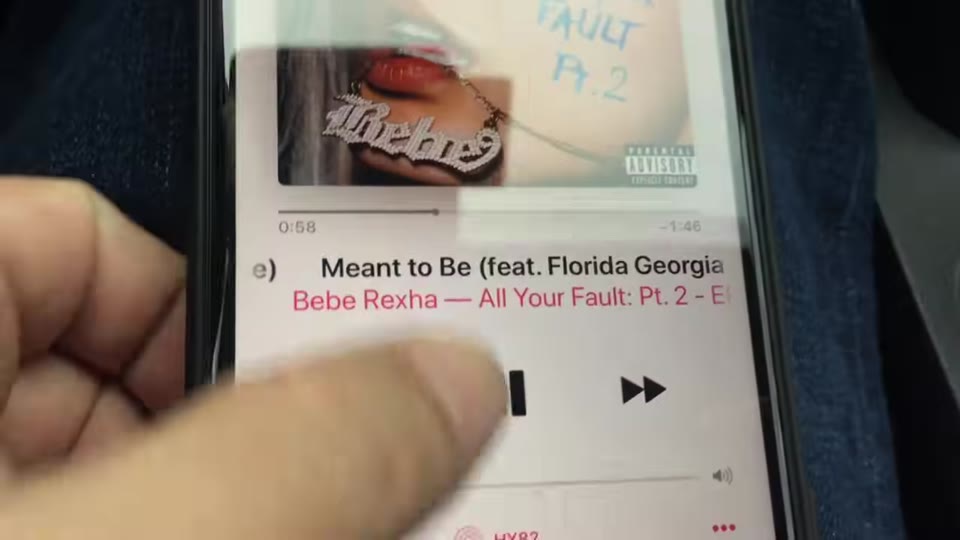
- Hold the right button to enter Bluetooth mode, then pair your phone (it showed up as “HY82”).
- To change the station: hold the phone button until the station number blinks, then select a frequency. I used 89.1, which was pretty empty.
- Tune your radio to the same station.
How is the call quality?
I left myself voicemails parked and again driving at about 40 mph on an ungraded road. In the Terrain, the accessory port is way down low, so the mic ends up by my knee.
My takeaway: there might be some sacrifices on hands-free phone quality, but music over Bluetooth and FM was really nice, even with the crowded Chicago-area radio dial.
FAQ
How do you change the station on this FM transmitter?
Hold the phone button until the station number blinks, then select a new frequency.
Does it have a microphone for calls?
Yes, it’s built in, so there’s nothing to wire.
How many USB ports does it have?
Two: 1 A and 3.1 A.
Which USB port charges faster?
The 3.1 A port. The other one is 1 A.
How do I get the best volume?
Turn your phone all the way up, then use the transmitter’s knob and your car’s volume.
What FM station should I use?
Pick an empty frequency. I used 89.1, which was pretty empty even on the crowded Chicago-area dial.


Leave a Reply