#ad: This post contains affiliate links. As an Amazon Associate I earn from qualifying purchases.
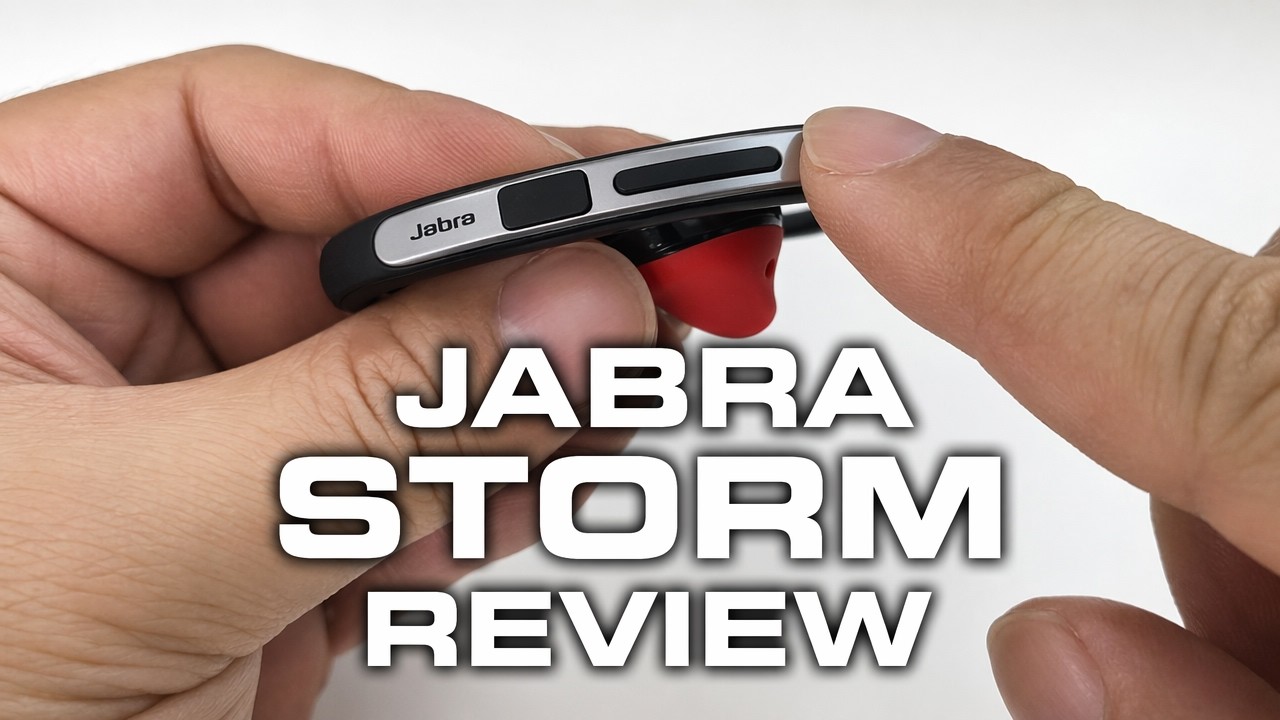
If in-ear headsets keep falling out of your ear, an over-the-ear hook makes all the difference. That’s why I picked the Jabra Storm.
My old headset was giving me fits. I used to have a Jawbone, and Jabra is one of the few brands still making great headsets as phone makers push their own earbuds. I got the Storm for under $30 at the time. Here’s what’s in the box, how the fit works, and the pairing trick that confused me.
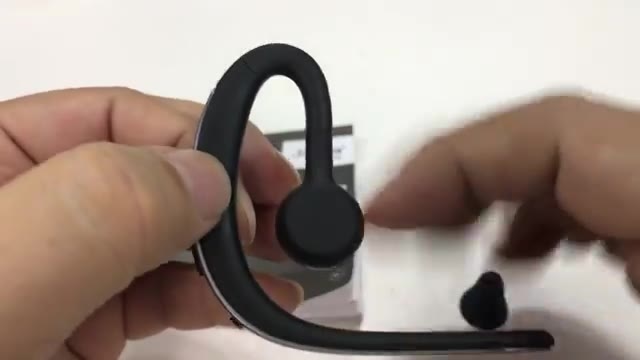
- Over-ear hook keeps it in place
- Wear it on either ear
- Physical power button
- Great call quality
- Comfortable for hour-long calls
- Spare ear gel and foam windscreen
- Doesn’t enter pairing mode on its own
- Answer button is hidden at the tip
- Mono, so not for high-fidelity music
▶ Watch the full review on YouTube
What’s in the box
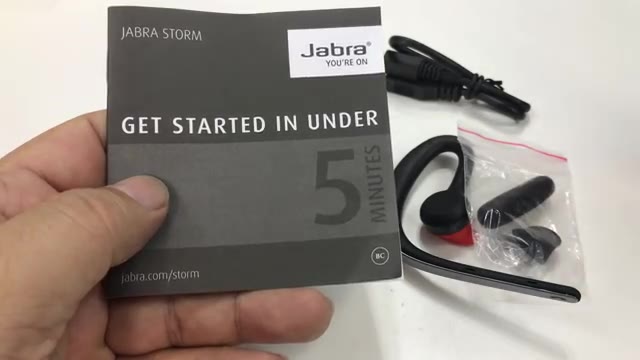
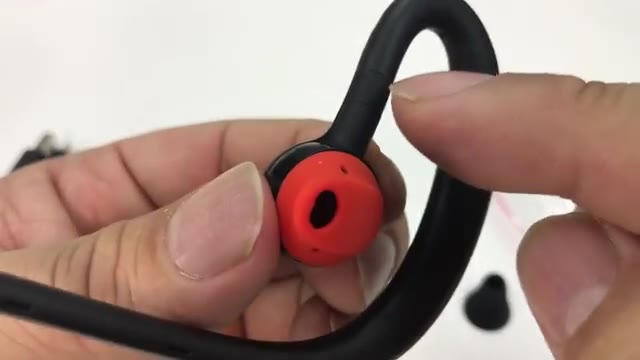
It comes with a micro USB charging cable, a foam cover for the microphone boom to help with wind noise, and an extra silicone ear piece. The installed one is orange and the spare is black. I didn’t see any difference besides color.
Why I wanted an ear hook
Headsets that only sit in your ear with a big boom hanging off put too much weight on it. On my old Jawbone it kept falling out. So I’ve always gone with ear hooks that sit over your ear for support, and they don’t make many anymore.
The Storm has an in-ear piece plus a larger housing, with the battery and electronics, that wraps over and around your ear. It’s black with a silver ridge running down it.
Switching ears
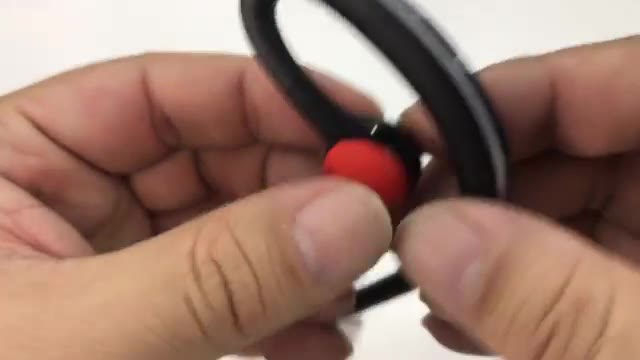
The silicone piece is reversible, and the sleeve it sits on pivots in two directions, so you can wear it on your left or right ear. Once it’s on, the silicone has good traction and doesn’t twist easily. I like it on my right ear.
Buttons and charging
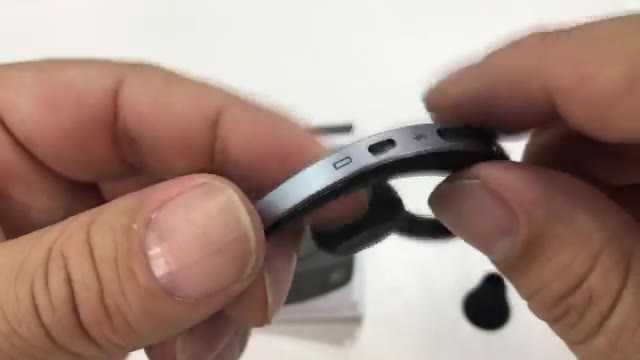
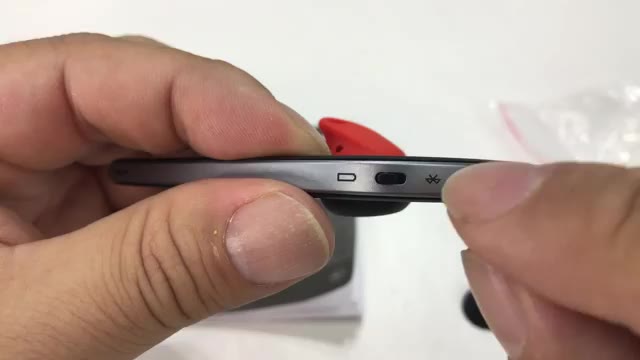
Behind the Jabra logo, a little door covers the micro USB port. There are volume up and down buttons, which also skip forward and back, and a physical power button, which I like.
The pairing trick
When I turned it on, it didn’t go into pairing mode by itself. The blue light just blinked slowly, and I kept waiting. The secret: the answer/end button is a tiny click button right on the tip, where the little phone icon is.
Turn it on, hold that button for three seconds, and the voice prompt says pairing mode. Search for Jabra on your phone and it’ll say paired. To answer calls, squeeze the tip up and down instead of pressing toward your head.
Call quality and comfort
Call quality is great, and I can listen to audiobooks. It’s one ear, so you won’t want it for high-fidelity music. It’s comfortable, and I can wear it for 30-minute or hour-long calls with no pain. I haven’t had a problem with battery life either.
FAQ
How do I pair the Jabra Storm?
Turn it on, then hold the answer button at the tip of the boom for three seconds until it says pairing mode.
Can I wear it on my left ear?
Yes. The ear piece rotates so you can wear it on either ear.
How does it charge?
With the included micro USB cable, through a port behind a small door.
Is it good for music?
It’s fine for audiobooks, but it’s a single earpiece, so not for high-fidelity listening.
Is it comfortable for long calls?
For me, yes, even on hour-long calls.


Leave a Reply