#ad: This post contains affiliate links. As an Amazon Associate I earn from qualifying purchases.
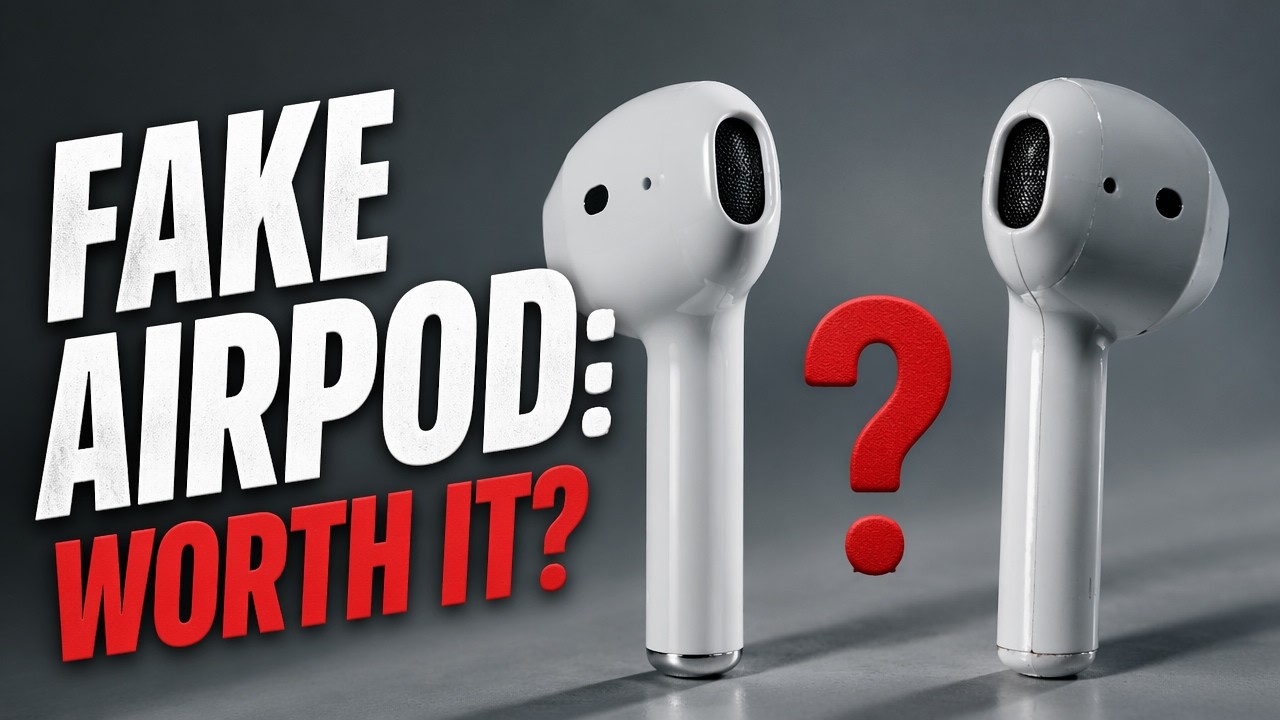
Can a $15 AirPod look-alike replace a real hands-free earpiece? I bought the Kinliu i7 single earbud to find out.
I never bought Apple’s wireless earbuds. They were about $100, and honestly I thought they looked like electric toothbrush heads hanging out of people’s ears. But I do think the shape makes sense, so I tried a cheap single-ear version for taking calls. The Kinliu isn’t sold anymore, and since its call quality let me down, the button goes to a dedicated single-ear Bluetooth headset built for calls.
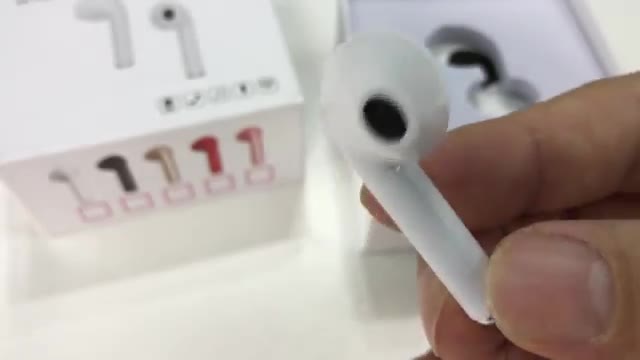
- The AirPod-style stem braces it in your ear
- Quick to throw in when a call comes
- Easy pairing
- Cheap
- Poor microphone quality on calls
- Thin, tinny sound with very little bass
- Proprietary charging cable
- Cheaper-feeling plastic
- Bigger than Apple’s earbuds
▶ Watch the full review on YouTube
Why the shape works
Normal earbuds want to fall out; gravity pulls them down. Apple’s long stem means that as the bud tries to twist out, the stem braces it in. My EarPods fit my ears really well for that reason, so I wondered if I could get the same effect without spending Apple money.
What comes in the box
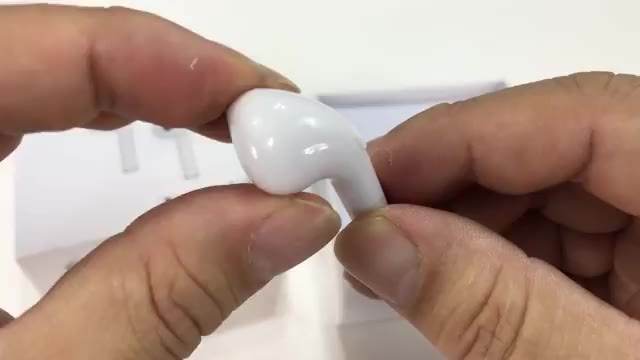
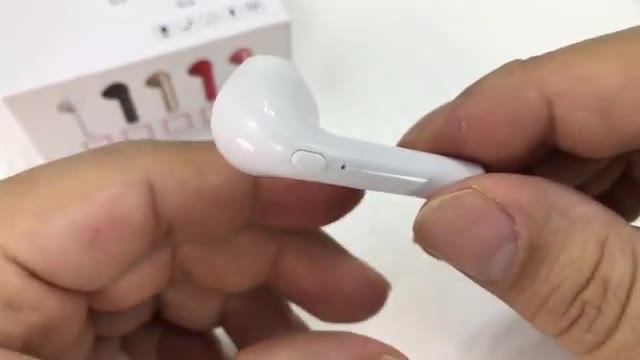
Just the earbud and a USB charging cable, and the cable is proprietary. I was hoping for micro USB, so keep that in mind. The plastic feels cheaper than Apple’s, not that glossy, heavy finish. There’s a chrome-look bottom with what I think is the microphone hole, and a button for power, play/pause and answering calls.
The earpiece swivels for right or left. The listing had me pick a side, and I chose right.
Pairing and fit
Holding the button powers it up, with a bright light that shows right through the plastic. It shows up as i7 in your Bluetooth list and pairing was very easy.
It’s easy to throw in, but it’s noticeably bigger than Apple’s EarPods. It still fits, especially if you have bigger ears, and it was touching my cheek, which braced it a bit, though not as much as I’d hoped.
Call test
I called my voicemail and left a message to hear the mic. In all my testing I never got particularly good audio quality. For music it sounds pretty tinny, with very little bass.
For calls, it doesn’t come close to the Bluetooth hands-free earpieces I usually use. At about $15 you probably can’t expect much. It’s fine for an emergency call, but if calls matter to you, get a headset designed for them.

FAQ
What does the Kinliu earbud show up as?
“i7” in the Bluetooth list.
Is it good for phone calls?
Not in my testing. The microphone quality was poor.
How do you charge it?
With an included proprietary USB cable, not micro USB.
Does it work in either ear?
The earpiece swivels for right or left, though the listing had me choose a side.
What’s a better option for calls?
A dedicated hands-free headset, like the Poly Voyager 5200 in the button.


Leave a Reply