#ad: This post contains affiliate links. As an Amazon Associate I earn from qualifying purchases.
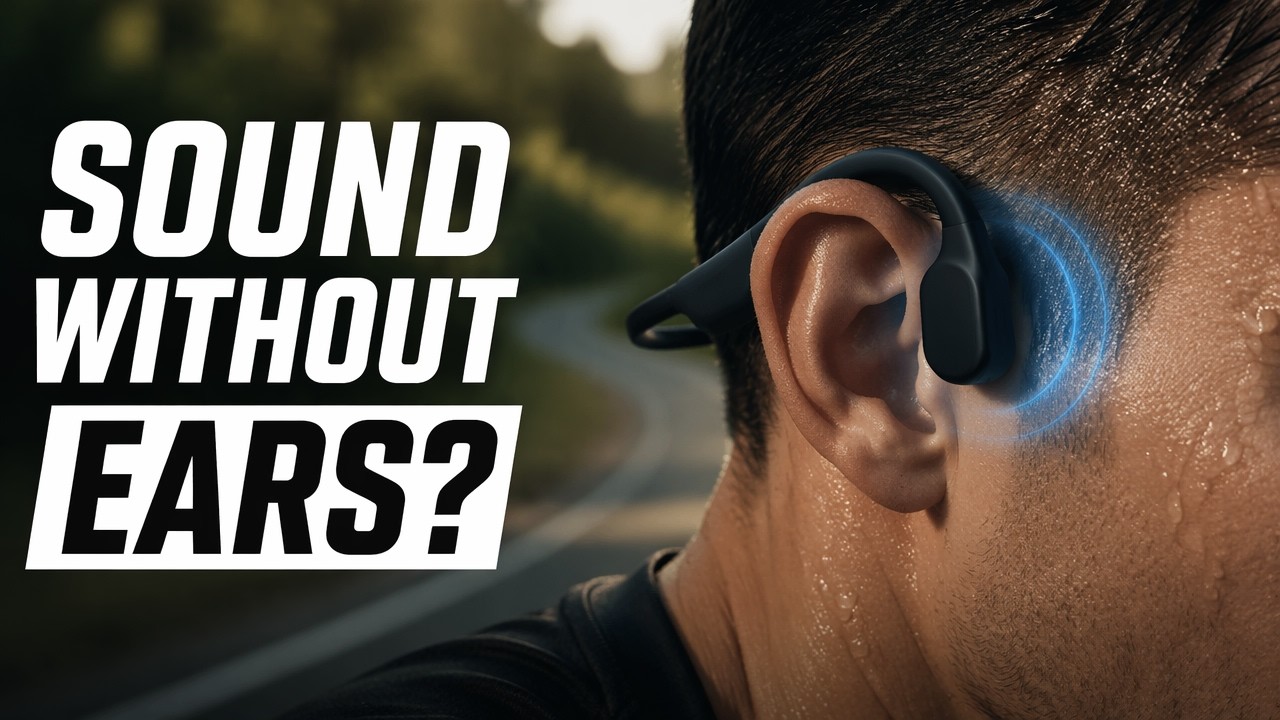
Do cheap bone conduction headphones actually work? I tried a pair of RunBone headphones that cost about $35 and showed up in two days.
These RunBone bone conduction headphones are meant for being active, and I picked them up because they were some of the cheapest I could find, about $35. Unlike the last pair I showed you, which took about six weeks to arrive, these came with Prime in a couple of days. Here’s the unboxing, the unusual pads, the fit on my big head, the buttons and my take. RunBone isn’t a brand you’ll easily find now, so the button goes to the SHOKZ OpenMove, an affordable bone conduction pair from the best-known brand in the category.
- Cheap for bone conduction
- Fit even my very big head; snug and secure
- Hangs low at the back, which feels secure
- Volume buttons also move the phone volume
- Mic for calls
- Nice zippered hard case
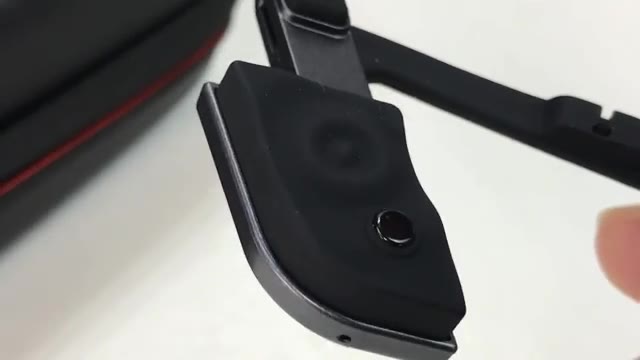
- Dimpled pads focus the vibration; less comfortable than flat pads for me
- Buttons are small with weak click feedback
- Lightning-bolt shape makes buttons hard to find by feel
- A mystery button and sensor that seem to do nothing
- Micro USB charging
▶ Watch the full review on YouTube
What’s in the box
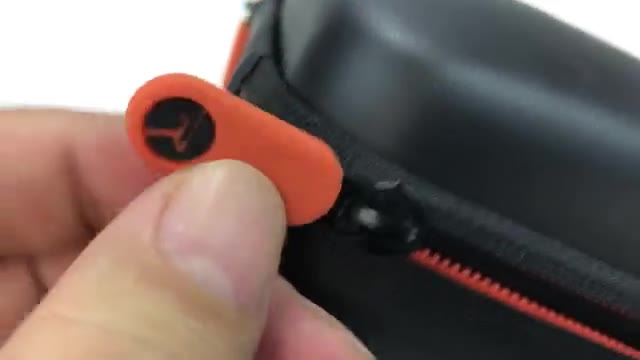
They come in a nice zippered hard case with orange pull tabs. Inside there’s a quick start guide, the most secure micro USB cable I’ve ever seen (wrapped with Velcro), and the headphones.
Design: different pads and a lightning-bolt shape
It’s the typical bone conduction style: a big loop that creates tension so the pads press against your cheekbones in front of your ears. The pads are different from others I’ve used. Instead of flat rubber, they’re rippled with a little volcano-like dimple in the middle.
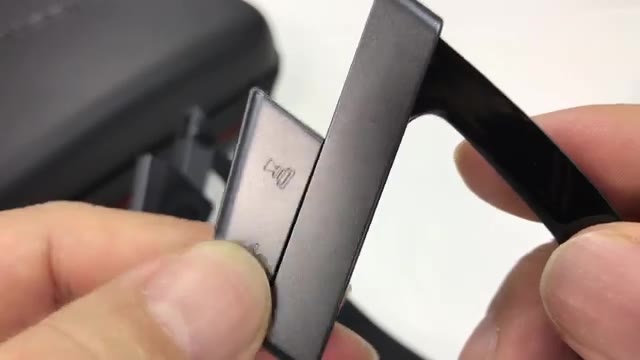
There’s a lightning-bolt-style kick down to the pads. Volume up and down sit on a flange on one side; play/pause is on the other, and there’s also a wave-symbol button. The band is piano-black plastic with a rubber lining inside. On the back, where the battery lives, there’s the power button, an LED and a covered micro USB port, plus a tiny mic hole for calls.
Fit and comfort
I have a gigantic, pumpkin-sized head, and they fit. They sit in front of my ears, though I’d like them maybe a quarter inch further forward. The bars rest on my ears and there’s a lot of compression, so they feel snug and secure, and the back hangs low. If they fit me, they’ll probably fit most people.
Those dimples are noticeable. I wouldn’t call them bad, but I prefer flat pads, since the vibration feels focused in a small area.

Buttons, sensor and sound
Volume up and down also moves your phone’s volume slider, which is nice. But the buttons are small with weak feedback, and the whole headset shifts a little, so I sometimes ended up pinching it to make sure a click registered. With the Bluetooth delay, I’d press play/pause a few times without knowing if it took.
There’s a flashing light that seems like an activity sensor, but the only instructions are a little card, and taking them off didn’t pause anything. The wave button never seemed to do anything. Sound-wise, bone conduction is basically small, focused speakers pressed against the bone, and they work.
Verdict
For under $40 they were a lot cheaper than other pairs I’ve had and work just as well, and they arrived in two days instead of six weeks. If you want a cheap pair of bone conduction headphones that work, these did the job.
FAQ
How much were the RunBone headphones?
About $35.
Do they fit a big head?
Yes. They fit my very big head snugly, though I wanted them a bit further forward.
Do the volume buttons control the phone?
Yes, the phone volume slider moves with them.
Do they have a microphone?
Yes, there is a mic hole for calls.
How do they charge?
Micro USB.
Are dimpled pads better?
For me, flat pads are more comfortable. The dimples focus the vibration in a small spot.


Leave a Reply