#ad: This post contains affiliate links. As an Amazon Associate I earn from qualifying purchases.
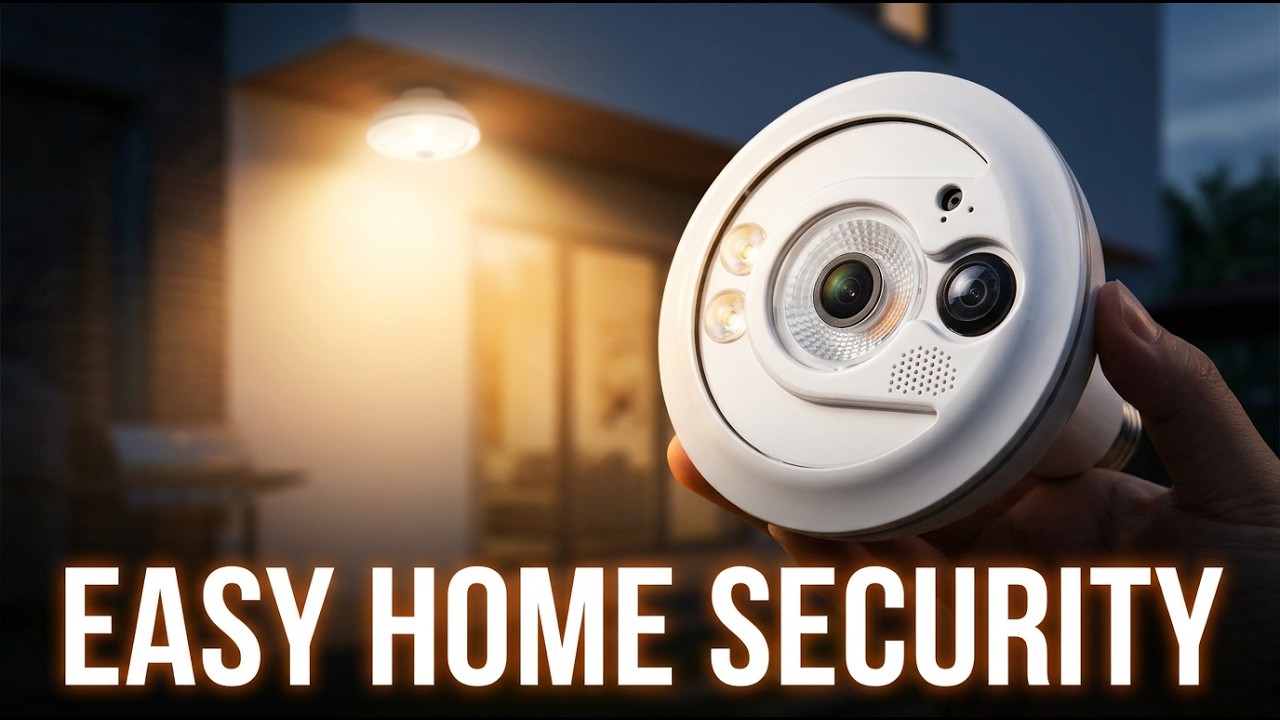
A light bulb with a camera inside, so you can see who’s at the door and whether a package arrived. I put the Sengled Snap on my front porch.
The Snap is a 60-watt replacement LED bulb that uses 14 watts and has a Wi-Fi HD camera built in. There are a lot of light bulb cameras out there, but this was the first one I found whose app could put the light on a schedule. That’s key, since the camera needs constant power. I bought it myself for about $130 to $140. The Snap isn’t sold anymore, so the button goes to Sengled’s current floodlight camera. Check its recent reviews before you buy.
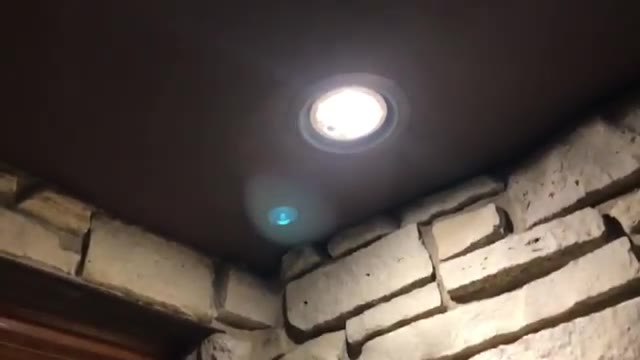
- Light schedule in the app (the reason I bought it)
- Free 1-day archive
- Two-way audio
- Brightness control to match your other bulbs
- Swivel base to aim the camera
- Wide view and smooth 1080p streaming
- Simple app
- Very big and heavy for a bulb
- Not stealthy; it looks like a camera
- Motion detection requires a paid plan
- A little delay in the live view
- Pricey
▶ Watch the full review on YouTube
Why a light bulb camera needs a schedule
A camera in a bulb always needs power. Most lights work by cutting power, so if someone flips the switch, the camera dies. But you can’t leave the light on 24/7 either. A lot of these bulbs can only be turned on or off by hand in the app. The Snap’s app had a light schedule, which is what sold me.
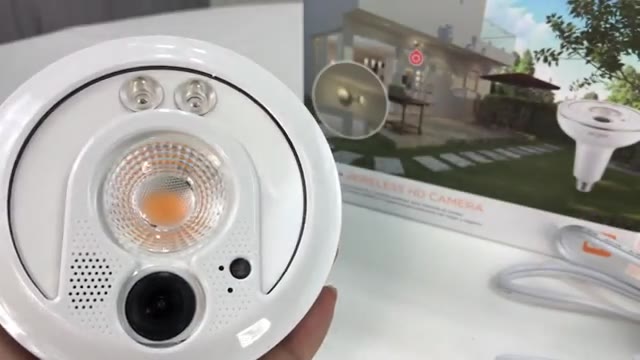
It’s huge
Right away: this thing is big and heavy, more like a spotlight than a light bulb, and a lot heavier than a halogen replacement. Next to a standard compact fluorescent bulb, it’s significantly longer.
My porch lights hang straight down, which is perfect for seeing packages, but size was my main worry. In my recessed housing it ended up basically flush. It fits, but it doesn’t leave much room.
Physical tour
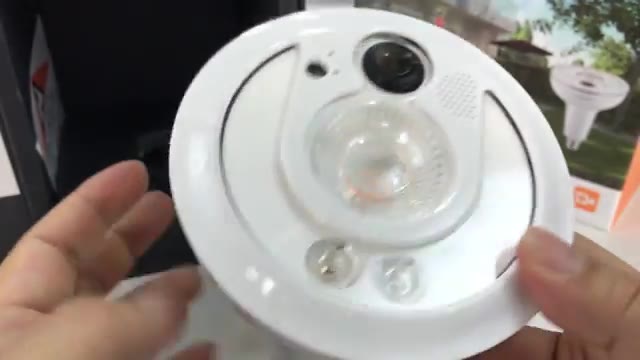
There are holes on both sides for the speaker and a microphone, so you get two-way audio. There’s what looks like a light or motion sensor, then the camera. It’s not stealthy, especially in all white; people will see it’s a camera.
The main light is a warm white element with reflectors, plus a couple of small LEDs that are probably infrared for night vision. There’s a reset button on the side.

Setup
You download the Sengled Snap app and sign up for an account. The included bulb cord didn’t work for me, so I put it in a ceiling socket instead. Then you connect your phone to the Snap’s own Wi-Fi network, go back to the app, pair, enter your home Wi-Fi password, and name it. It took a little time to connect, but it worked.
The live view came up right away with sound. There’s no pinch-to-zoom, but there’s a 1x/2x option, and the metal base swivels so you can physically aim the camera.
Plans and settings
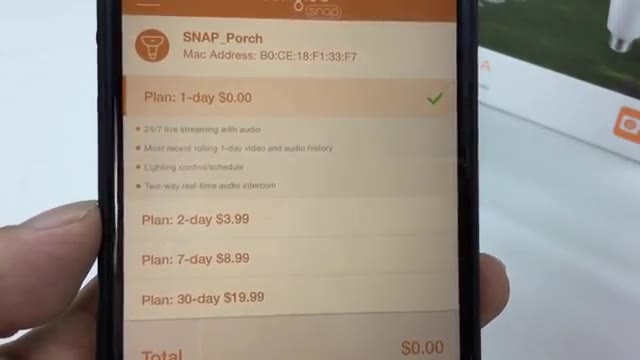
The free plan is a 1-day archive, which works for me: knowing if a package arrived or if I had a visitor. Paid plans are $3.99 a month for 2 days, $9.99 for 7 days and $19.99 for 30 days.
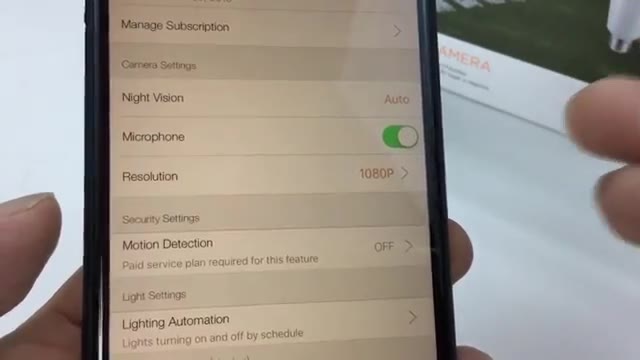
Night vision is on auto, resolution goes up to 1080p, and the brightness is adjustable, so I could match my other porch bulb. Motion detection needs a paid plan, which kind of sucks. It covers my convenience needs, but if you want motion alerts for security, plan on paying.
Light schedule
Lighting automation lets you set on and off times and days, like on at 4 p.m. and off at 11 p.m. Since the bulb always has power, a scheduler in the app is critical.
On the porch
The warm white is a good match for my other bulb. The Snap’s light is a bit more focused and bright since only the middle element lights up, but unless you’re looking up, I don’t think anyone would find it suspicious.
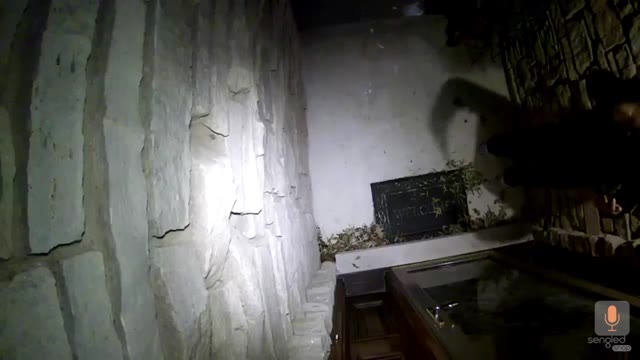
The footage looked great. There’s a little delay since it’s streamed over the internet, but the resolution and smoothness were good, and the wide angle covers my whole porch. It’s a little pricey, and the size is the only big drawback, but overall I think it’s a good value.
FAQ
What is the Sengled Snap?
A 60 W replacement LED bulb (14 W) with a built-in Wi-Fi HD camera, two-way audio and night vision.
Does the Sengled Snap need a subscription?
No. There’s a free 1-day archive, but motion detection needs a paid plan.
Can you schedule the light?
Yes, the app’s lighting automation sets on and off times and days.
Will it fit my light fixture?
It’s big and heavy. It fit flush in my recessed housing, so measure first.
Is the Snap still sold?
Not that I can find. The button goes to Sengled’s current floodlight camera.


Leave a Reply