#ad: This post contains affiliate links. As an Amazon Associate I earn from qualifying purchases.

Lost the TV remote in the couch cushions again? Here’s my quick hack: put a key finder on every remote.
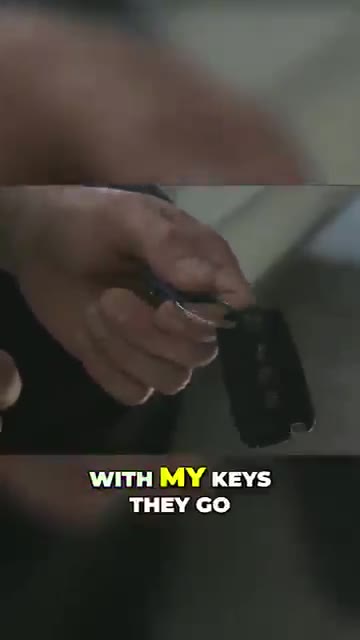
I lose my TV remotes all the time: between seat cushions, on the floor, or wrapped up in that big fluffy blanket. My keys are never the problem, because they go on a key holder right next to my door. So I picked up a key finder and used it for my remotes instead. My exact kit isn’t identified in the Short, so the button goes to a popular stick-on key finder set with six receivers and adhesive pads.

- Find a remote in seconds by sound
- One receiver per remote
- Cheap fix for an everyday annoyance
- The adhesive is very sticky
- The adhesive is hard to move once it’s on, so pick your spot
- Receivers add a little bulk to the remote
- You still need to keep track of the base remote
▶ Watch the full review on YouTube
The problem
Remotes disappear. They slip between cushions, fall on the floor or get rolled up in a blanket. A key finder is made for lost keys, but the same idea works for anything you can stick a receiver to.

The hack
Stick one receiver on the back of each remote. When a remote goes missing, press its button on the base unit and follow the beep.
The adhesive on these is very sticky. In my follow-up Shorts, it peeled off the backing in one piece, and once it’s on, it’s hard to remove, so place it where it won’t cover the battery door or buttons.
Why I like it
It’s a cheap fix for something that bugs me almost every day. A kit with several receivers covers the TV remote, the soundbar remote and the streaming box remote, with a couple left over for keys or a wallet.

FAQ
Can a key finder find a TV remote?
Yes. Stick a receiver on the remote, then press its button on the base unit and it beeps.
How do you attach a key finder to a remote?
With the adhesive pad. It’s very sticky and hard to remove, so choose the spot carefully.
Will it cover the battery door?
Only if you put it there. Place it away from the battery cover and buttons.
How many receivers do I need?
One for each remote, plus any for keys or a wallet. The kit in the button has six.


Leave a Reply