#ad: This post contains affiliate links. As an Amazon Associate I earn from qualifying purchases.
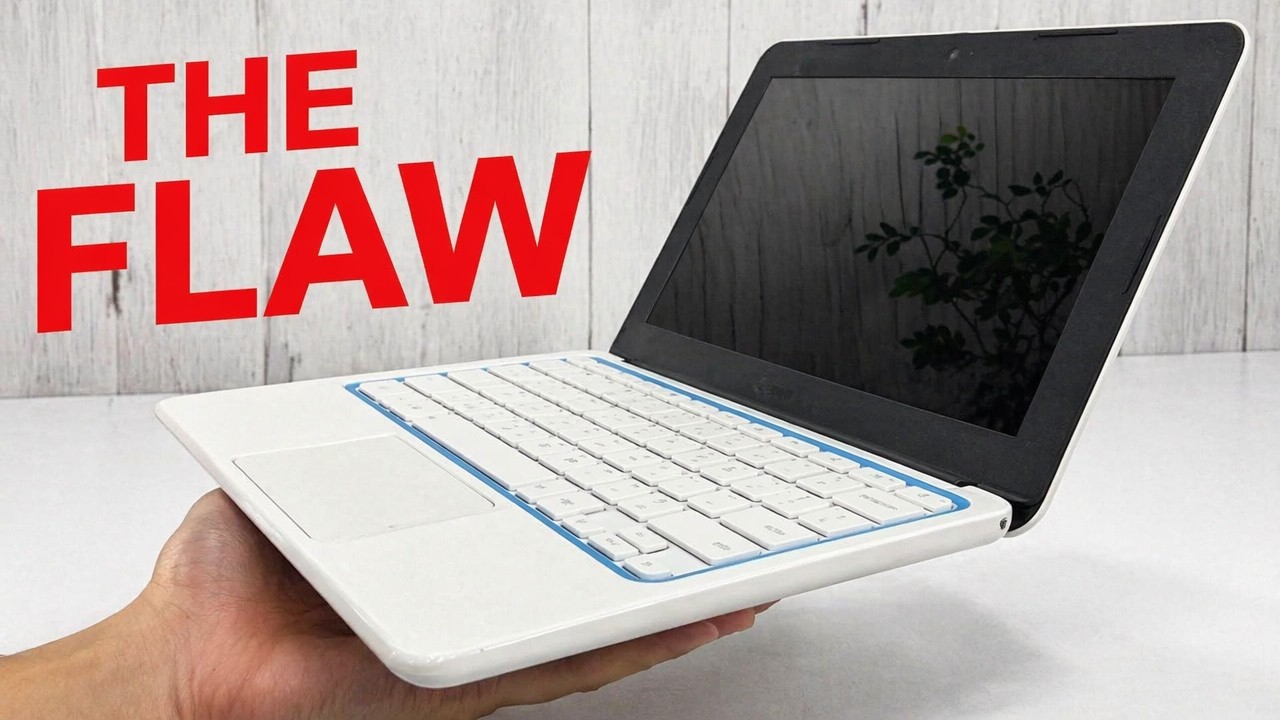
Is a $100 refurbished Chromebook good enough for travel? I bought an HP Chromebook 11 to find out, and it went right back.
I went on a trip and realized I didn’t need a full-blown laptop, just Chromebook functionality to upload some videos and send some emails. I also wanted to know if I could upload a video to YouTube from a Chromebook. This refurbished HP Chromebook 11 was literally the cheapest Chromebook I could get, about $100. Here’s what I liked and the flaw that ended it. This 2016 model is long past its update support, so the button goes to a current HP Chromebook with modern charging.
- Very cheap
- Looks nice and feels solid in the hand
- Light, flat and portable; you can manhandle it
- Micro USB is a common cable you will have everywhere
- Charging port was extremely finicky; any movement broke the connection
- Barely charged after an hour
- Micro USB is a poor way to charge a laptop
- Glossy surfaces show smudges and hand sweat
- This model has known power-port complaints
▶ Watch the full review on YouTube
Why I tried a $100 Chromebook
I don’t need a full laptop for travel. I just need to upload some videos and send some emails. I got this one refurbished and open box; it didn’t come with much documentation. I’d also read that this model has had complaints about the power port wearing out and not working.
For context, you can get a pretty decent Chromebook in the $200 to $250 range, and some cost $400 or $500, literal laptop prices, which baffles me.
Design
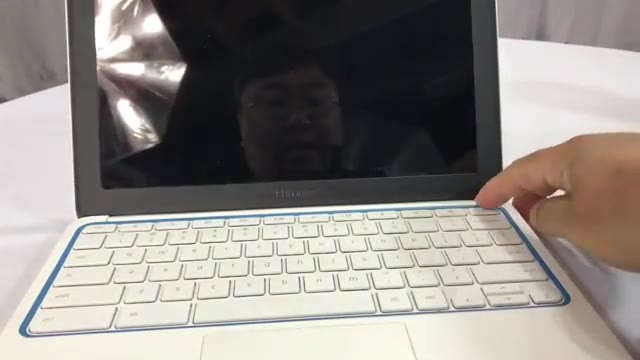
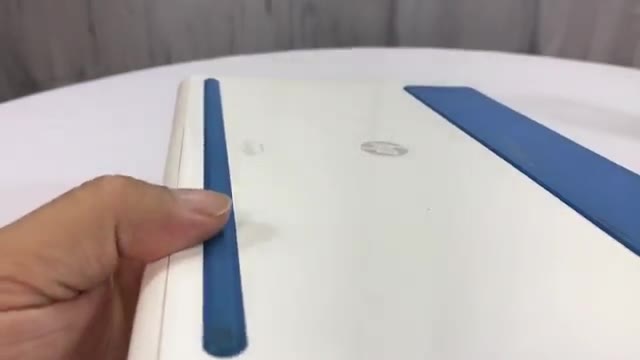
It has glossy white plastic that shows hand sweat, blue rubber strips on the bottom for a little grip, and a multicolor LED strip on the front in the Google green, yellow, red and blue. Inside there’s a glossy 11.6-inch screen with a black surround, matte white chiclet keys with glossy white plastic between them, and a blue ring around the keyboard that ties into the feet. It’s flat rather than tapered like a MacBook Air, but it’s portable and feels solid.
The flaw: micro USB charging
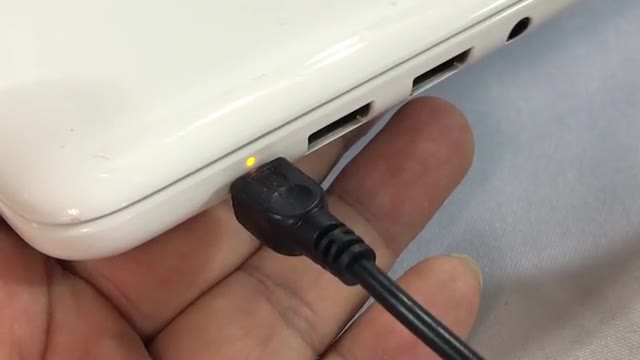
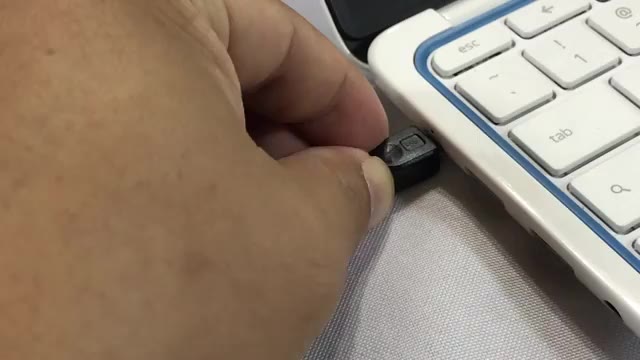
It didn’t boot up instantly like other Chromebooks I’ve used, so I plugged it in. It charges with a standard micro USB cable, even though the port looks a bit like USB-C. Any micro USB cable will work, including your phone cable, which sounds convenient.
In practice it was terrible. The little yellow light should stay steady while it charges. Mine flashed, went dark, or wouldn’t register at all. I unplugged and replugged it probably a dozen times. After an hour it still had barely any charge; it finally powered on, then died. Moving the cable ever so slightly made it connect or disconnect.
Verdict: it went back
I couldn’t get enough power to the battery to charge it, or even enough to run the Chromebook straight off the cable. The main complaint about this model is the power port, and my experience matched. It’s going back, and I’ll find another way to cover my travel tech needs. If you’re shopping today, get a current Chromebook that charges over USB-C.
FAQ
How does the HP Chromebook 11 charge?
This model charges over a micro USB port.
What is the problem with it?
The charging port. Mine only charged if the cable sat at exactly the right angle, and it barely charged after an hour. This model has known power-port complaints.
How much did it cost?
About $100, refurbished.
What screen size is it?
11.6 inches.
Would you recommend it?
No. I returned it. Look at a current Chromebook with USB-C charging instead.


Leave a Reply