#ad: This post contains affiliate links. As an Amazon Associate I earn from qualifying purchases.
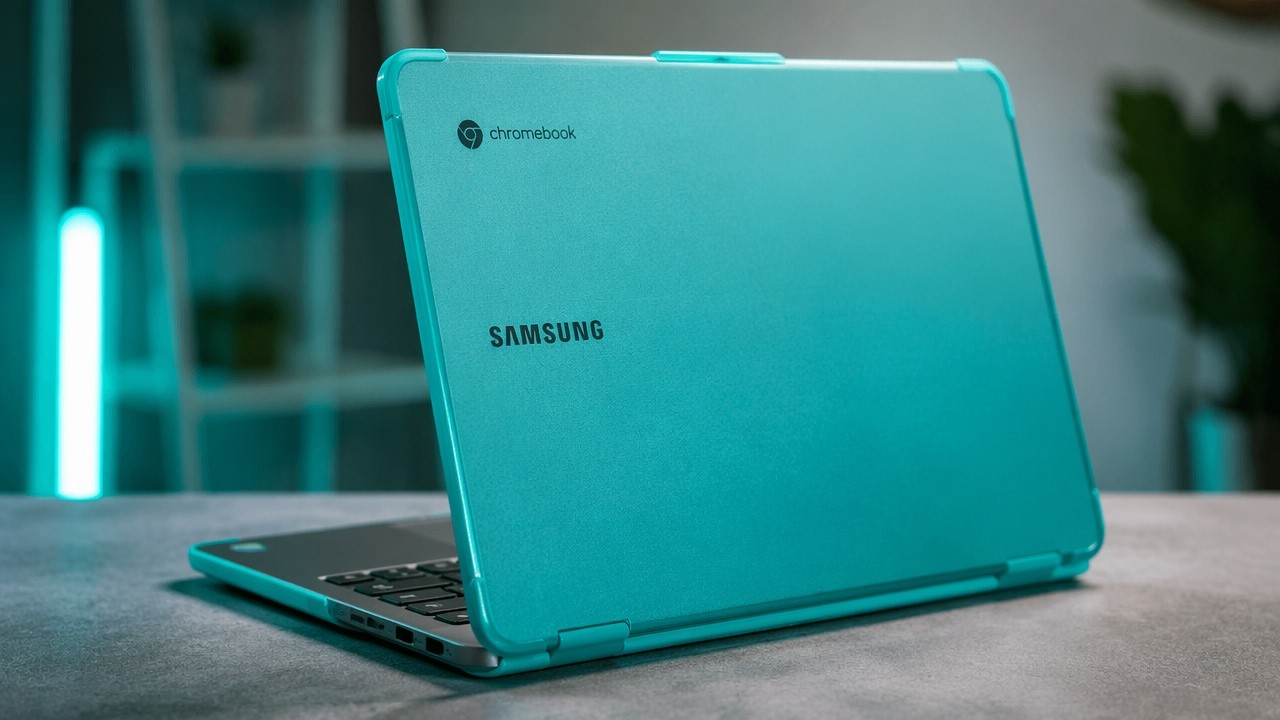
Want to keep your Chromebook in pristine condition, and give it some color? I put an iPearl mCover hard shell case on my Samsung Chromebook 3.
This iPearl mCover hard shell case is made specifically for the Samsung Chromebook 3. Mine is aqua, though I’d call it that blueberry color from the original iBooks and iMacs, and I kind of dig it. Here’s what you get, how it clips on and how it looks. My original link no longer resolves to this case, so the button goes to the mCover for the 11.6-inch Samsung Chromebook 3 (XE500C13) on Amazon; check your model number before you order.
- Tight fit, so it will not fall off
- Translucent color looks better than I expected
- Protects against scuffs and knocks
- Flip-out feet give a more comfortable typing angle
- Vents for sound and heat
- Adds a little thickness
- Rear feet are hard plastic with no rubber
- The tight back tabs take some effort to install
▶ Watch the full review on YouTube
What’s in the box
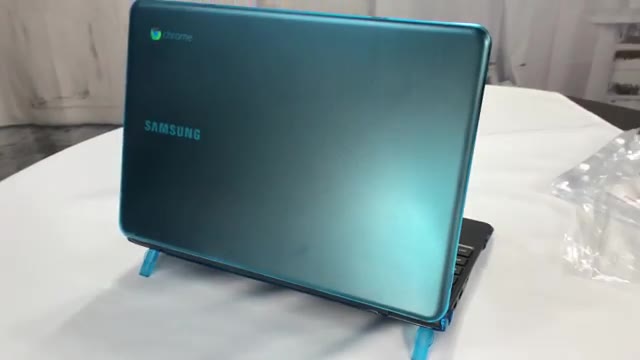
It’s all polycarbonate. The top cover is frosted and textured on the outside and shiny smooth on the inside. On my Chromebook’s charcoal gray-black lid, it darkens the aqua a bit. Tabs around the edges hold it on.
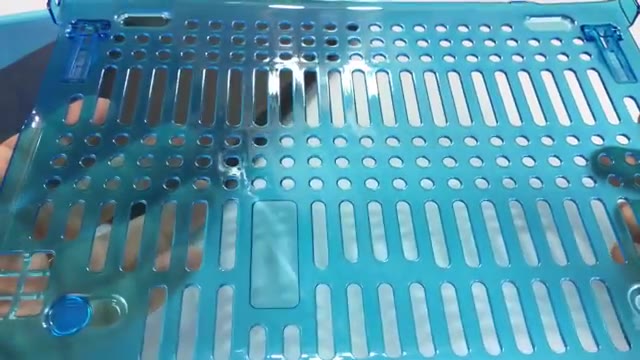
The bottom has lots of cutouts and slots, probably to let sound out and vent heat, plus little kickstand legs that click into a couple of positions. In the back there are raised plastic feet; in front, little silicone tabs.
Installing it
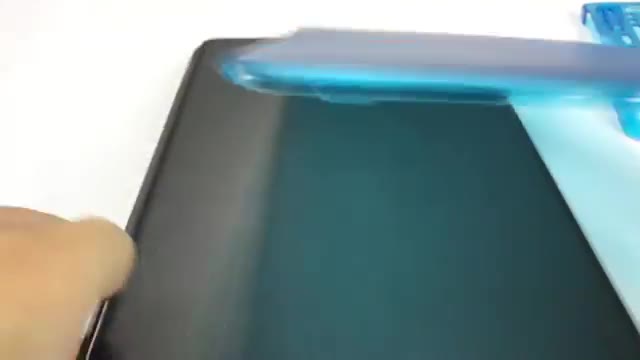
The Chromebook 3 has a little kick-up at the bottom of the lid and is flat at the top, and the cover matches that. Slide it on and the tabs click in place. The bottom shell goes on the same way, with the kickstands toward the back.
It’s a pretty tight fit, and I had a little trouble getting a back tab on, but at least you don’t have to worry about it falling off.
How it looks
Open it and you get the standard black Chromebook look; close it and you’ve got a translucent blueberry Chromebook. It looks much better than I expected. It adds a little thickness, but you can beat the heck out of this cover without worrying. Flip out the kickstands and it raises the back a little for a more comfortable typing angle.
FAQ
Does the mCover fit any Chromebook?
No. It is model-specific. Mine is for the Samsung Chromebook 3, so check your model number before ordering.
How does it attach?
Snap-on tabs on the top and bottom shells.
Does it add bulk?
A little thickness, but not much.
Does it have feet?
Yes. Flip-out kickstand feet raise the back for a better typing angle.
Is it hard to install?
It is a tight fit; one back tab took some effort.


Leave a Reply