#ad: This post contains affiliate links. As an Amazon Associate I earn from qualifying purchases.
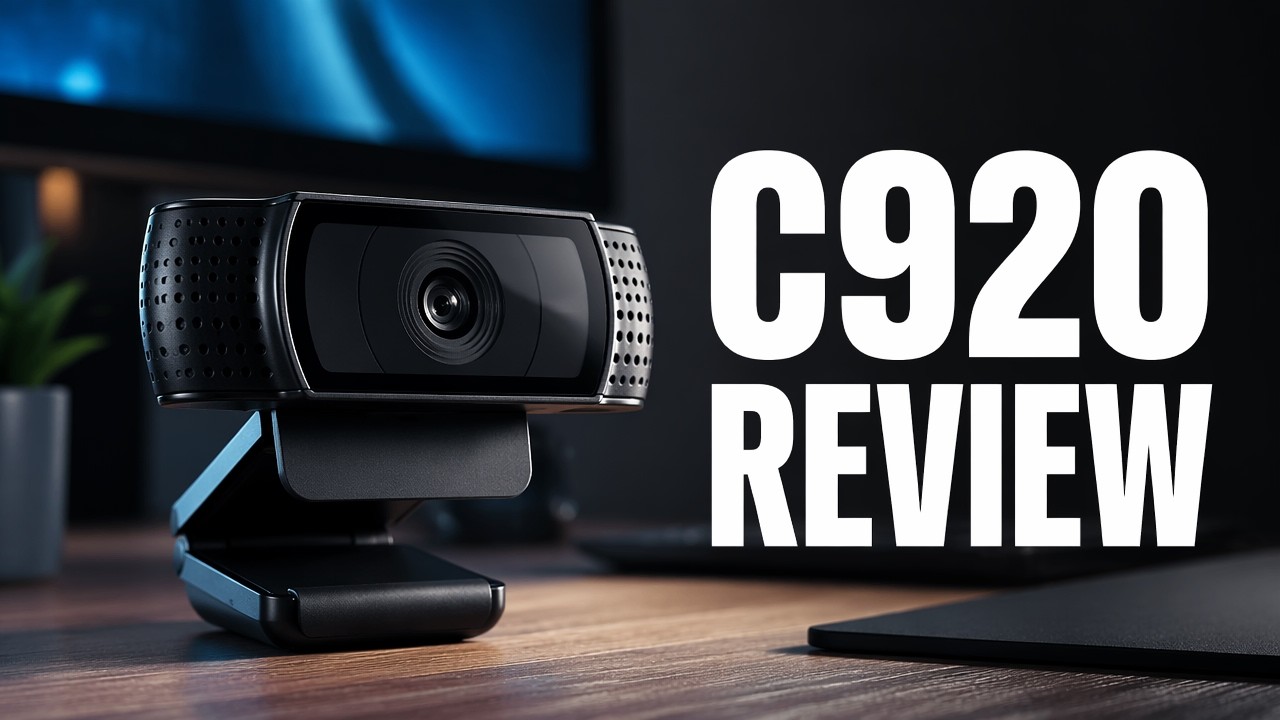
Cheap webcams kept letting me down, so I bought the Logitech C920 and put it head to head with a $5 480p cam and a budget 1080p cam.
I’m normally not a brand guy, but I hoped the Logitech name meant better quality. Here’s a tour of the C920 HD Pro, how it mounts, and how its 1080p video compared with two cheaper webcams.
- Best picture of the three webcams I tested
- Natural look, not over-sharpened or washed out
- Autofocus kept my face sharp with some background blur
- Flexible mount plus tripod thread
- Blue LEDs show when it’s live
- No manual focus control
- Costs more than bargain webcams
▶ Watch the full review on YouTube
Why I upgraded
I’d recently tried a really cheap 480p webcam and a cheap 1080p one. I wasn’t thrilled with either. The 1080p cam works, but the color saturation and rendering are off. The C920 got really good reviews, so I bought it.
For a webcam in front of your computer, 1080p is what I’d expect these days. Anything less and you’re missing the boat.
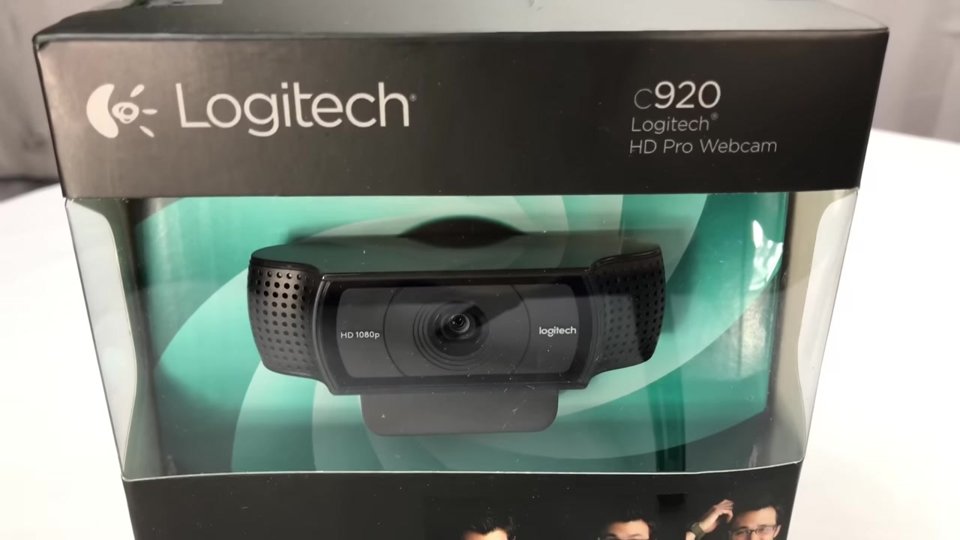
Design and mount
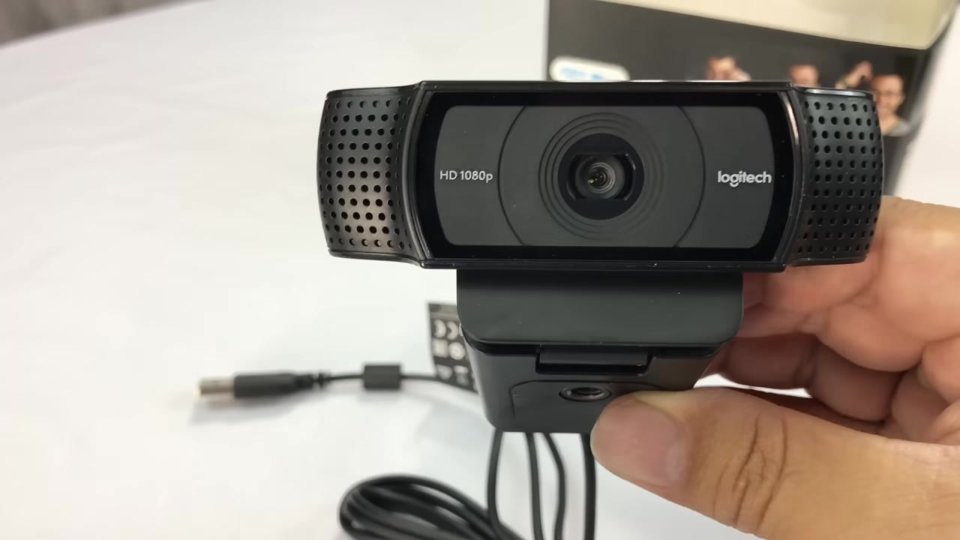
It looks like a wide alien face. The 1080p camera is in the middle behind a flat glass panel, with what I’m guessing are stereo mic pickups on either side. The cable comes off the left.
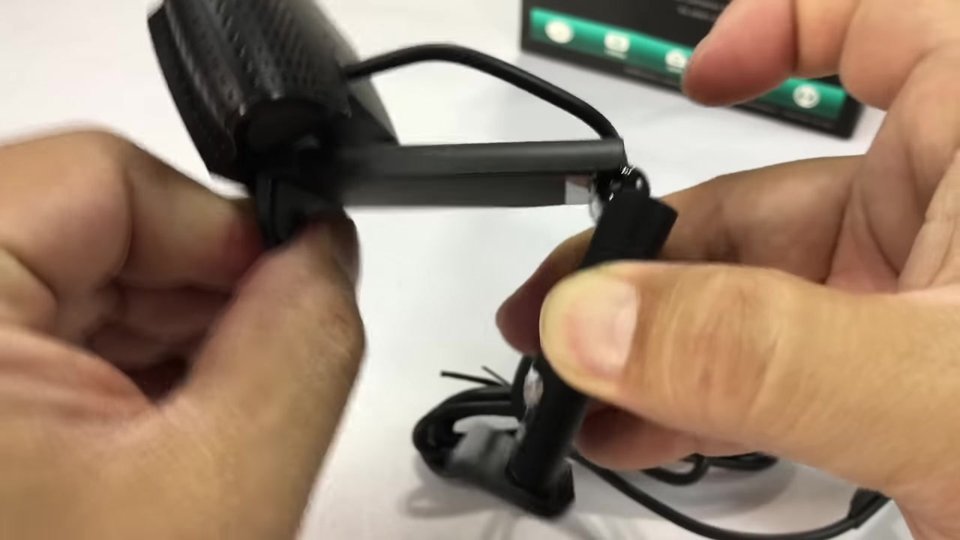
The mount has a rubberized lip and top that brace on your monitor, and it rotates for adjustment. It folds open so you can brace off the back of the monitor, with a little kick-out to fit different screens. There’s a pretty long, standard USB cable.
Tripod mounting
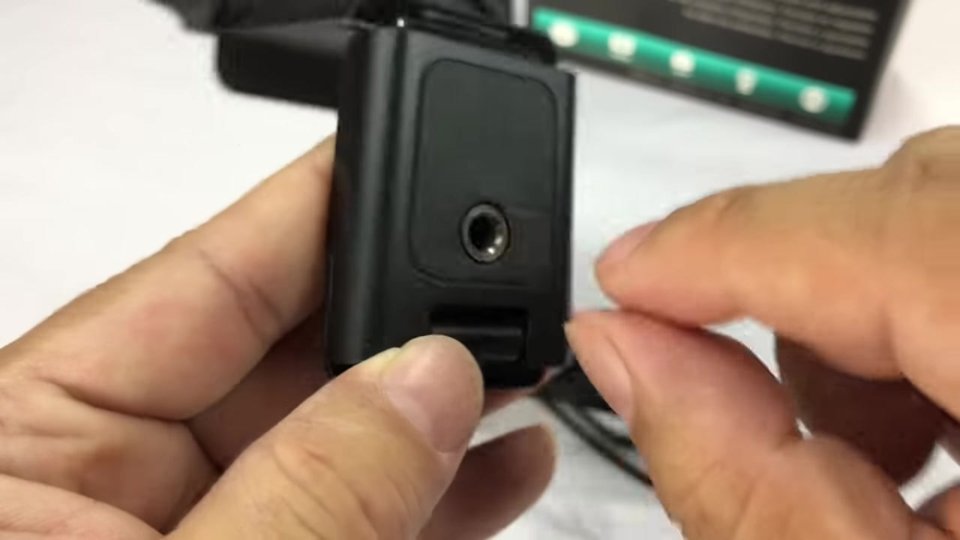
There’s a threaded tripod hole in the mount, so you can put it on top of a camera tripod instead of your monitor.
Video test: $5 cam vs cheap 1080p vs C920
The $5-6 480p cam is what it is: no adjustments, small picture. The budget 1080p cam has much better resolution and a widescreen frame, but the colors look a little washed out to me.
The Logitech looked the best. It doesn’t have the overly sharp look of the cheap 1080p cam or the washed-out, super-bright look. Autofocus kept my face sharp, and I even got a little bokeh blur in the background. Two blue LEDs on the sides light up when it’s recording, which the others don’t have. I also tried its built-in mics for part of the test.

Verdict
Right out of the box at 1080p, I’m pretty happy with it. From what I’ve read, it’s a very good webcam for home and personal use. You can spend a couple hundred bucks on fancier webcams, but we don’t have that kind of scratch here at the Panda Research Institute.
FAQ
Does the Logitech C920 record in 1080p?
Yes.
Can I focus it manually?
I couldn’t find a way. It autofocuses, and it kept my face sharp.
Can I mount it on a tripod?
Yes, there’s a threaded tripod hole on the mount.
Does it have a microphone?
Yes, there are built-in mic pickups on both sides of the lens.
Is it better than cheap webcams?
In my test it looked the best of the three, more natural than a budget 1080p cam.


Leave a Reply