#ad: This post contains affiliate links. As an Amazon Associate I earn from qualifying purchases.
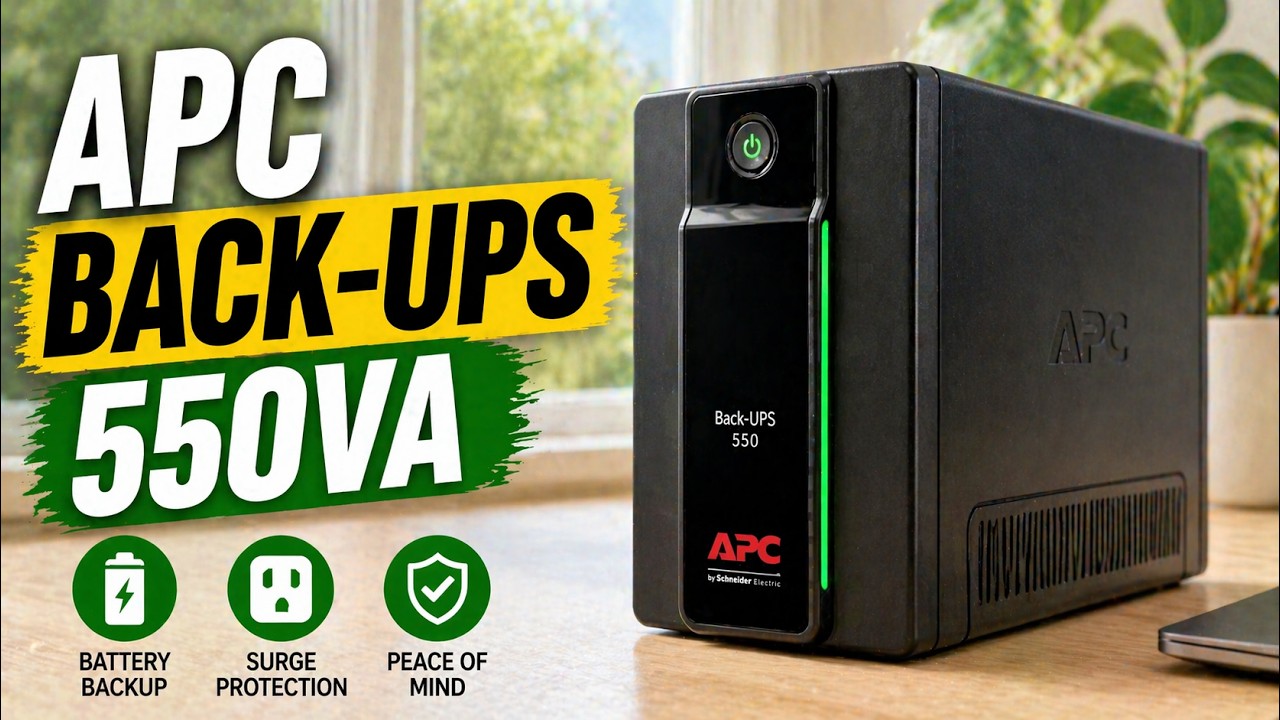
Power blips are bad news for desktop computers, TVs and projectors. A battery backup keeps them running through an outage.
I’ve had my APC Back-UPS 550 for a while, and with all the storms and outages it’s been really useful. Here’s a tour of the unit, how the battery comes out, and a live test where I pull the plug.
- Kept power on without interruption in my unplug test
- User-replaceable battery
- Audible alarm and flashing light when on battery
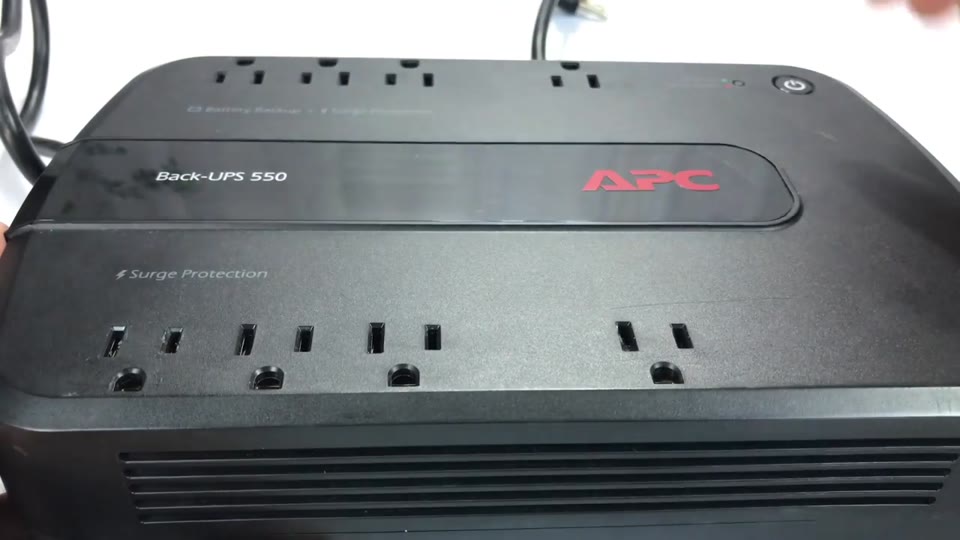
- Surge protection on all 8 outlets
- Heavy, so it’s best on the floor
- Only 4 of the 8 outlets have battery backup
- Runs devices for a limited time, not indefinitely
▶ Watch the full review on YouTube
Why you want a battery backup
Even with a generator, there’s a gap of 10, 15 or 20 seconds before it kicks on, and some things don’t handle any outage well. My desktop computer is one. You don’t want it to just lose power.
Anything with a cooling fan that runs after shutdown, like a TV or projector, is another. A UPS keeps them running through an outage. Not indefinitely, but long enough.
Outlets: battery backup vs. surge only
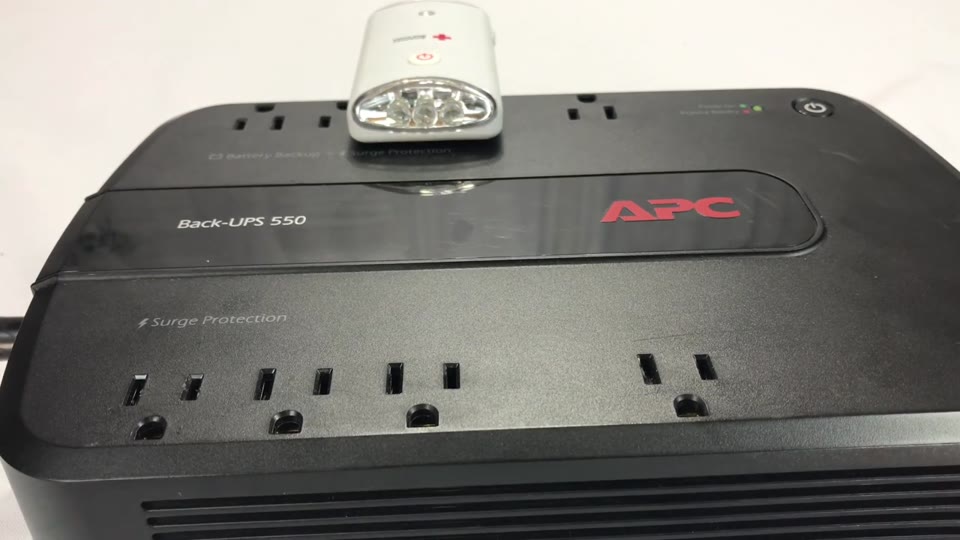
There are 8 grounded outlets on top. The key thing to know: 4 are battery backup and surge protected, and 4 are surge protected only. It’s printed on the case.
Plug your computer and anything that can’t lose power into the battery backup side.
Replacing the battery
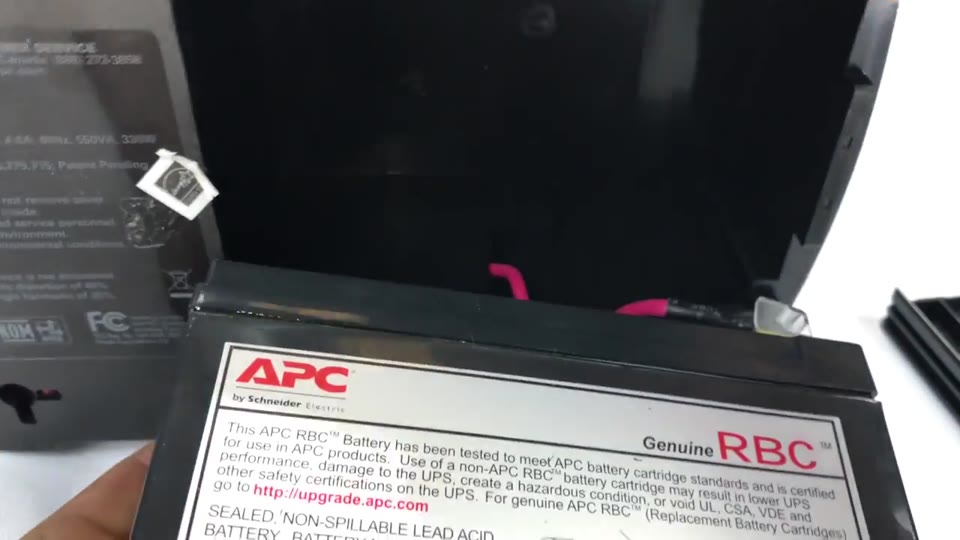
It’s a big, heavy plastic housing, mostly because of the replaceable battery. On the front are the power button and the LEDs; when the light goes red, it’s time for a new battery.
I haven’t needed to do it, but you take the cover off, the battery drops out, and there are just a couple of connectors on top. I’ve seen replacement batteries on Amazon for around $17 to $20.
Ports on the back
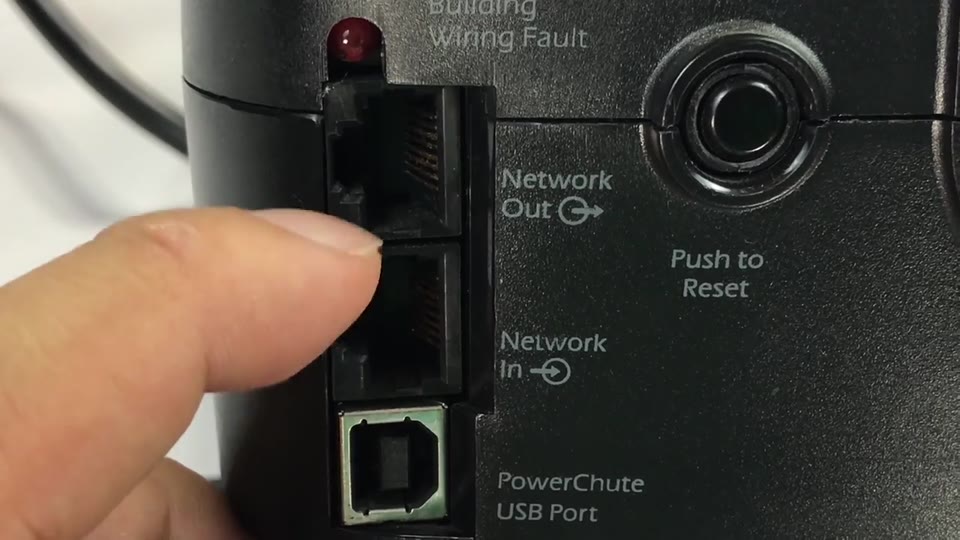
You get a 5-foot power cord, a circuit breaker reset button, and a building wiring fault light (mine has never come on).
There are network in and out jacks if you want your network to pass through, plus a PowerChute USB port.
The unplug test
To show it works, I plugged an emergency light that turns on when it loses power into the battery backup side. Pull it from the wall and it lights up, so it’s a good visual indicator.
Then I plugged the APC into the wall and pressed power. It blinks while it looks for power, then goes steady green. I unplugged the APC on a count of three: an alarm sounded and the light flashed green, but the light never turned on. Power was never interrupted.
That’s exactly what you want for a TV, stereo, projector or computer. It works as advertised.
Verdict
For under $60, it’s a great thing to have, and this model has gotten a lot of good reviews. There’s also a newer, bigger version if you need more.
Don’t wait until a cord gets pulled, someone flips a switched outlet, or lightning strikes while you’re editing photos or transferring data.
FAQ
Which APC outlets have battery backup?
On this unit, 4 of the 8 outlets are battery backup plus surge, and the other 4 are surge only. It’s printed on the case.
Can you replace the APC battery yourself?
Yes. Take off the cover, the battery drops out, and it has a couple of connectors on top.
What does the APC beeping mean?
An audible alarm with a flashing green light means it lost wall power and is running your devices on battery.
How long will it run my devices?
Not indefinitely. It bridges outages, like the gap before a generator kicks on.


Leave a Reply