#ad: This post contains affiliate links. As an Amazon Associate I earn from qualifying purchases.
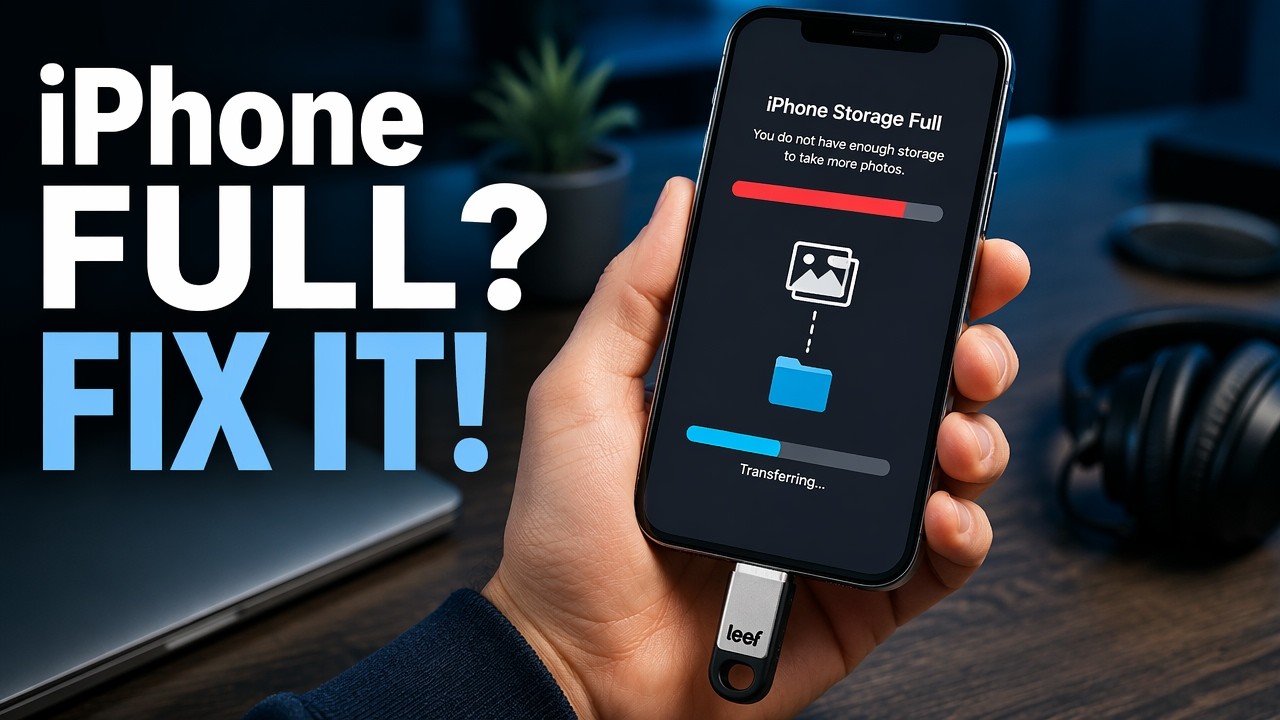
Want to carry movies for a trip without paying Apple for the next storage tier? I tested the LEEF iBridge 32GB on my iPad and iPhone.
I love these little flash drives that plug into iOS devices. They’re a cheaper way to get more storage than upgrading, so you can buy an iPhone or iPad with less storage and expand it. The iBridge looks a lot like the SanDisk iXpand, and what separates the men from the boys here is the app. LEEF’s iBridge isn’t really sold new anymore, and newer iPhones and iPads use USB-C, so the button goes to SanDisk’s 128GB Ultra Dual Drive Luxe (USB-C and USB-A). Here’s how the iBridge did.
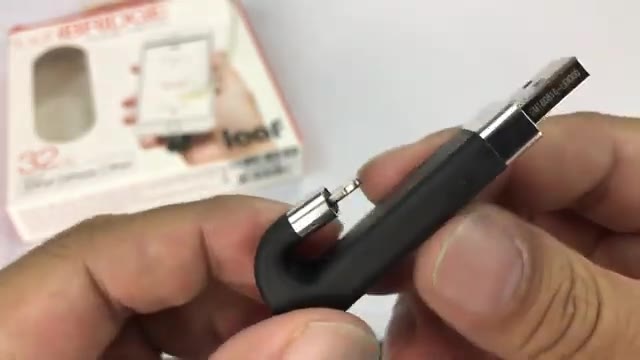
- Curved design wraps around instead of sticking out
- Worked even with my iPhone battery case
- Played MP4, MKV and AVI smoothly with audio
- Fast, easy scrubbing
- Polished app; LEEF builds the hardware and software
- Plug protector doubles as a keyring holder
- Save photos straight to the drive or offload memory
- No way to export a video to another player or change playback speed
- Encryption is all or nothing, not per folder like iXpand
- App opened in portrait the first time even in landscape
- Two different apps in the store can confuse you
- Less feature-rich than SanDisk iXpand
▶ Watch the full review on YouTube
Design and fit
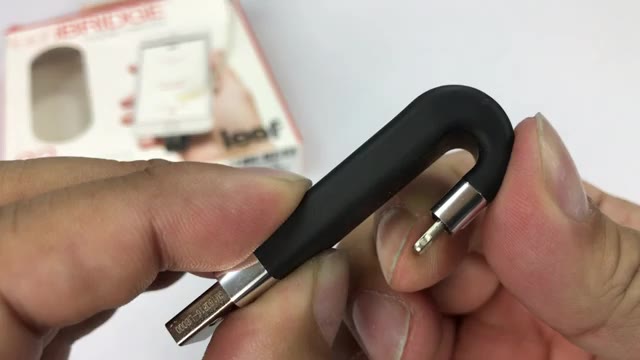
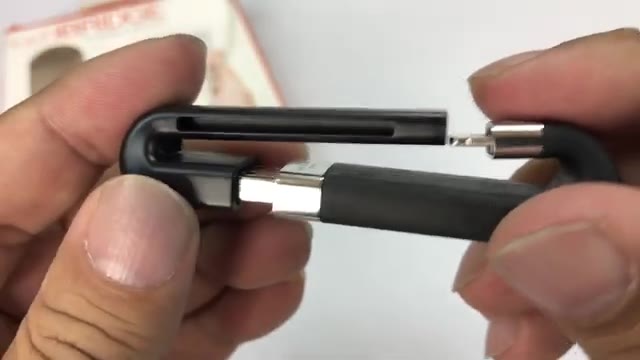
It has a pretty stiff rubber housing: plug into your computer on one end and your iOS device on the other. It clips around and braces itself, and I was surprised how stiff it is. I worried it would put pressure on the Lightning jack, but it pulls away easily, so I’m not worried about bending the plug.
What I really like is that it curls around the back, so you don’t have a big piece of hardware sticking out. I tested on my iPad and on my iPhone with a battery case. With the case it was held in place with a bit more tension, but it worked.
The plug protector
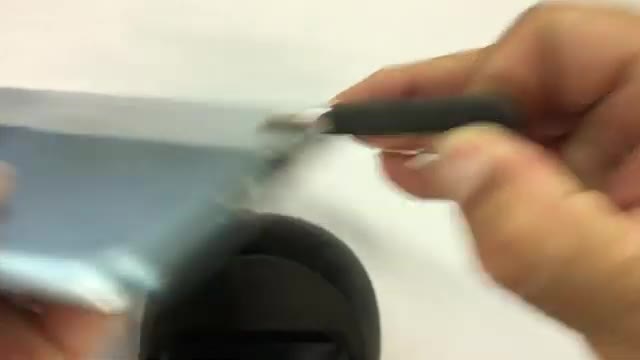
It comes with a little cap that covers both the USB plug and the Lightning plug while you carry it around, a minimalist and pretty clever way to protect it. You can attach it to a keyring too.
The app: Mobile Memory vs. iBridge 3
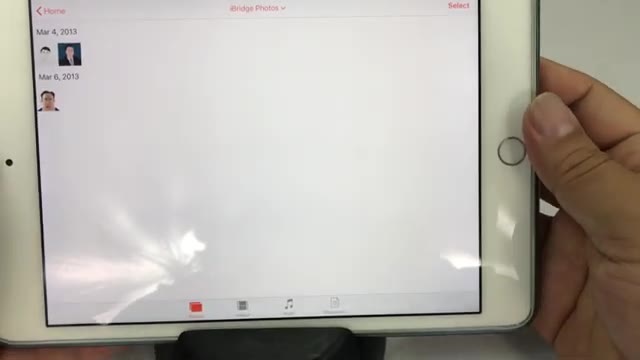
There are two apps in the App Store, Mobile Memory and iBridge 3, both from the same company. iBridge 3 is for the newer USB 3 version; mine uses Mobile Memory. Plug it in, approve the connection pop-up, and you’re in.
One quirk: with my iPad in landscape, the app always loaded in portrait the first time, then landscape the second time. It works in either orientation after that. There are icons along the bottom to filter photos, videos, music and documents, and you can save photos straight to the drive or move files back and forth to free up memory.
Video playback
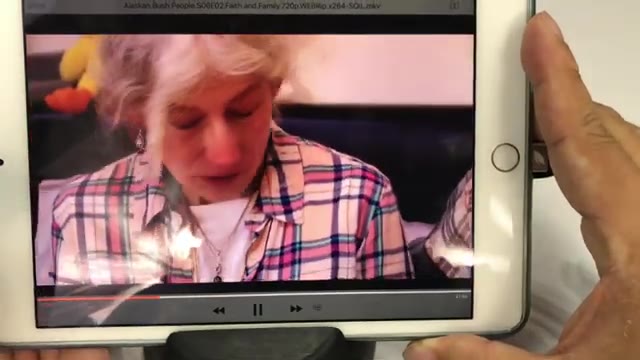
For me this is mostly about content viewing. I loaded MP4, MKV and AVI files, and everything rendered very nicely with no jitteriness. Audio worked, and scrubbing was quick and easy.
The catch: you can’t really do anything else with the files. With the SanDisk iXpand app I could export a movie into another player and change the playback speed. I found no way to do that here.
Encryption and the bottom line
In settings you can add a passcode, but as I understand it you either encrypt the whole drive or nothing. On the SanDisk you could move specific movies into a protected folder, handy if you hand the drive to your kids and want some titles locked.
Overall I was impressed. Some drives just pair cheap hardware with a free media app, but LEEF owns the whole ecosystem and it’s polished. It’s not quite as feature-rich as the iXpand, so pick what fits your needs.
FAQ
Which app does the LEEF iBridge use?
My iBridge uses the Mobile Memory app. The newer USB 3 iBridge 3 uses the iBridge 3 app.
What video formats did the iBridge play?
MP4, MKV and AVI all played smoothly with audio.
Does the iBridge work with a case?
It worked on my iPhone with a battery case, with a bit more tension.
Can you change playback speed?
Not that I could find, and I couldn’t export videos to another player.
Can I encrypt only some files?
As I understand it, the passcode protects the whole drive, not individual folders.


Leave a Reply