#ad: This post contains affiliate links. As an Amazon Associate I earn from qualifying purchases.
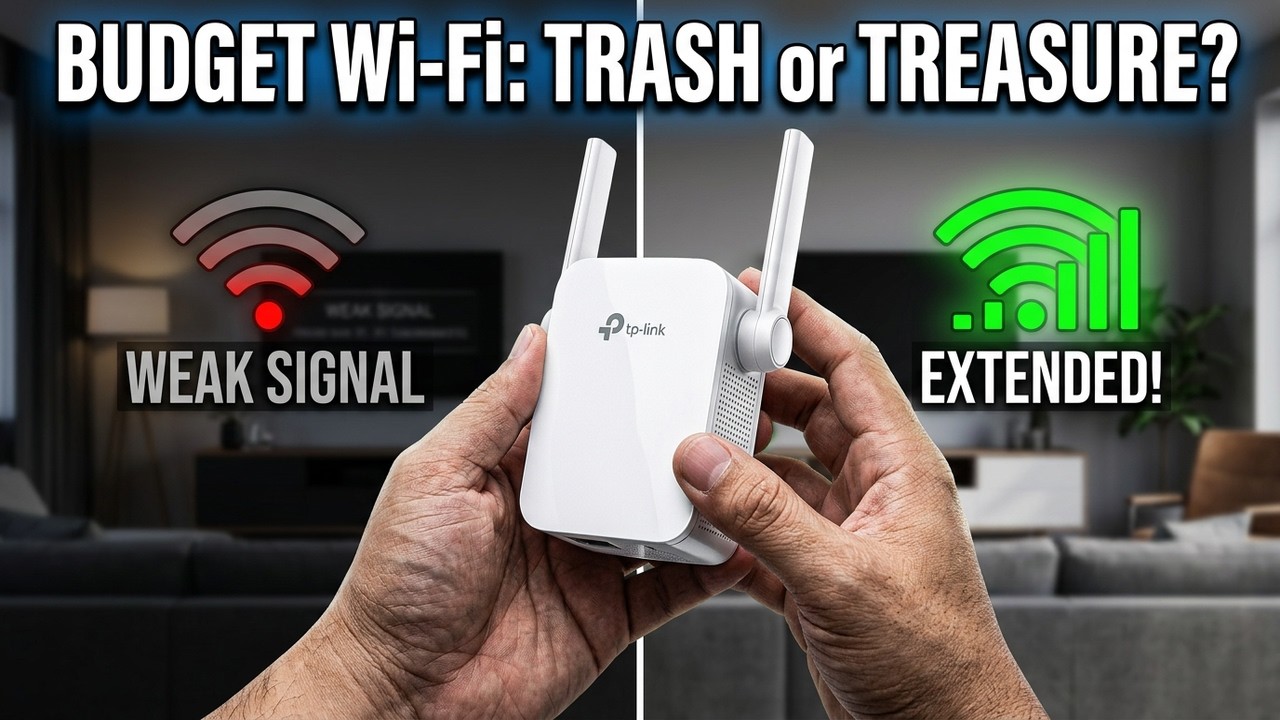
Router stuck at one end of the house and a weak, slow signal at the other? A dual-band range extender can fix it for under $30.
I’ve used range extenders before without much luck, so I was skeptical of the TP-Link AC1200 (RE305). Here’s the unboxing, the exact setup steps, and what happened when I walked my devices around the house.
- Cheap compared with $300-$400 whole-home systems
- Quick installation guide was all I needed
- Full Wi-Fi signal in every corner of my house
- Kept broadcasting on my original network name
- Setup is done through a browser, not just plug-and-go
- Takes up an outlet in the middle of the house
▶ Watch the full review on YouTube
Why I needed a range extender
My cable company installed the router at one end of the house, where the cable comes in, so moving it wasn’t an option. On the other end, the signal was weak and slow, though not a true dead zone.
An extender works like a pumping station on a pipeline: put it in the middle of the house, it receives the Wi-Fi signal and rebroadcasts it. Dual band helps because it can receive on one band and broadcast on another instead of fighting itself on the same band.
Design, buttons and ports
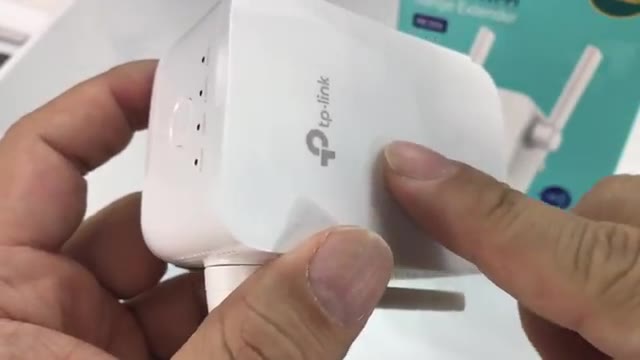
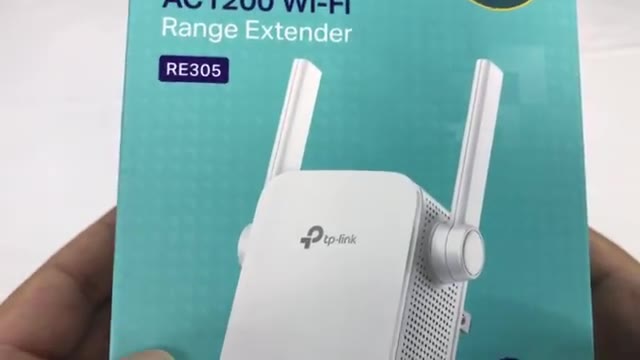
It’s white plastic, glossy on the front with the TP-Link logo, dual wall prongs, and two swivel antennas. There are vent holes, I’m guessing for heat.
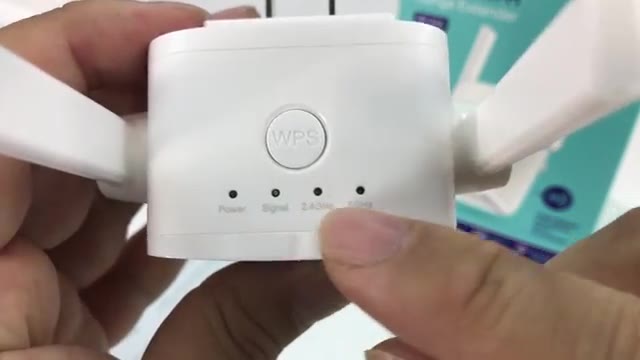
On top you get a WPS button and four LEDs: power, signal, 2.4 GHz and 5 GHz. On the bottom there’s an Ethernet port and a reset button.
How to set up the TP-Link RE305
- Plug the extender into an outlet roughly midway between your router and the weak spot.
- On your computer, join the TP-Link Extender 2.4GHz network it creates.
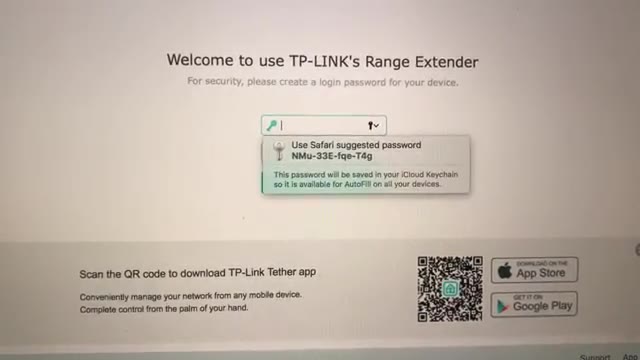
- Open a browser and go to tplinkrepeater.com.
- Create a login password for the extender.
- Let it scan, select your home network, enter that network’s password, and click Next.
That’s it. The quick installation guide in the box was all I needed.
Does it keep the same network name?
My worry going in was that I’d have to add a second network, something like “Home Network_EXT,” and that my phone wouldn’t hand off to the stronger signal.
In my setup, I didn’t need to add a new network. It kept broadcasting on my home Wi-Fi network’s original name.
Results: whole-house coverage
I took my devices to the parts of the house where I’d had almost no signal or a very low one, and I got a full Wi-Fi signal in every corner.
For under $30, I’m really impressed with how plug-and-play it was. I’m stoked about it.
FAQ
How do I set up the TP-Link RE305?
Join the TP-Link Extender network, go to tplinkrepeater.com, create a password, pick your home network and enter its password.
Does the extender use the same Wi-Fi name?
In my setup it kept broadcasting on my original network name, so I didn’t have to add a new network.
Is it dual band?
Yes, 2.4 GHz and 5 GHz.
Where should I put a Wi-Fi extender?
Somewhere in the middle, between the router and the area with the weak signal.


Leave a Reply