#ad: This post contains affiliate links. As an Amazon Associate I earn from qualifying purchases.
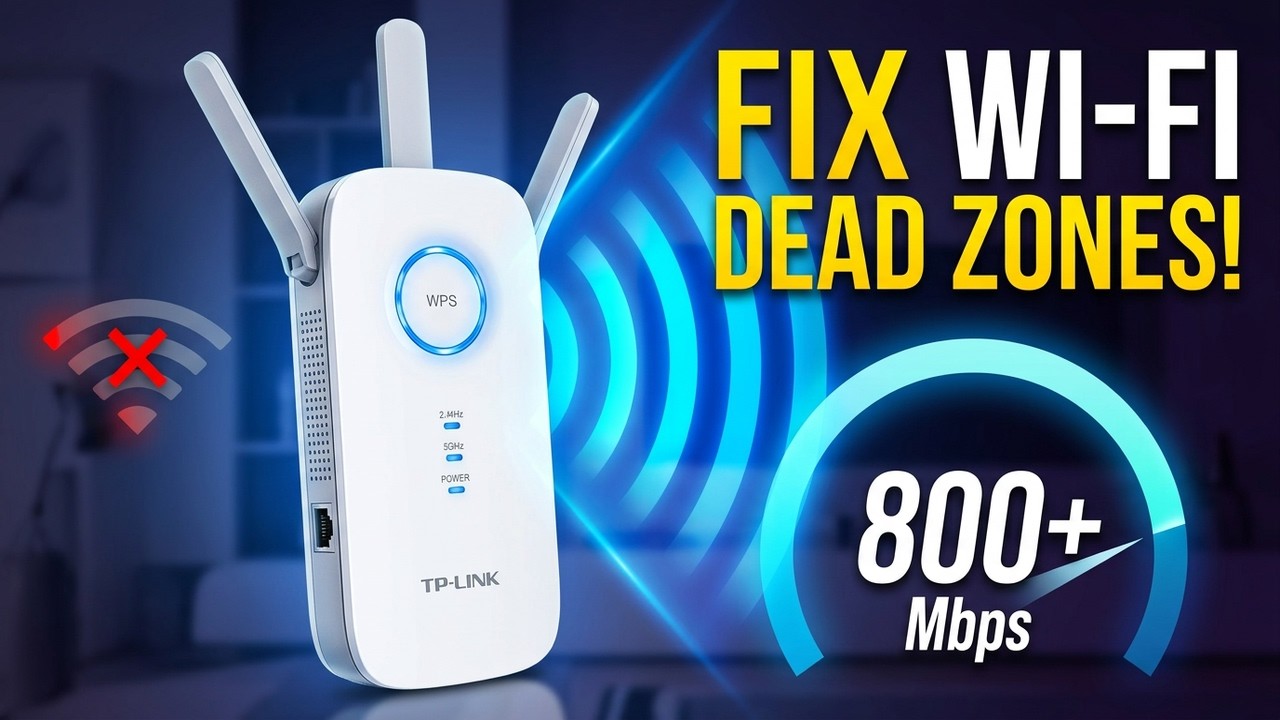
Dead zones killing your Wi-Fi? I set up the TP-Link RE450 AC1750 extender and ran a before-and-after speed test in the farthest corner of my house.
The results were pretty dramatic. Here’s the setup step by step and what I measured.
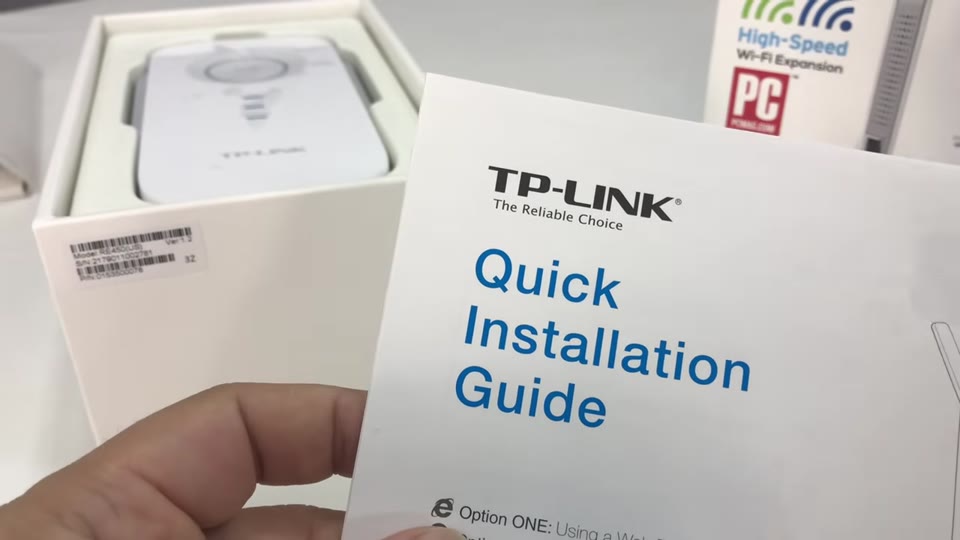
- Copies your existing network name (SSID), so devices don’t need a new network
- Simple browser-based setup
- Big speed jump in my test
- Much bigger than my old AC1200 extender
- Takes up an outlet
▶ Watch the full review on YouTube
Why I upgraded from the AC1200
My TP-Link AC1200 repeater worked so well that the only thing left wanting was speed. Sometimes I could tell I wasn’t on my main router because devices felt a little slower. So I picked up the faster AC1750 (RE450).
What does the RE450 look like?
It’s big, roughly the size of a large long wallet but thicker. It plugs straight into an outlet, and three antennas fold up from the top. Up front there are lights for 2.4 GHz, 5 GHz and power, plus an Ethernet port. On the side are the reset, LED and power buttons. An Ethernet cable is included.
How to set up the TP-Link RE450
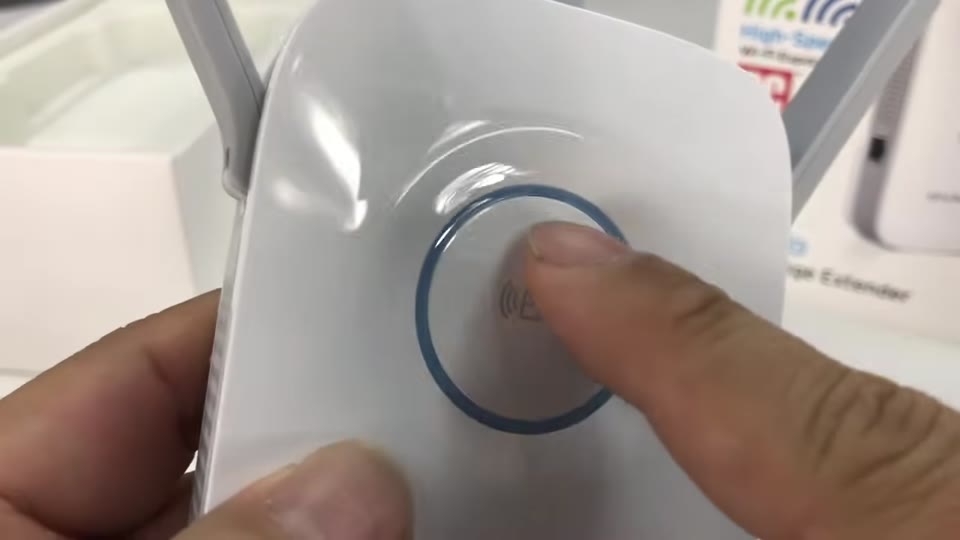
- Plug the extender in. I used a basement outlet, so it sits under the main floor and doesn’t take up an upstairs outlet.
- On your computer, connect to the extender’s Wi-Fi network.
- Open a browser and go to tplinkrepeater.net. The default login was admin/admin.
- Create a new username and password.
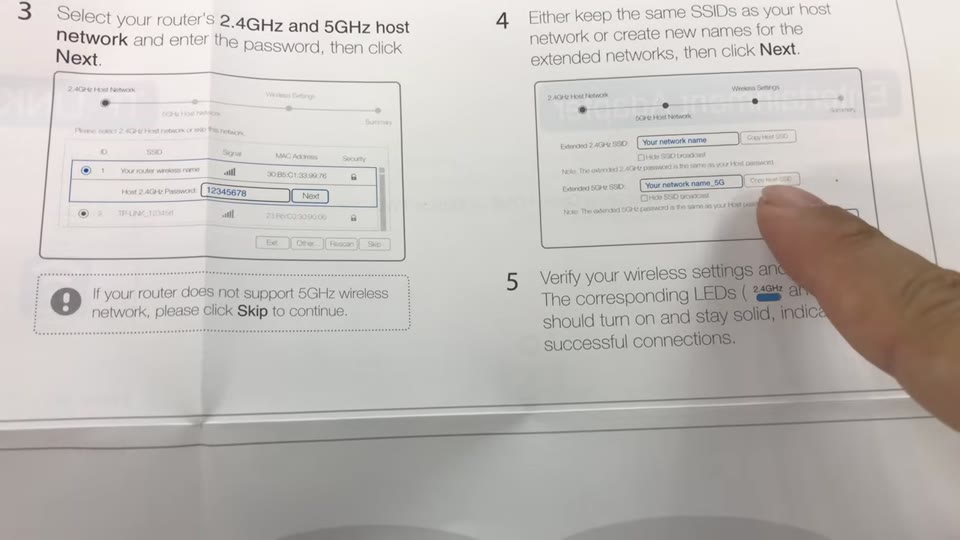
- Let it scan, select your home network, and enter that network’s password.
- It copies your SSIDs automatically. Hit apply and it reboots.
Does a Wi-Fi extender actually increase speed?
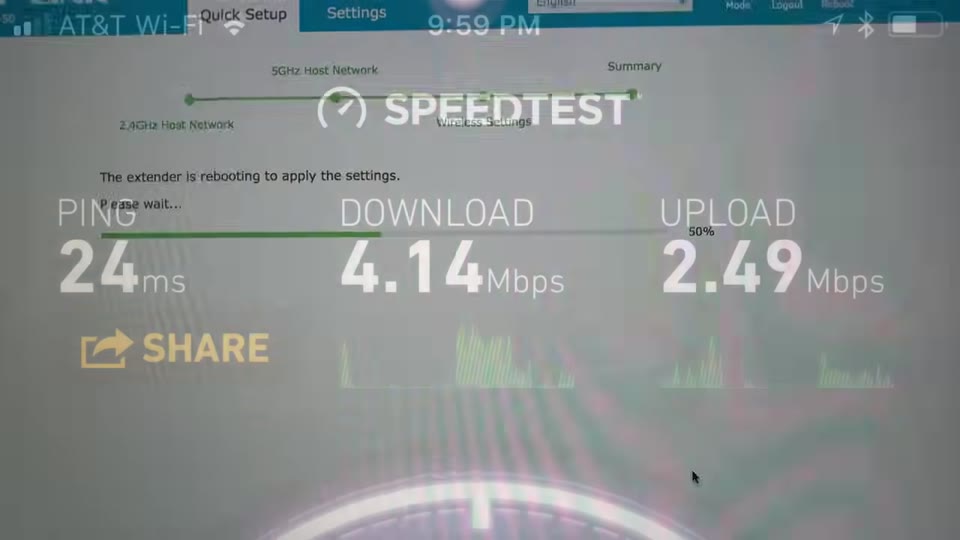
In my house, yes. In the farthest corner, before the extender I had 2 of 3 bars and about 4 Mbps down / 2.5 Mbps up.
After setting up the RE450, in the same spot with the same app, I had 3 of 3 bars and almost 18 Mbps down / 5.25 Mbps up. My service is asymmetric, so the slower upload isn’t surprising. Better signal and much better speed, which is what I wanted for future live streams.
Why the speed boost mattered to me
Some of you told me my live streams looked pretty poor at times. Faster Wi-Fi in that far corner of the house was really the reason I bought this, so future live streams look good for everyone.
Putting it in a basement outlet also meant it sits under the main floor and doesn’t take up an outlet I might be using upstairs.
FAQ
What is the TP-Link RE450 setup address?
tplinkrepeater.net, in a browser while connected to the extender’s Wi-Fi.
What is the default RE450 login?
In my setup it was admin/admin, and then it makes you create a new one.
Do I need to join a new network?
No. It copied my existing SSIDs, so devices stay on the same network name.
Is the RE450 bigger than the AC1200?
Yes, a lot bigger. It’s about the size of a large long wallet, but thicker.
Is there an Ethernet cable in the box?
Yes, a Cat5 cable is included if you need it.


Leave a Reply