#ad: This post contains affiliate links. As an Amazon Associate I earn from qualifying purchases.
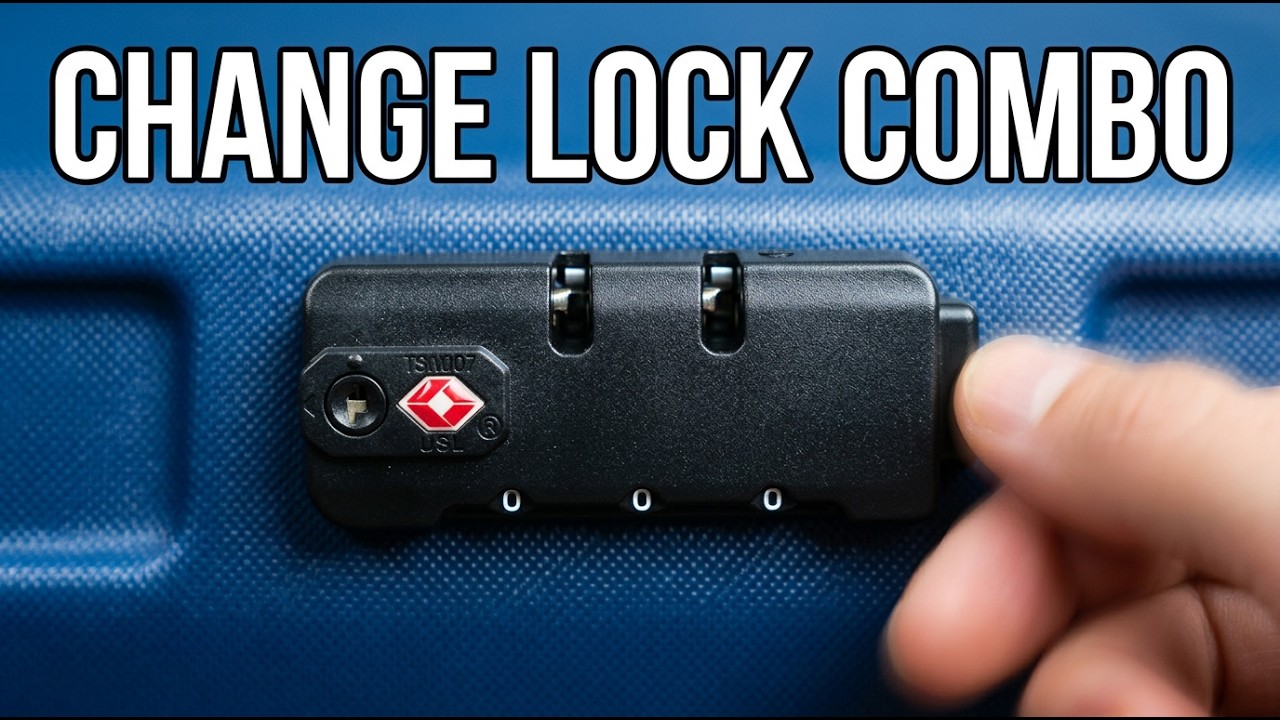
New suitcase with a built-in 3-digit lock still set to 000? Here’s how to change it to your own code in under a minute. All you need is a pen.
Most checked bags with a built-in combination lock ship set to 000, and that’s the first thing anyone will try. On my bag, resetting it took a ballpoint pen and about 30 seconds. If you’re shopping for a checked bag with a built-in TSA-approved lock, the button goes to a Samsonite hardside on Amazon.
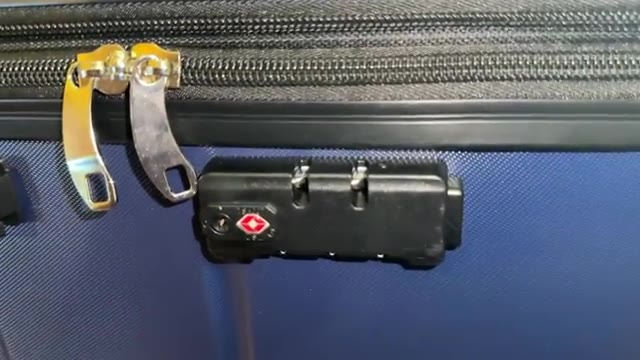
- Stops anyone from opening it with 000
- No tools beyond a pen
- Easy to test before you travel
- The reset button is small and easy to miss
- Write your new code down somewhere safe
- Always test the new code before packing
▶ Watch the full review on YouTube
Step 1: Find the hidden reset button
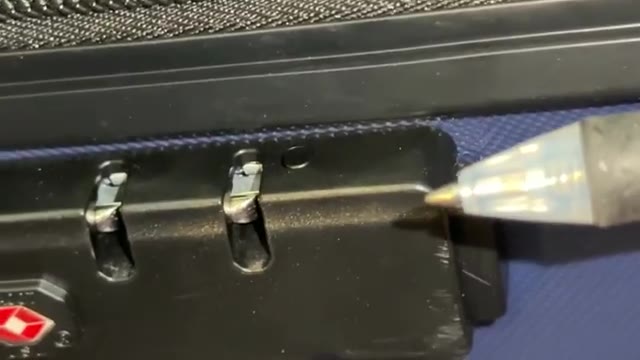
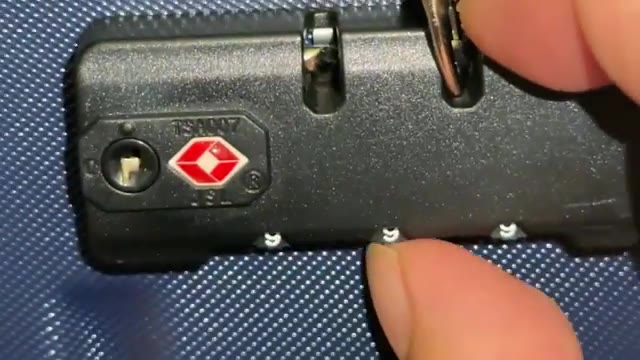
Look at the lock itself. On mine, there’s a little hidden reset button right next to the dials at the top of the lock. It’s tiny, so look closely.
Step 2: Press it with a pen
I used a rollerball pen, but a ballpoint or anything with a small tip works. Put the tip right on the button and push down far enough that it clicks. On mine, it stayed down in that position after the click.
Step 3: Set your new combination
With the button pressed in, roll the dials to whatever combination you want. I used 999 for the demo, but pick something less obvious than 000 or 999.
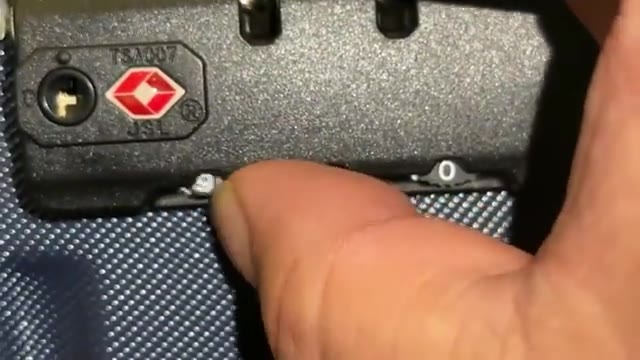
Step 4: Release and test it
Press the release button so the reset pops back up. Now the zipper pulls go in and out of the lock normally. Lock it with your new code still showing, then scramble it.
Test it: when I tried 989, it wouldn’t unlock. Back on 999, it opened right up. Always test before you pack, and test again before you head to the airport.
Quick tips
- Avoid 000, 123, 999 and birthdays that are easy to guess.
- Save the code in your phone’s notes or a password manager.
- If the button won’t click, try a thinner tip, like a paper clip.
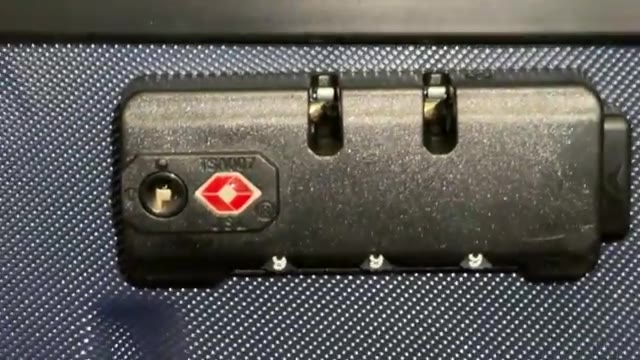
- A TSA-approved lock (look for the red diamond) can be opened by TSA without cutting it.
FAQ
What is the default combination on luggage?
Usually 000, which is why you should change it.
What do I use to press the reset button?
A ballpoint or rollerball pen worked for me.
How do I know the reset worked?
Scramble the dials and try a wrong code. It shouldn’t open, but your new code should.
Do I have to keep the button pressed while setting the code?
On mine, it stayed down after the click, so I just set the dials and then pressed the release.



Leave a Reply